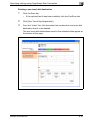
1
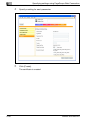
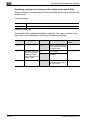
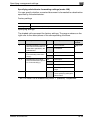
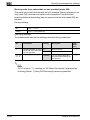
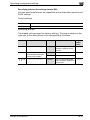
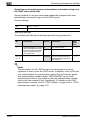
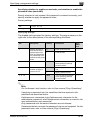
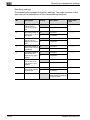
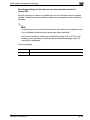
Specifying settings using PageScope Web Connection
9
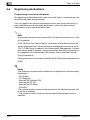
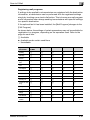
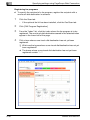
Registering an LDAP server
1
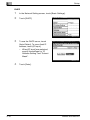
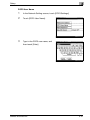
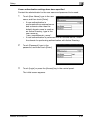
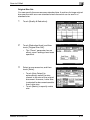
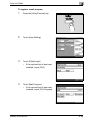
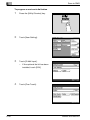
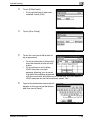
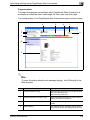
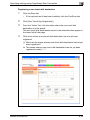
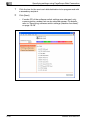
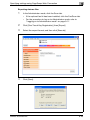
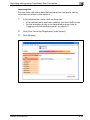
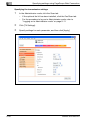
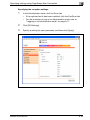
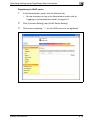
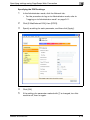
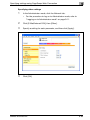
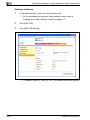
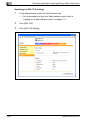
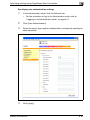
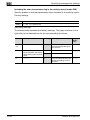
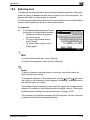
In the Administrator mode, click the Network tab.
–
For the procedure to log on to Administrator mode, refer to
"Logging on to Administrator mode" on page 9-11.
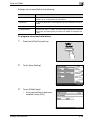
2
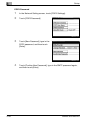
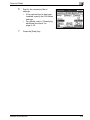
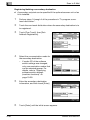
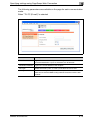
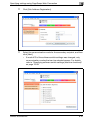
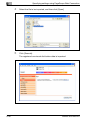
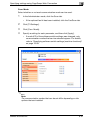
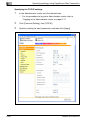
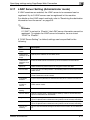
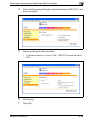
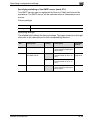
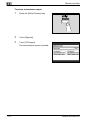
Click [Common Setting], then [LDAP Server Setting].
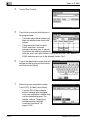
3
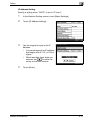
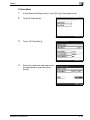
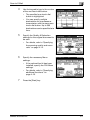
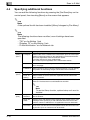
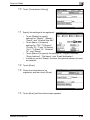
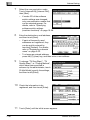
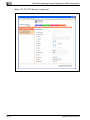
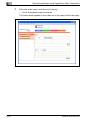
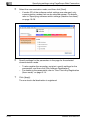
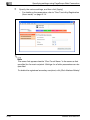
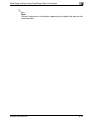
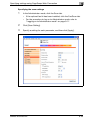
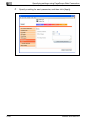
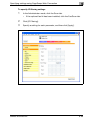
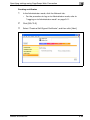
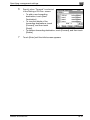
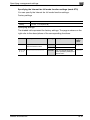
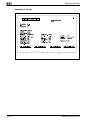
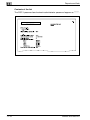
Click a box containing "---" for the LDAP server to be registered.
bizhub 362/282/222
9-73