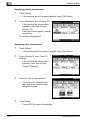
1
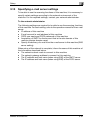
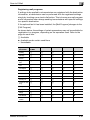
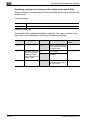
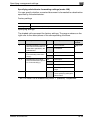
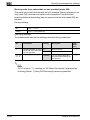
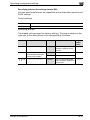
Specifying settings using PageScope Web Connection
9
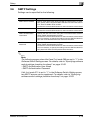
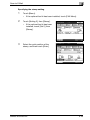
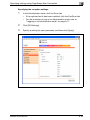
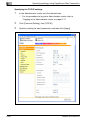
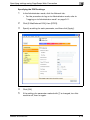
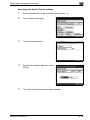
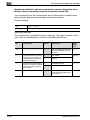
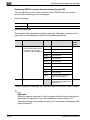
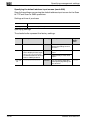
Specifying the SMTP settings
1
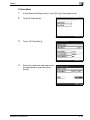
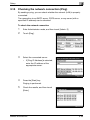
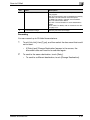
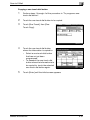
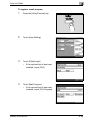
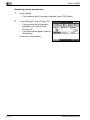
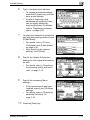
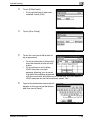
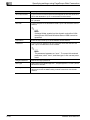
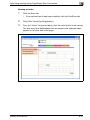
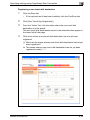
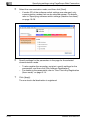
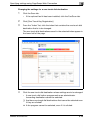
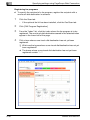
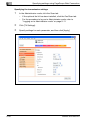
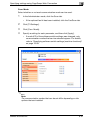
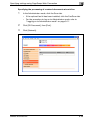
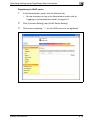
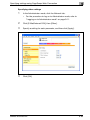
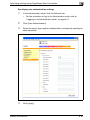
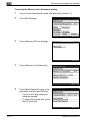
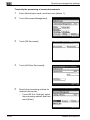
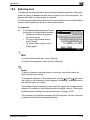
In the Administrator mode, click the Network tab.
–
For the procedure to log on to Administrator mode, refer to
"Logging on to Administrator mode" on page 9-11.
2
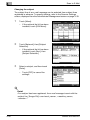
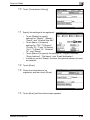
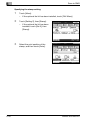
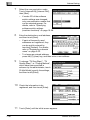
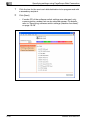
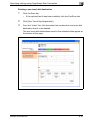
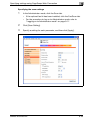
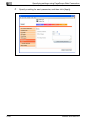
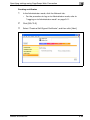
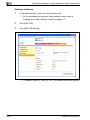
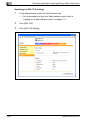
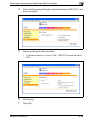
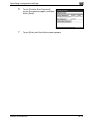
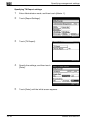
Click [E-Mail/Internet FAX], then [SMTP].
3
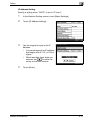
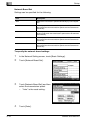
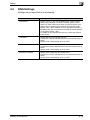
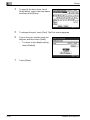
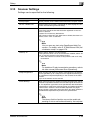
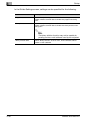
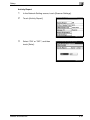
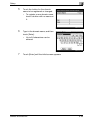
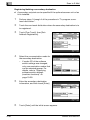
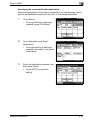
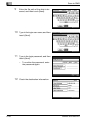
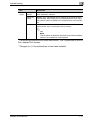
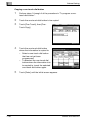
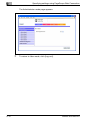
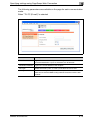
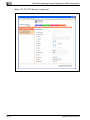
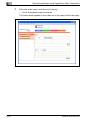
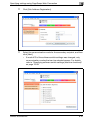
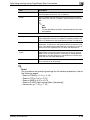
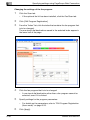
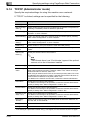
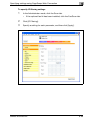
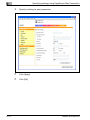
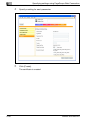
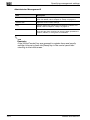
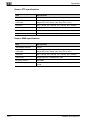
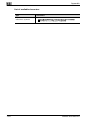
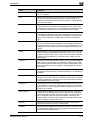
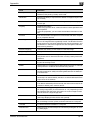
Specify a setting for each parameter, and then click [Apply].
4
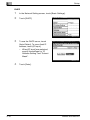
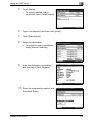
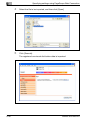
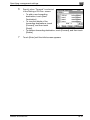
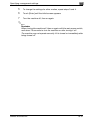
Click [OK].
5
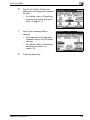
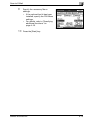
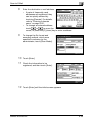
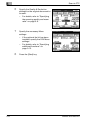
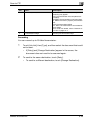
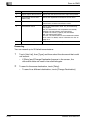
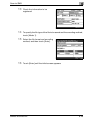
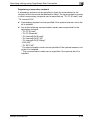
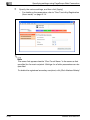
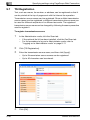
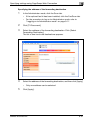
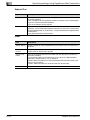
If the setting of a parameter marked with [*] is changed, turn this
machine off, then on again.
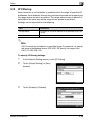
2
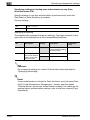
Reminder
When turning the machine off, then on again with the main power switch,
wait about 10 seconds to turn the machine on after turning it off.
The machine may not operate correctly if it is turned on immediately after
being turned off.
bizhub 362/282/222
9-81