1
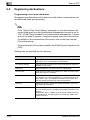
Setup
3
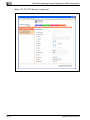
Network Board Set
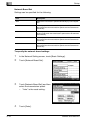
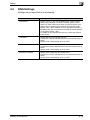
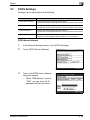
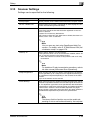
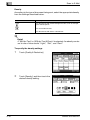
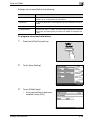
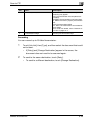
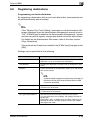
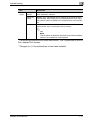
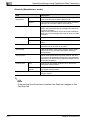
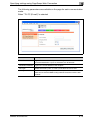
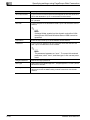
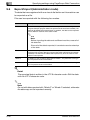
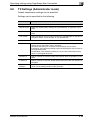
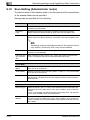
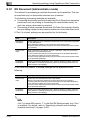
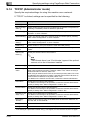
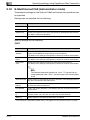
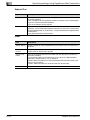
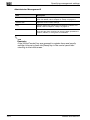
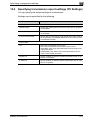
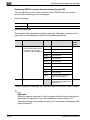
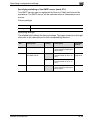
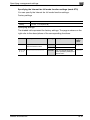
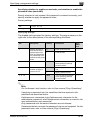
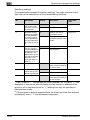
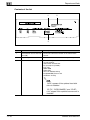
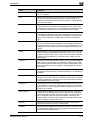
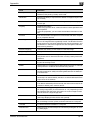
Settings can be specified for the following.
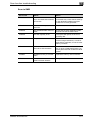
Item
Description
Auto
Selects the transmission speed automatically by auto-negotiation.
100M-Full
Manually specifies a transmission speed of 100 Mbps in full-duplex mode when the transmission speed cannot be selected automatically.
100M-Half
Manually specifies a transmission speed of 100 Mbps in halfduplex mode when the transmission speed cannot be selected
automatically.
10M-Full
Manually specifies a transmission speed of 10 Mbps in full-duplex mode when the transmission speed cannot be selected automatically.
10M-Half
Manually specifies a transmission speed of 10 Mbps in half-duplex mode when the transmission speed cannot be selected automatically.
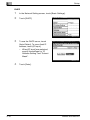
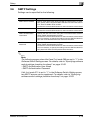
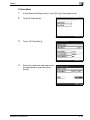
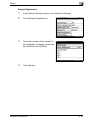
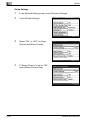
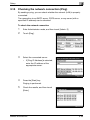
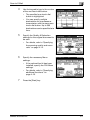
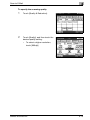
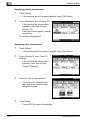
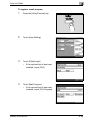
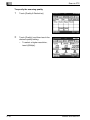
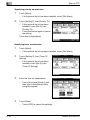
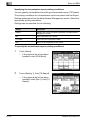
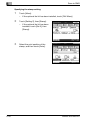
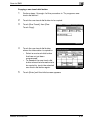
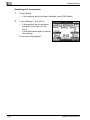
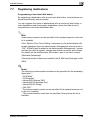
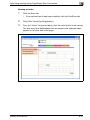
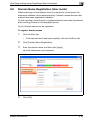
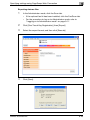
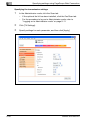
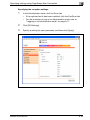
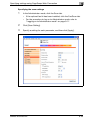
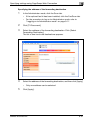
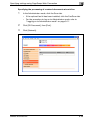
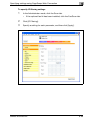
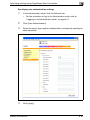
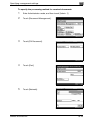
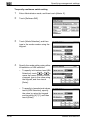
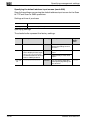
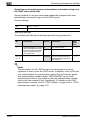
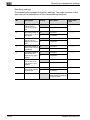
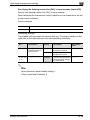
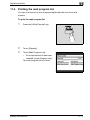
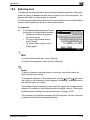
To specify the network board settings
1
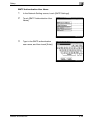
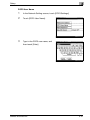
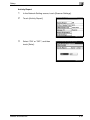
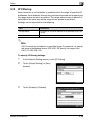
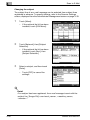
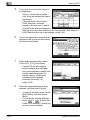
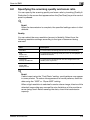
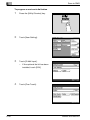
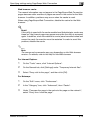
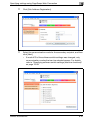
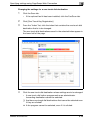
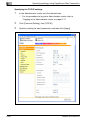
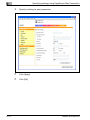
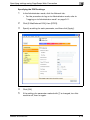
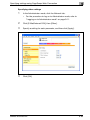
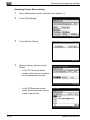
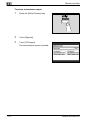
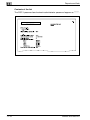
In the Network Setting screen, touch [Basic Settings].
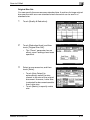
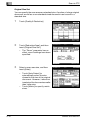
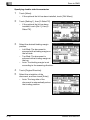
2
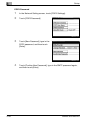
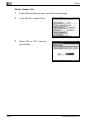
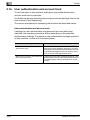
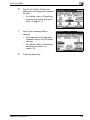
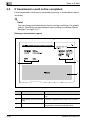
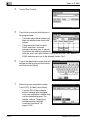
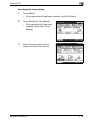
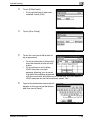
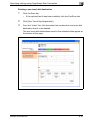
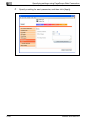
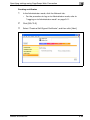
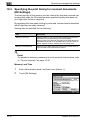
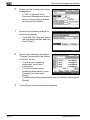
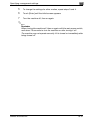
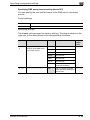
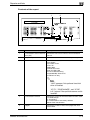
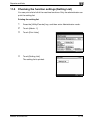
Touch [Network Board Set].
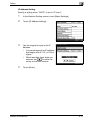
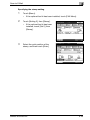
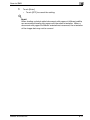
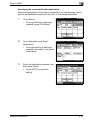
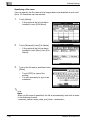
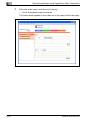
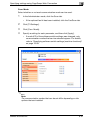
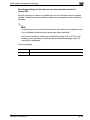
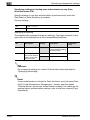
3
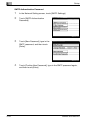
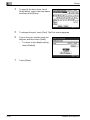
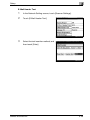
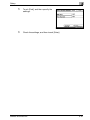
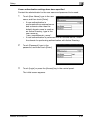
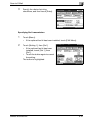
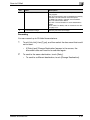
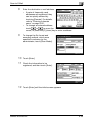
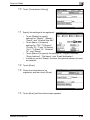
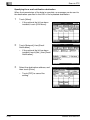
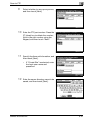
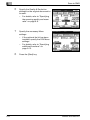
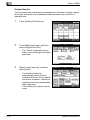
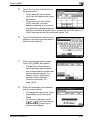
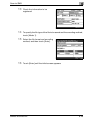
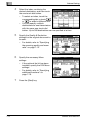
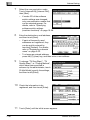
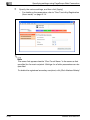
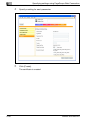
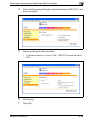
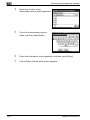
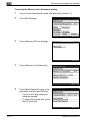
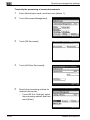
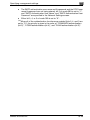
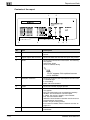
Touch [Network Board Set], and then
select the transmission speed.
–
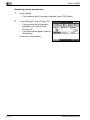
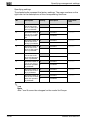
4
3-14
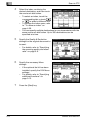
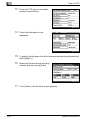
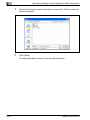
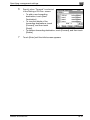
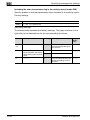
"Auto" is the usual setting.
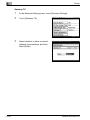
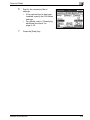
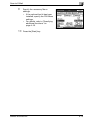
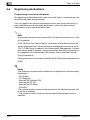
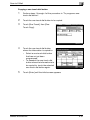
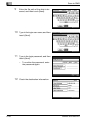
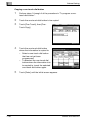
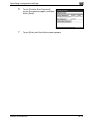
Touch [Enter].
bizhub 362/282/222