1
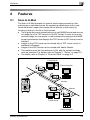
Scan to E-Mail
4
4
Scan to E-Mail
4.1
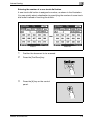
Specifying a destination with a one-touch dial button
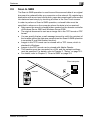
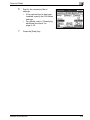
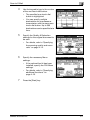
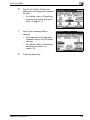
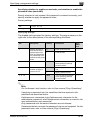
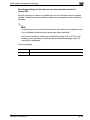
You can transmit data simply by touching a one-touch dial button if the email address of a destination or a mail program has been registered with a
one-touch dial button in advance.
For registering one-touch dial buttons and mail programs, refer to
"Registering destinations" on page 4-32.
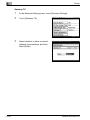
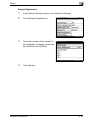
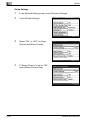
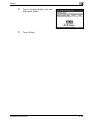
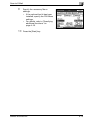
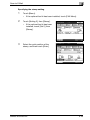
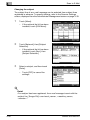
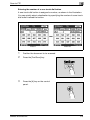
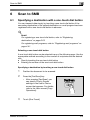
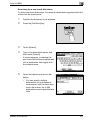
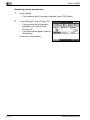
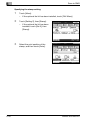
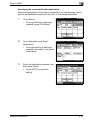
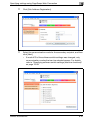
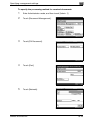
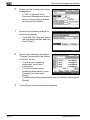
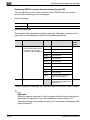
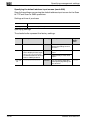
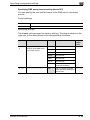
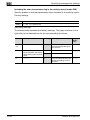
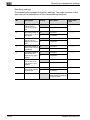
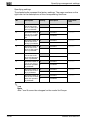
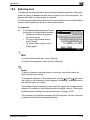
Selecting a one-touch dial button
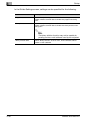
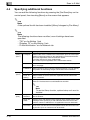
A one-touch dial button can be selected in any of the following ways. Use the
appropriate method according to the number of recipients and the desired
use.
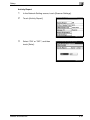
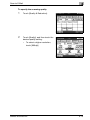
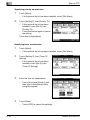
- Directly touching the one-touch dial button
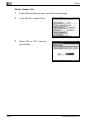
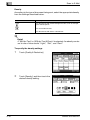
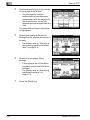
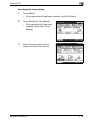
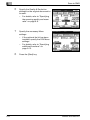
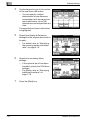
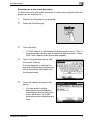
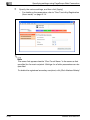
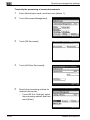
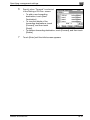
- Entering the number of the one-touch dial button
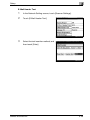
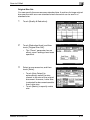
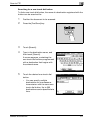
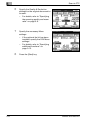
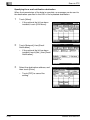
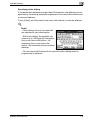
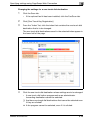
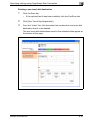
- Specifying chain dialing
bizhub 362/282/222
4-3