1
Chapter 7
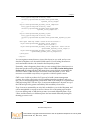
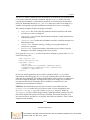
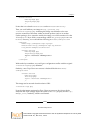
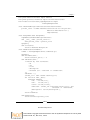
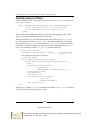
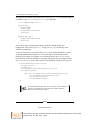
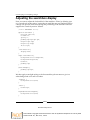
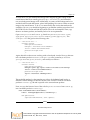
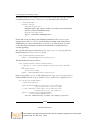
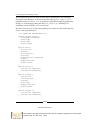
Description. To be hidden with CSS where unneeded.]</span>
</dd>
</dl>
</tal:portlet>
</body>
</html>
That's all there is to a Classic portlet!
Don't be afraid of "Classic" portlets just because of the name. They're an entirely
appropriate solution for any situation that doesn't require significant Python logic
or configurability within the portlet manager interface. Think of them as "simple" or
"quick" portlets, if the word "Classic" has a negative connotation.
As a final note, there are two portlet-related packages that were not bundled with
Plone 3.0, but as of 3.1 are part of the core. These packages are plone.portlet.
static and plone.portlet.collection. They're configurable portlets that allow
for the display of static text or a list of the contents of a collection. Customizing
these portlets is the same as customizing any other Zope 3 portlet.
Using portal_view_customizations
Now that we have examined the various Zope 3 components that comprise a theme
product, we now need to look at what pieces can be modified through the ZMI.
Remember that we are treating stylesheets and images as skin layer objects, so they
can be modified the way we discussed in Chapter 5, Making Manual (TTW) Changes or
What Not to Do.
As for other components, the short answer is that the following can be customized
through the ZMI: any templates that come from the plone.app.layout and plone.
app.portlets directories, and any browser layer templates that might be in your
theme product.
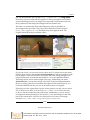
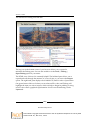
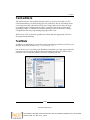
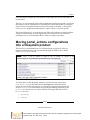
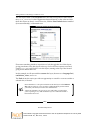
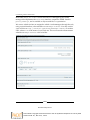
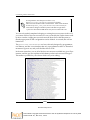
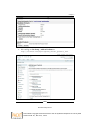
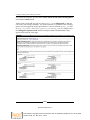
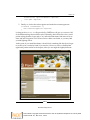
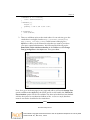
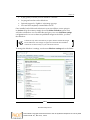
These templates can be customized through the ZMI using a tool known
as portal_view_customizations. This tool is accessible using a URL like
the following:
http://localhost:8080/testsite/portal_view_customizations/
registrations.html
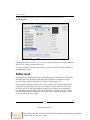
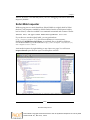
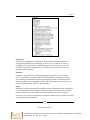
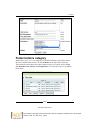
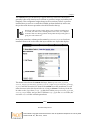
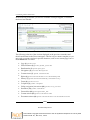
Specifically, you will want to scroll down on this page to get to the section called
zope.interface.Interface.
[ 157 ]
Download at Boykma.Com
This material is copyright and is licensed for the sole use by Mauricio Esquenazi on 21st July 2009
10 Kenmare St. #4, , New York, , 10012