1
Skinner’s Toolkit
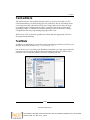
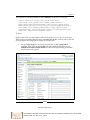
There are a few caveats here:
•
The Developer Toolbar icon may not be visible by default. If you do not see
it after restarting Internet Explorer, click the right-facing arrows at the end
of the IE7 command bar to view all the available Toolbar buttons.
•
Some menu items are unavailable (grayed out) when running Internet
Explorer in Protected Mode on Windows Vista. To use those options,
temporarily turn off Protected Mode or right-click the Internet Explorer
icon in the Programs menu and choose Run as administrator.
•
In IE6 or in IE7 with tabbed browsing off, using the validation links will
navigate the current window to the validation page. To launch the validation
links in a new window, open the Tools menu, click Internet Options, and
uncheck Reuse windows for launching shortcuts in the Advanced tab, or
use IE7 with tabbed browsing enabled.
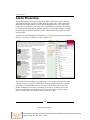
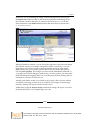
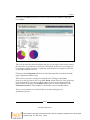
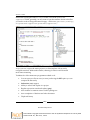
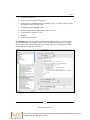
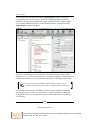
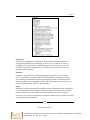
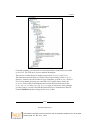
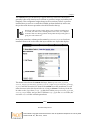
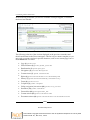
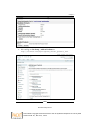
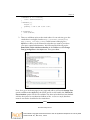
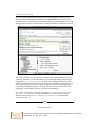
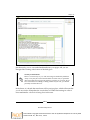
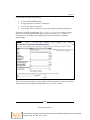
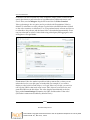
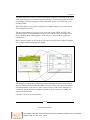
Generally, you can use this tool by expanding the left side of the panel displayed
to navigate through your site's structure. It displays CSS IDs and classes in a
hierarchical fashion. On the right-hand side, it displays the properties assigned
to each of those IDs or classes. You can modify those by using the + icon in the
center Attributes section to add a new property and using that to add to or alter
the existing CSS.
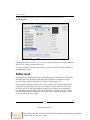
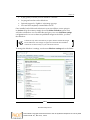
As stated before, the left-hand pane allows you to expand and walk through the
structure of your web site. When you refresh, unfortunately, the entire tree closes.
To continue troubleshooting a specific element on the page, you must drill down
to it again or use the "selector" tool. It's somewhat clumsy, but it works and is
invaluable when debugging web pages in Internet Explorer.
Firefox
As of this writing, Firefox 2 and Firefox 3 browsers are both in use, and from a
general perspective, both should be used during debugging, as there are very slight
differences between them (particularly around the sizing of elements on the page).
However, the versions seem to be pretty similar overall, and they both follow the
W3C's web standards quite well.
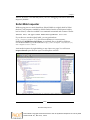
In addition, Firefox also offers several excellent tools that are helpful to themers.
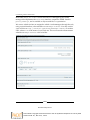
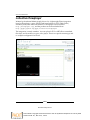
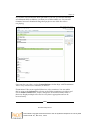
The first plug-in is the Firefox Web Developer Extension, which is similar to the
IE Toolbar, but a little more robust. We'll also cover Firebug, the coolest kid on the
block for CSS debugging.
[ 24 ]
Download at Boykma.Com
This material is copyright and is licensed for the sole use by Mauricio Esquenazi on 21st July 2009
10 Kenmare St. #4, , New York, , 10012