1
Chapter 12
Debugging tools and tips
While add-on tools are great for enhancing a web site, debugging tools are
also very handy. In this section, we'll look at a Plone product that helps with
introspection, and we'll also learn about tracebacks and ways to effectively
conduct browser testing.
GloWorm
A commonly mentioned Plone add-on is the helpful GloWorm, written by the
WebLion team. It can be downloaded from here: http://plone.org/products/
gloworm. GloWorm is an inspection tool that can be useful when doing theming,
because it helps you to sniff out different elements on a page. For newer Plone
themers in particular, this is a very handy tool.
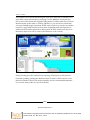
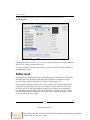
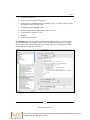
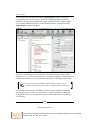
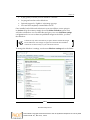
It provides information such as:
•
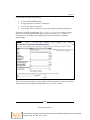
Archetypes field information
•
TAL statements (tal:defines, tal:attributes, tal:content,
tal:condition)
•
Viewlet registration information
•
Inline editing of viewlet templates
•
Viewlet manager information
•
Reordering of viewlets
•
Show/hide viewlets
•
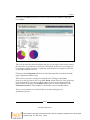
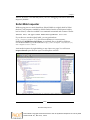
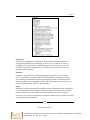
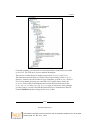
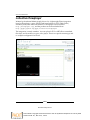
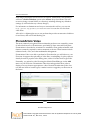
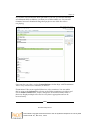
Tree-structured view of all viewlet managers and viewlets included in a page
The dependencies are outlined on the product page mentioned before, along with
installation instructions.
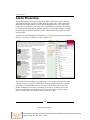
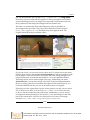
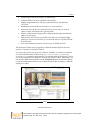
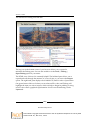
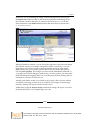
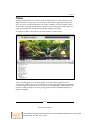
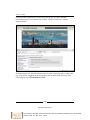
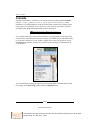
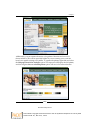
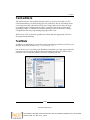
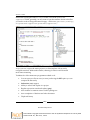
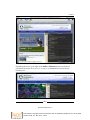
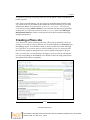
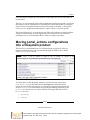
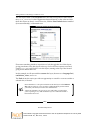
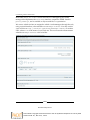
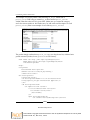
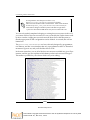
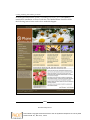
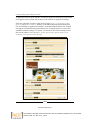
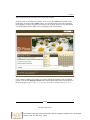
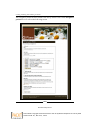
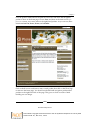
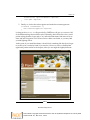
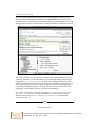
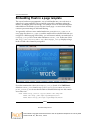
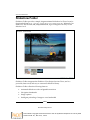
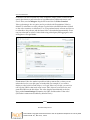
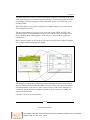
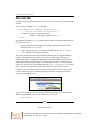
Once installed, an inspect this page link will appear in the document actions section
of content objects on your site. Clicking this link will open up a panel at the bottom
of the page, which is the GloWorm Inspector Panel. (You may also open this
inspector by appending @@inspect to the current page's URL.)
[ 253 ]
Download at Boykma.Com
This material is copyright and is licensed for the sole use by Mauricio Esquenazi on 21st July 2009
10 Kenmare St. #4, , New York, , 10012