1
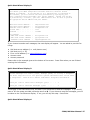
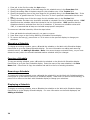
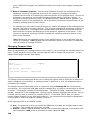
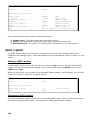
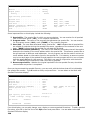
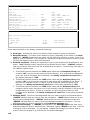
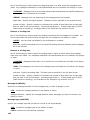
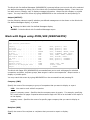
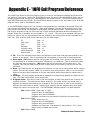
to pass a reply to your program. *YES indicates that you do want to pass a reply to your
program.
For more information on *INFO menu item type, refer to Appendix E.
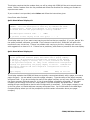
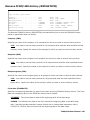
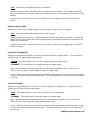
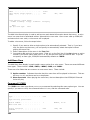
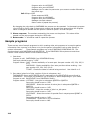
Menu (*MENU)
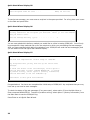
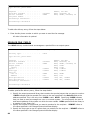
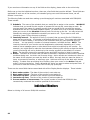
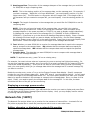
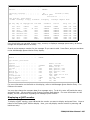
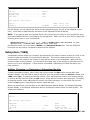
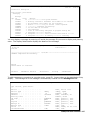
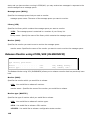
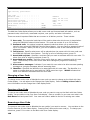
The *MENU menu item type allows you to play a secondary menu. You can specify the option
number, a text description of the menu, and the secondary menu associated with this menu.
Add Menu Item
Type
. . . . . . . . . . . . . . :
*MENU
Type choices, press Enter.
Option number . . . . . . . . . . .
Menu . . . . . . . . . . . . . . .
1
Number, 01-10
Name, F4 for list
Some important fields include:
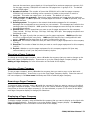
Menu: Specify the secondary menu you want to play for this option. Press F4 to bring up a list
of existing menus.
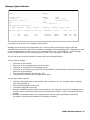
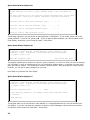
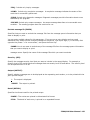
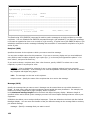
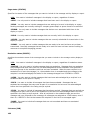
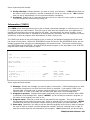
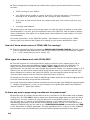
Message (*MSG)
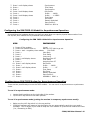
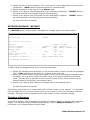
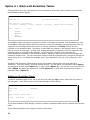
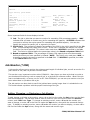
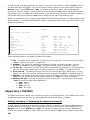
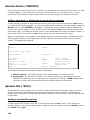
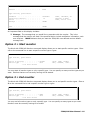
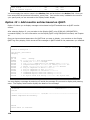
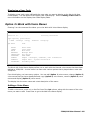
The *MSG menu item type allows you to replay a message. You can specify the option number, and
the text associated with the menu.
Add Menu Item
Type
. . . . . . . . . . . . . . :
*MSG
Type choices, press Enter.
Option number . . . . . . . . . . .
Menu item text . . . . . . . . . .
1
Number, 01-10
replay message
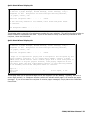
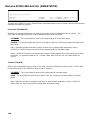
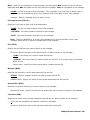
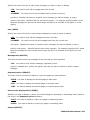
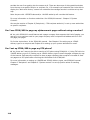
Message List (*MSGL)
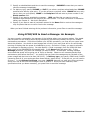
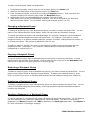
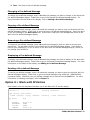
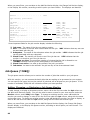
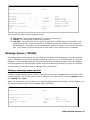
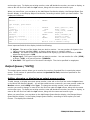
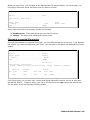
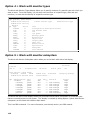
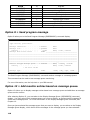
The *MSGL menu item type allows you to replay a list of messages. You can specify the option
number, and the text associated with the menu. You can also specify the list type, the recipient or
group name, whether to play only unanswered messages, the message order, and if you want to
include the date and time of each message.
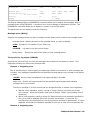
Add Menu Item
Type
. . . . . . . . . . . . . . :
*MSGL
Type choices, press Enter.
Option number . . . . . . . . . . .
Menu item text . . . . . . . . . .
184
1
Number, 01-10