1
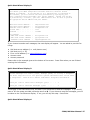
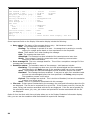
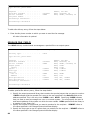
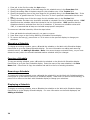
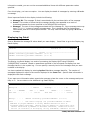
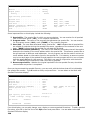
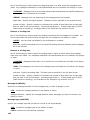
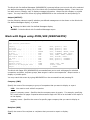
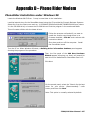
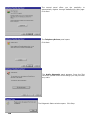
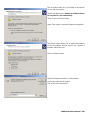
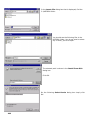
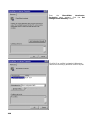
The next panel tells you it is looking for the driver
to run this new device.
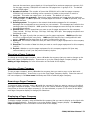
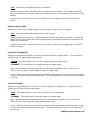
Select the radio button Search a suitable driver
for my device (recommended).
Then click on the Next button
Note: This option is normally selected by default.
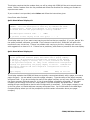
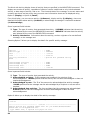
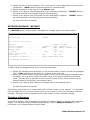
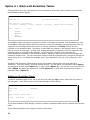
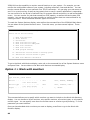
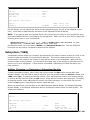
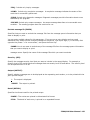
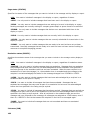
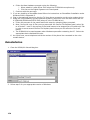
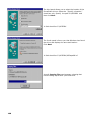
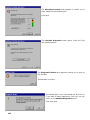
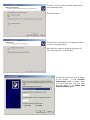
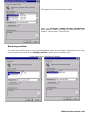
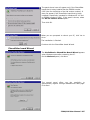
The fourth panel allows you to select the location
of the PhoneRider drivers. Select the Specify a
location check box only.
Then click Next button
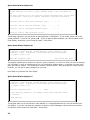
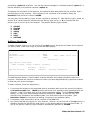
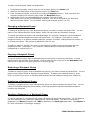
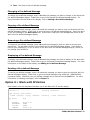
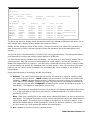
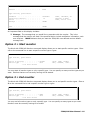
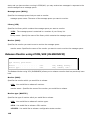
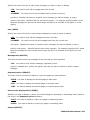
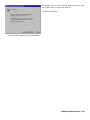
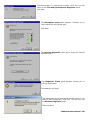
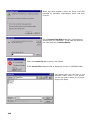
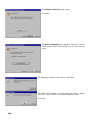
Specify the path as shown in the example.
And finally click the OK button
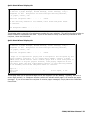
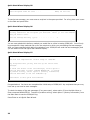
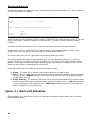
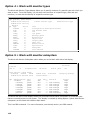
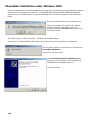
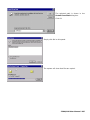
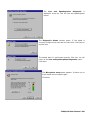
The driver will be searched.
ICOM/400 User Manual- 195