1
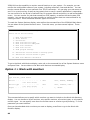
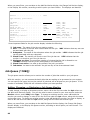
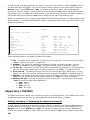
state, and you have monitors running in ICOM/400, you may receive two messages in response to the
same message from a message queue.
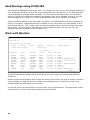
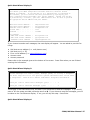
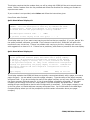
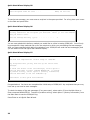
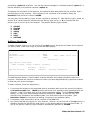
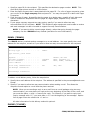
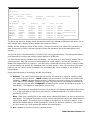
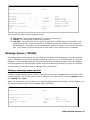
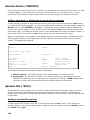
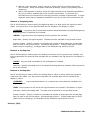
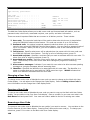
Message queue (MSGQ)
Specifies the message queue that you want to monitor.
message-queue-name: The name of the message queue you want to monitor.
Library (LIB)
Specifies the library which contains the message queue you want to monitor.
*LIBL: The message queue is contained in a member of your library list.
library-name: Specify the name of the library which contains the message queue.
Monitor (MON)
Specifies the monitor you want to use to monitor the message queue.
monitor-name: Specifies the name of the monitor you want to use to monitor the message queue.
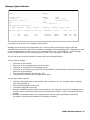
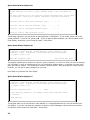
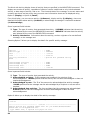
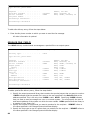
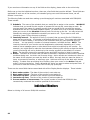
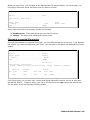
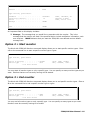
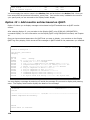
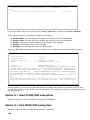
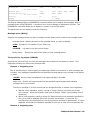
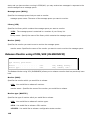
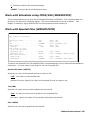
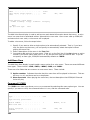
Release Monitor using ICOM/400 (RLSMONICM)
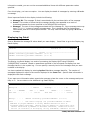
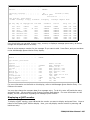
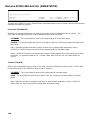
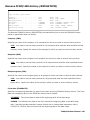
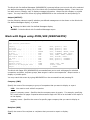
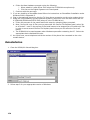
Release monitor using ICOM/400 (RLSMONICM)
Type choices, press Enter.
Monitor . . . . . . . . . . . .
Monitor type . . . . . . . . . .
*ALL
*ALL
*ALL, BYMSGQ, BYOUTQ...
*ALL, *CFGSTS, *CPU...
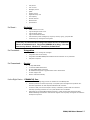
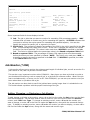
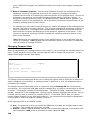
The Release Monitor using ICM (RLSMONICM) allows you to release a monitor that has previously been
held.
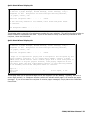
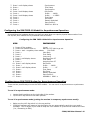
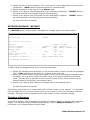
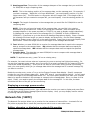
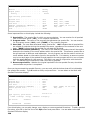
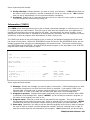
Monitor (MON)
Specifies the monitor which you would like to release.
*ALL: You would like to release all monitors.
monitor-name: Specifies the name of the monitor you would like to release.
Monitor type (MONTYP)
Specifies the type of monitor which you would like to release.
*ALL: You would like to release all monitor types.
*CPU: You would like to release a CPU monitor.
*CFGSTS: You would like to release a configuration status monitor.
146