1
SIMPROCESS Terminology and Menus
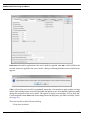
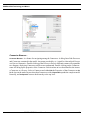
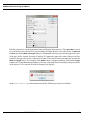
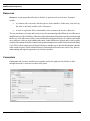
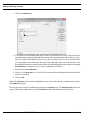
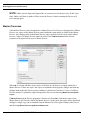
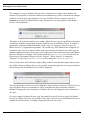
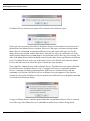
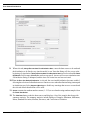
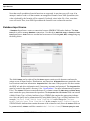
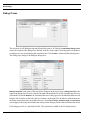
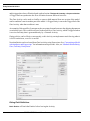
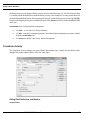
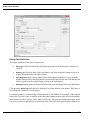
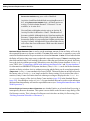
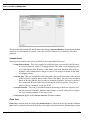
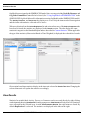
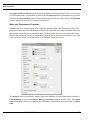
Preferences selected for application to the active model are applied when OK is clicked. Before the
selected actions are applied to the active model, a dialog confirming that these actions should occur
appears.
If No is selected, the active model is not updated. It may take a few minutes to apply updates to a large
model. Other editing actions are not allowed while the update occurs. Note that these updates actually
change the properties of the active model. The options to display or not display Activity, Pad, and
Connector names on the View menu do not change the model properties, just what is currently visible.
(See page 59.)
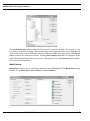
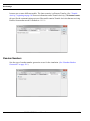
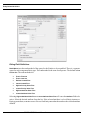
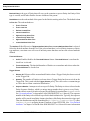
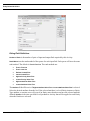
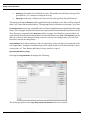
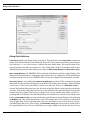
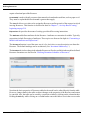
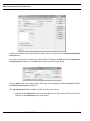
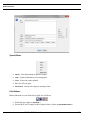
There are ten tabs on the Preferences dialog:
• Processes/Activities
SIMPROCESS User’s Manual
30