1
SIMPROCESS Terminology and Menus
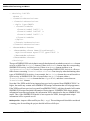
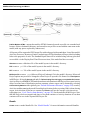
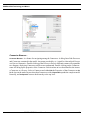
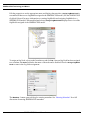
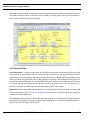
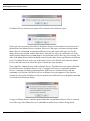
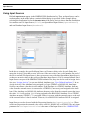
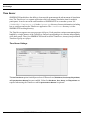
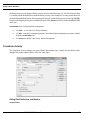
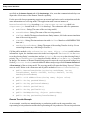
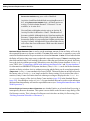
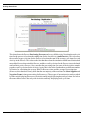
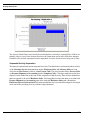
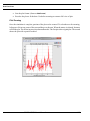
Also, the Validate Vendor Information subprocess in the Add Vendor.spm demonstration model
has one pool with two lanes.
Swimlanes...
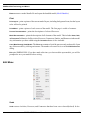
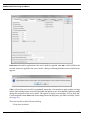
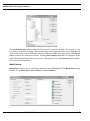
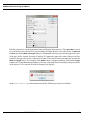
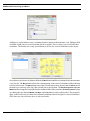
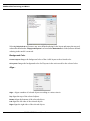
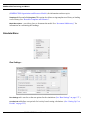
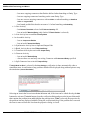
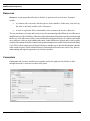
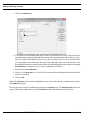
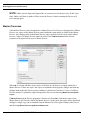
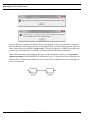
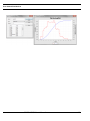
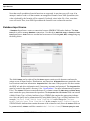
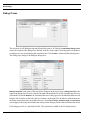
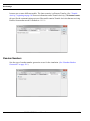
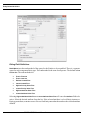
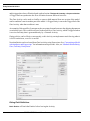
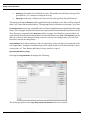
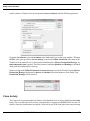
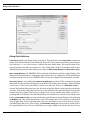
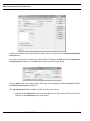
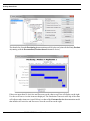
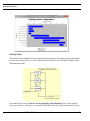
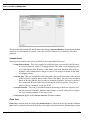
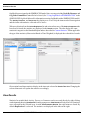
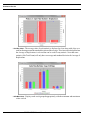
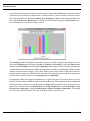
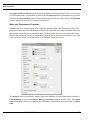
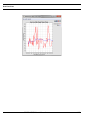
Swimlanes... allows you to add swimlanes to the current layout. The swimlanes dialog has two tabs:
Horizontal and Vertical. On the left side of each tab is the list of swimlanes. The right side has a miniature
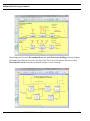
view of the current layout. Both horizontal and vertical swimlanes can be on the same layout. The
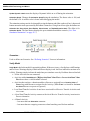
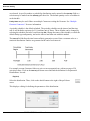
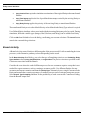
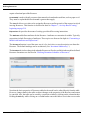
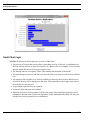
example below shows a modified version of the demonstration model, Human Resources.spm.
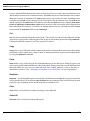
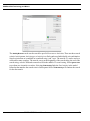
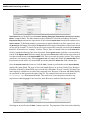
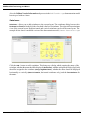
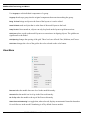
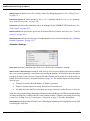
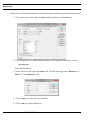
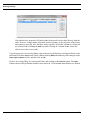
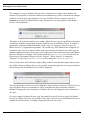
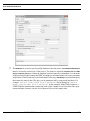
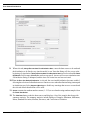
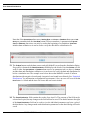
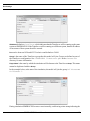
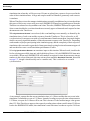
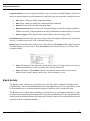
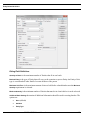
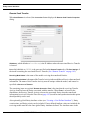
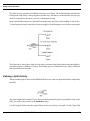
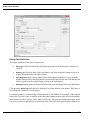
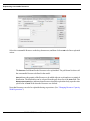
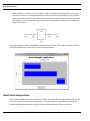
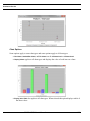
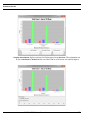
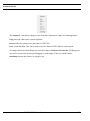
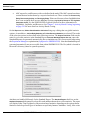
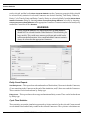
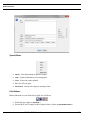
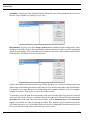
Click the Add... button to add a swimlane. This brings up a dialog which contains the name of the
swimlane, whether the name should be displayed (Show Name), whether an OrgModel Node (Org Node)
should be assigned to the swimlane (Assign OrgModel Node), whether the name should be displayed
horizontally or vertically (Name Orientation, horizontal swimlanes only), and the Font Attributes for
the name.
SIMPROCESS User’s Manual
47