1
Importing Graphics Image Files
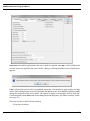
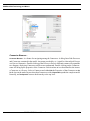
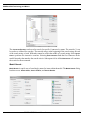
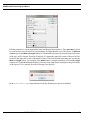
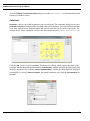
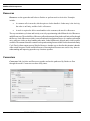
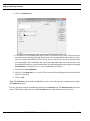
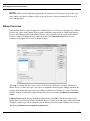
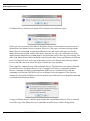
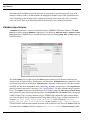
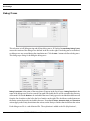
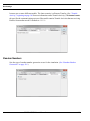
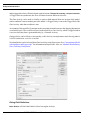
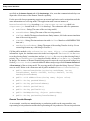
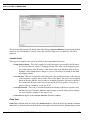
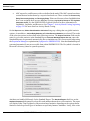
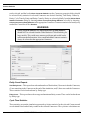
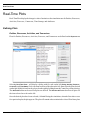
A directory of images can be imported by choosing Multiple Icons and clicking Import. Using the Browse
button, select the directory that contains the images to import. Only directories will be listed in the
file chooser. Files may not be selected. All .gif, .jpg, and .png files in the directory will be
imported. The Icon Name for each will default to the name of the file minus the extension. These names
can be changed as long as they remain unique among all the standard and imported icons. An error
message will appear listing the names that are not unique.
Note
Copies of imported graphics are placed by SIMPROCESS in the
UserFiles.jar file located in the SIMPROCESS working
directory (see “SIMPROCESS Working Directory”). If the
graphic is imported for the currently active model, a copy of the
graphic is placed in the ModelImages.jar file located in the
model’s directory
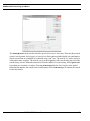
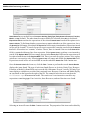
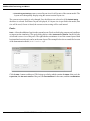
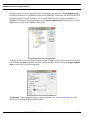
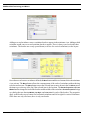
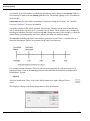
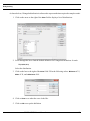
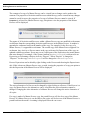
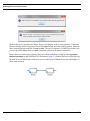
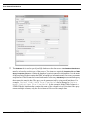
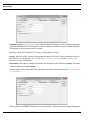
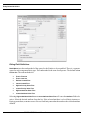
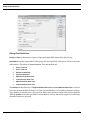
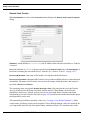
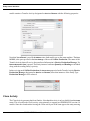
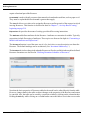
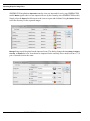
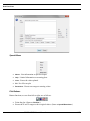
exports images to a directory. It lists all the icons in SIMPROCESS, whether standard to
SIMPROCESS or imported. The export dialog will list the Icon Name, Category, Icon Set, and whether
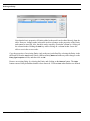
the icon is Standard, Imported, or Model. (Standard indicates the icon was included as part of the
Export
SIMPROCESS User’s Manual
204