1
Entity Control Activities
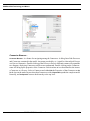
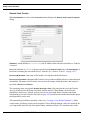
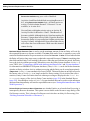
the Entity priority is not changed. Entity priority must be within the range 1 to 100. If a value less than
1 is returned from the distribution, then the Entity priority is not changed. If a value greater than 100
is returned from the distribution, then a warning is displayed, and the Entity priority is set to 100. NOTE:
Entities with a higher priority use available Resources first. Duration is used as in other SIMPROCESS
Activities.
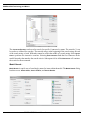
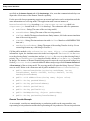
Set Attributes
•
•
•
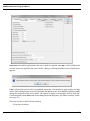
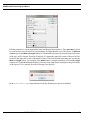
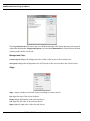
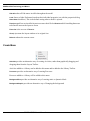
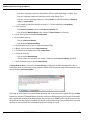
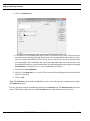
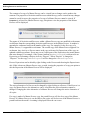
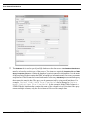
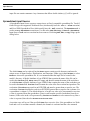
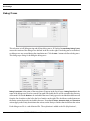
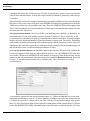
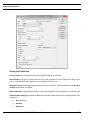
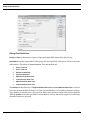
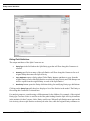
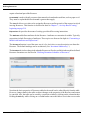
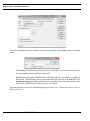
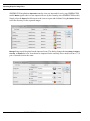
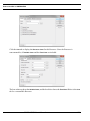
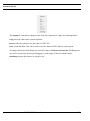
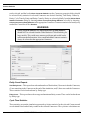
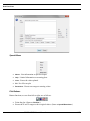
lists existing attribute assignments:
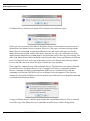
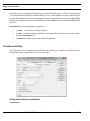
Use Add… to set values for Entity attributes.
Use Edit… to modify existing assignments. Select the attribute assignment you want to modify
from the Set Attributes list.
Use Remove to delete a previously defined assignment.
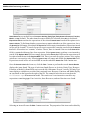
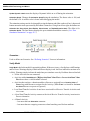
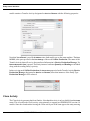
Transform Activity
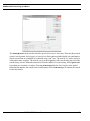
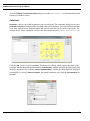
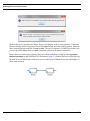
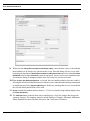
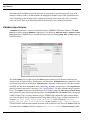
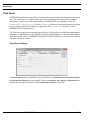
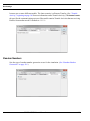
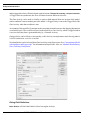
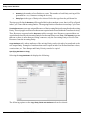
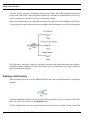
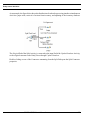
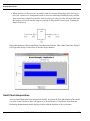
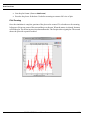
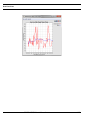
The Transform Activity changes one type of Entity into another type. A single arriving Entity can be
changed into many output Entities (all of the same type.)
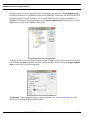
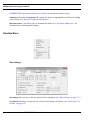
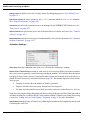
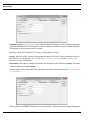
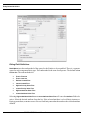
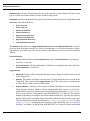
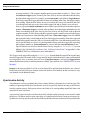
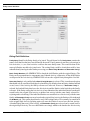
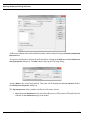
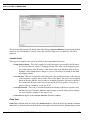
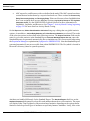
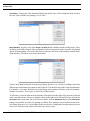
Dialog Field Definitions and Buttons
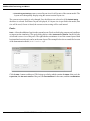
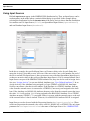
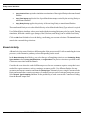
Output Entities
SIMPROCESS User’s Manual
159