1
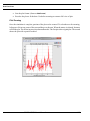
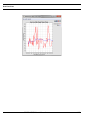
Real-Time Plots
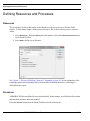
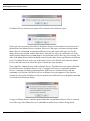
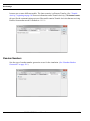
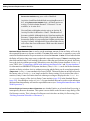
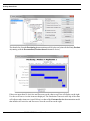
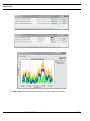
that have been closed can be displayed again.
NOTE
Real-Time plots that have been displayed will not automatically
disappear at the end of a simulation run. Each one must be closed
individually. Note that all open plots will be closed when SIMPROCESS
is closed.
Attributes
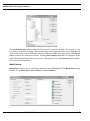
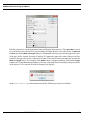
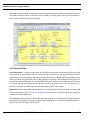
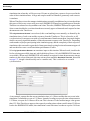
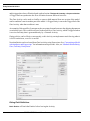
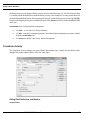
Attribute plots are selected on the attribute definition dialog. All attribute types except Entity Instance
attributes can have plots. Plots will be created for each item defined in the model if the attribute is a
global Entity, global Resource, or global Activity attribute. For instance, if there are ten Activities/
Processes in a model, and a global Activity attribute is defined with plots, then 10 sets of plots will
be created since each Activity will have the attribute. Except for Model attributes, it is best to use local
attributes when selecting plots for an attribute. Also, if an attribute is an array attribute, plots will be
created for each member of the array.
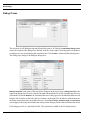
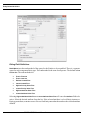
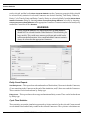
Setting Plot Properties
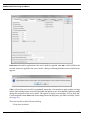
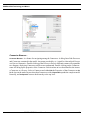
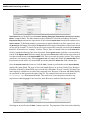
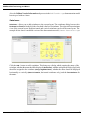
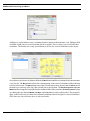
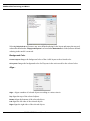
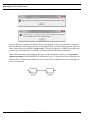
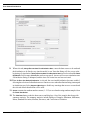
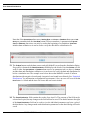
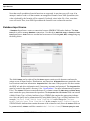
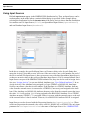
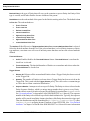
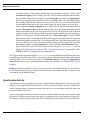
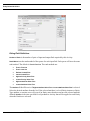
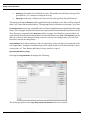
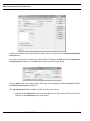
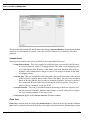
Each item that can have plots has a Set Plot Properties button. The properties depend on the type of
plot.When plots are deselected, any properties set are lost. The properties must be reset if the plot is
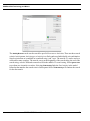
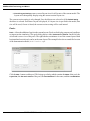
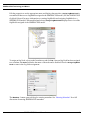
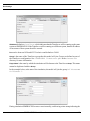
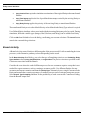
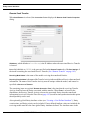
selected again. Also, on the Real-Time Plots dialog for Entities, Resources, Activities, Connectors, and
Time Stamps, there is a Delete Properties button. This button will remove the plot properties from
SIMPROCESS User’s Manual
260