1
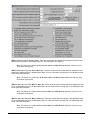
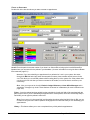
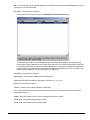
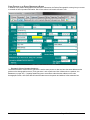
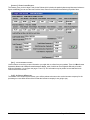
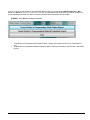
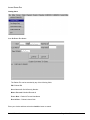
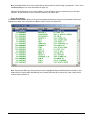
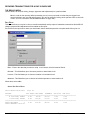
Note: The number in parenthesis behind the field descriptions corresponds to the block number of these
fields on the HCFA 1500 form.
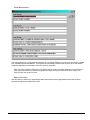
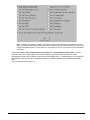
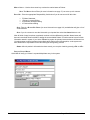
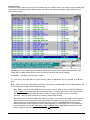
Be sure that the Responsibility Code is correct!! For example, if the first entity to be billed is the primary
insurance, then the responsibility code needs to be I. If you only wanted to bill the patient for this charge,
then put a P in the field. If Insurance information has been entered for this patient, and you are entering
Charges New Claim, Quick-MD will automatically assign (I) for Primary Insurance responsibility to the claim.
If no insurance is setup, then the (P) responsibility will be assigned. If you are entering charges using Enter
Charges Patient Claim, then the (P) responsibility will be applied to this claim, regardless if the patient has
insurance.
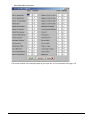
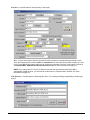
NOTE: To speed up data entry, isolate the fields on this form that your practice regularly deals with.
Configure Quick-MD’s cursor to only jump to these fields when moving through the form with the Enter
key. (for more information see page 80)
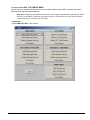
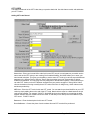
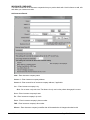
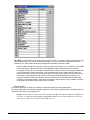
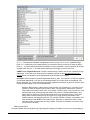
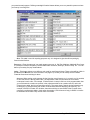
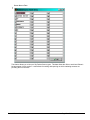
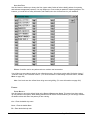
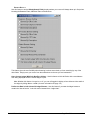
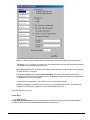
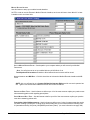
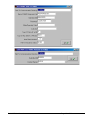
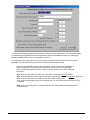
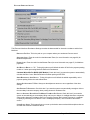
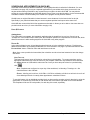
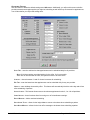
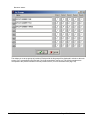
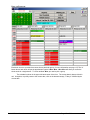
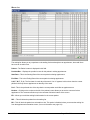
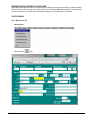
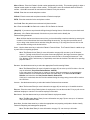
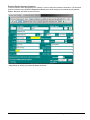
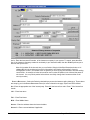
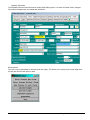
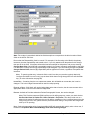
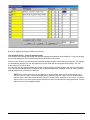
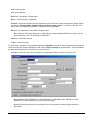
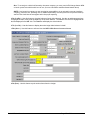
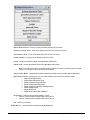
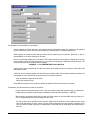
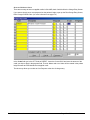
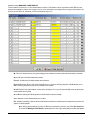
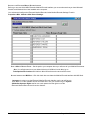
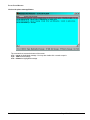
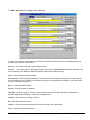
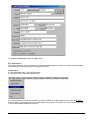
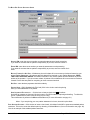
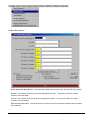
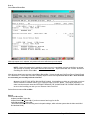
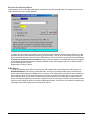
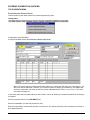
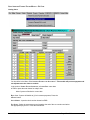
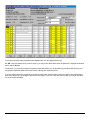
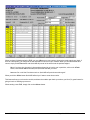
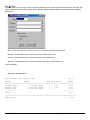
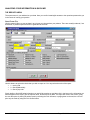
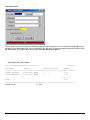
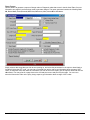
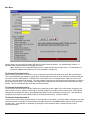
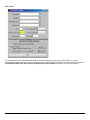
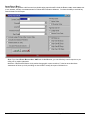
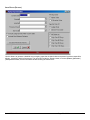
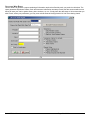
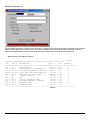
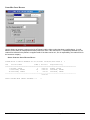
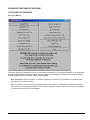
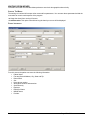
LEDGER DATE – If entering from the FAST CHARGE ENTRY SCREEN, this will default to current date, but it can be
changed. This is the Ledger Date and will be used for recap reporting.
FROM AND TO DATES -If left blank, will use the ledger date as the date of service, but the user can enter in the
appropriate dates of service if other than the ledger date.
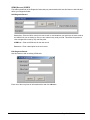
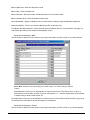
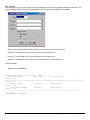
PROVIDER - defaults to Provider selected on Patient Demographic Screen, but can be changed.
NOTE: This Providers name and PIN#’s will be used for billing purposes, unless you check the box
Use Provider listed in Patient File in Misc. Defaults in Properties. Then the provider set as a
default in the patient file will always be used for billing, regardless of who is selected here during the
charge entry process. Also, please note the provider used for billing is the provider the charges will
show up for in reporting.
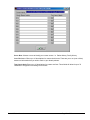
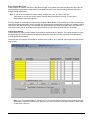
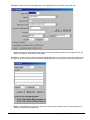
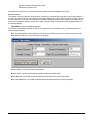
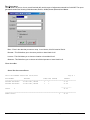
UNITS - Select the appropriate units of service and Quick-MD will automatically multiply units x times cost, if
turned on in Properties/ Misc Defaults/Multiply Units when entering Charges.
Quick-MD User Manual
Page 166 of 308