1
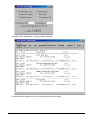
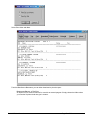
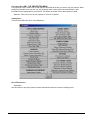
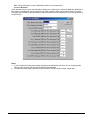
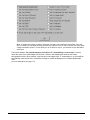
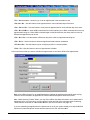
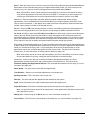
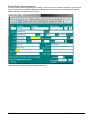
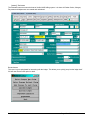
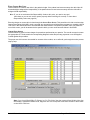
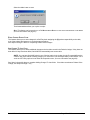
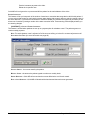
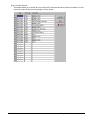
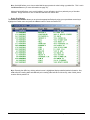
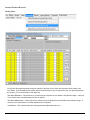
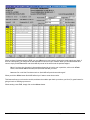
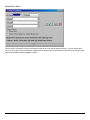
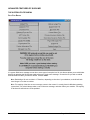
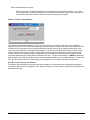
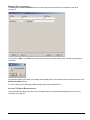
NOTE: Canned Notes can be utilized in the Patient Ledger by highlighting the claim you
wish the note to be posted to, and hitting F3.
Part 2.
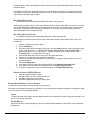
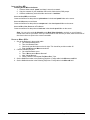
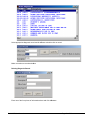
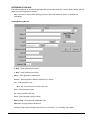
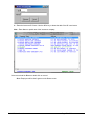
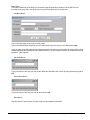
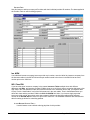
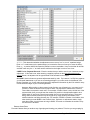
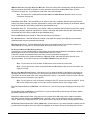
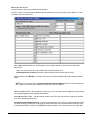
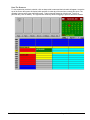
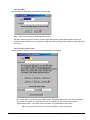
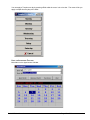
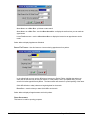
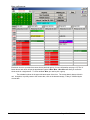
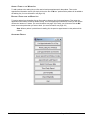
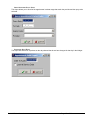
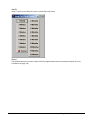
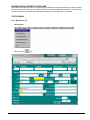
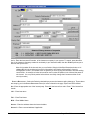
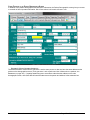
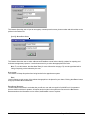
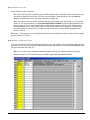
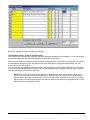
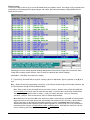
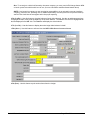
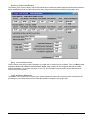
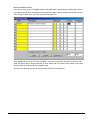
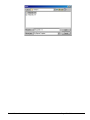
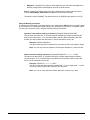
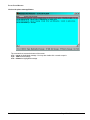
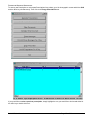
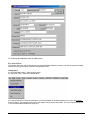
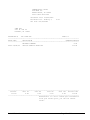
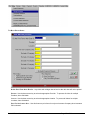
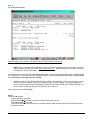
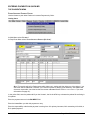
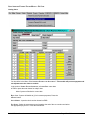
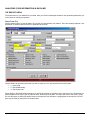
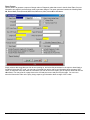
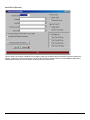
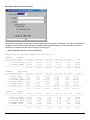
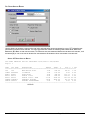
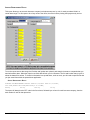
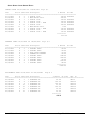
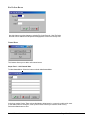
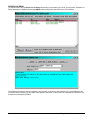
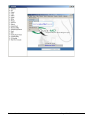
In “Patient File:” Select the LEDGER button
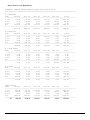
Select the CURRENT LEDGER
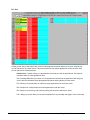
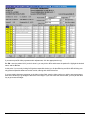
Highlight the claim to post directly under claim
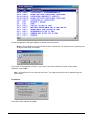
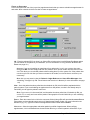
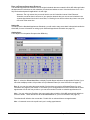
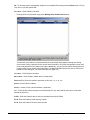
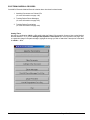
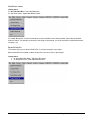
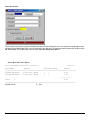
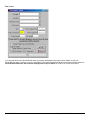
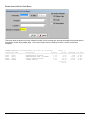
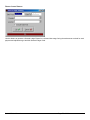
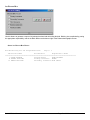
Select the <F3> - Note key
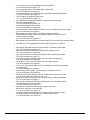
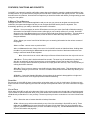
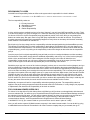
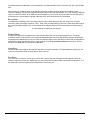
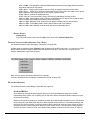
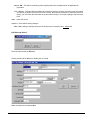
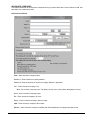
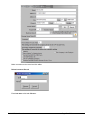
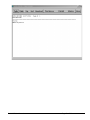
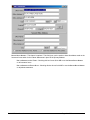
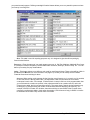
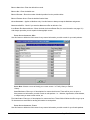
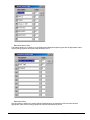
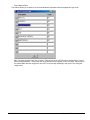
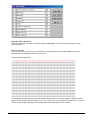
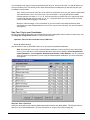
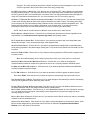
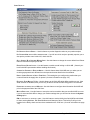
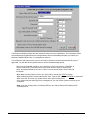
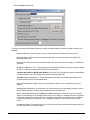
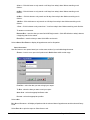
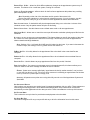
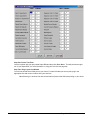
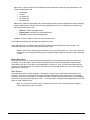
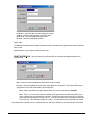
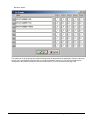
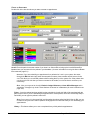
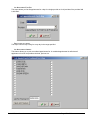
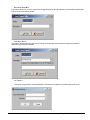
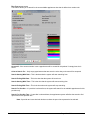
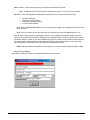
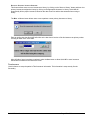
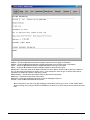
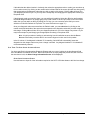
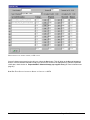
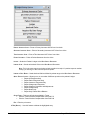
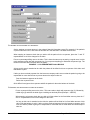
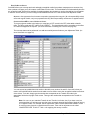
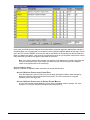
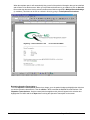
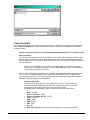
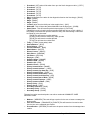
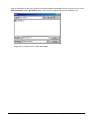
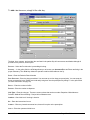
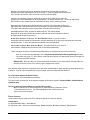
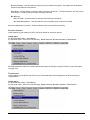
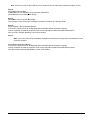
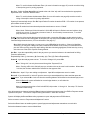
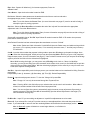
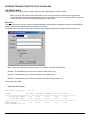
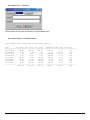
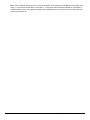
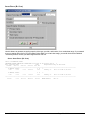
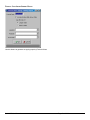
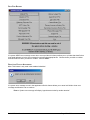
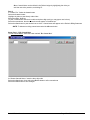
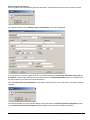
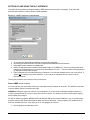
To post a canned note enter the # code then the three digit code (you may type a note in here)
Select the ENTER button, then the canned note will appear in “Notation box”
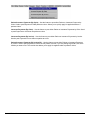
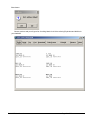
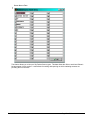
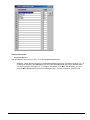
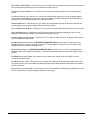
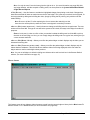
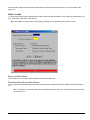
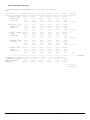
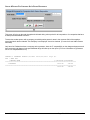
Select the <OK> button to post canned note to claim. Canned notes will appear on the Patient’s Billing Statement
NOTE: To delete an existing canned note select the <DELETE> button
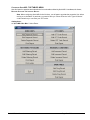
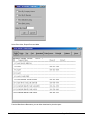
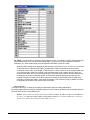
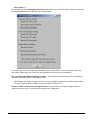
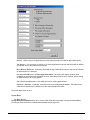
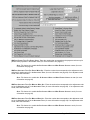
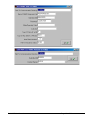
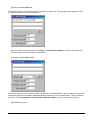
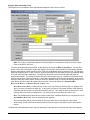
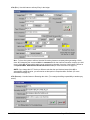
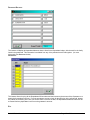
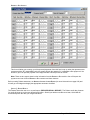
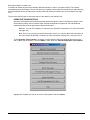
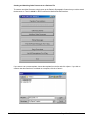
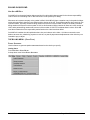
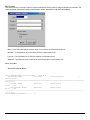
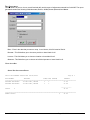
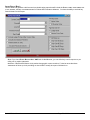
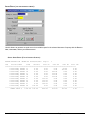
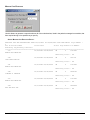
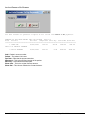
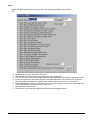
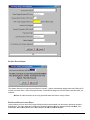
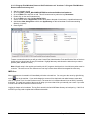
Steps: Part 1. Edit Canned Note
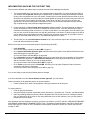
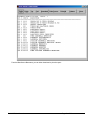
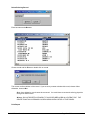
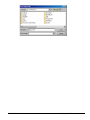
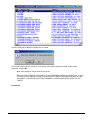
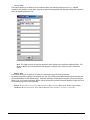
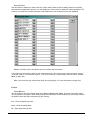
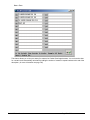
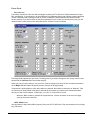
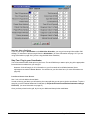
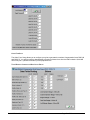
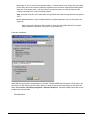
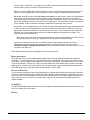
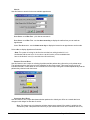
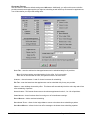
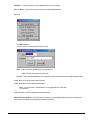
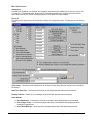
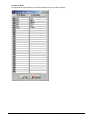
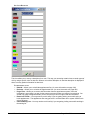
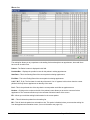
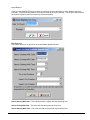
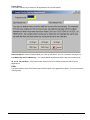
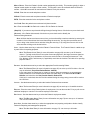
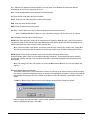
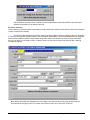
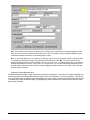
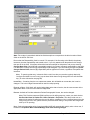
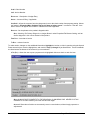
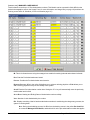
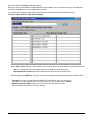
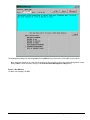
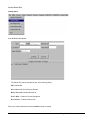
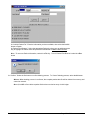
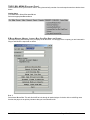
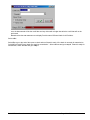
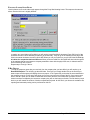
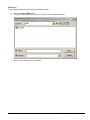
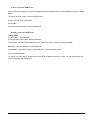
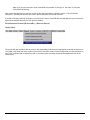
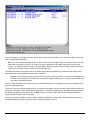
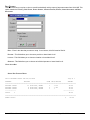
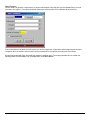
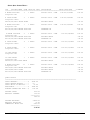
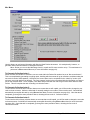
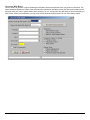
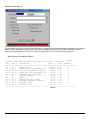
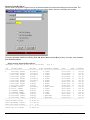
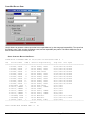
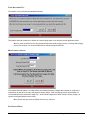
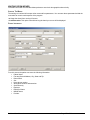
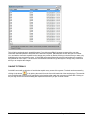
To Edit Canned Notes: Select the button marked “EDIT CANNED NOTE”
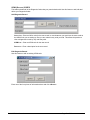
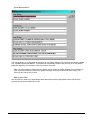
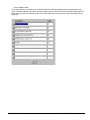
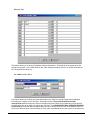
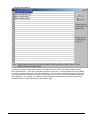
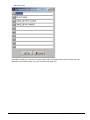
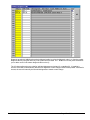
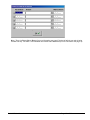
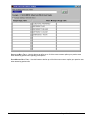
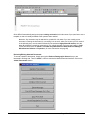
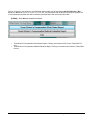
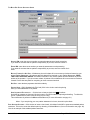
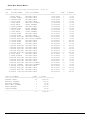
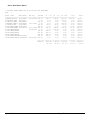
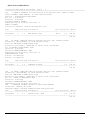
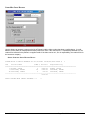
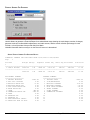
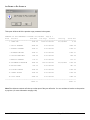
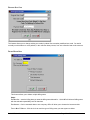
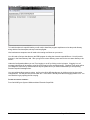
At “Browse Canned Notes: ”enter the three digit code
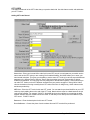
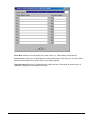
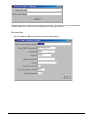
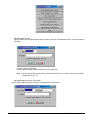
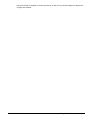
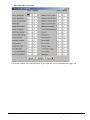
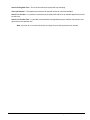
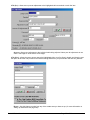
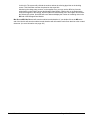
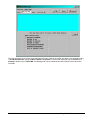
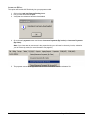
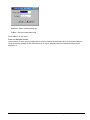
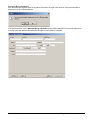
Select the <OK> button, then select the <ENTER> button to edit a canned note
Select the <OK> button to save changes
Quick-MD User Manual
Page 290 of 308