1
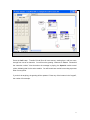
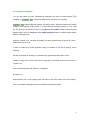
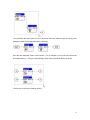
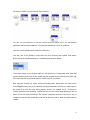
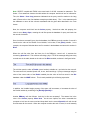
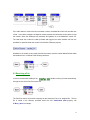
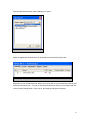
If the caller wants to receive the fax on another number, the MakeCall control cell can take care
of that. In the above example, the Speech module provides the instructions for the caller to input
his number, which the GetKeys2 cell processes and passes on to the MakeCall1 control cell.
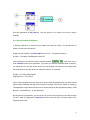
The latter dials the number the caller provided and triggers into action another call flow, the
sendfax2.ivx specified under the control cell’s Call flow Filename property.
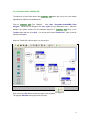
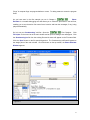
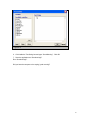
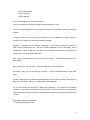
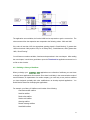
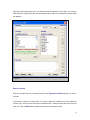
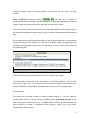
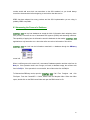
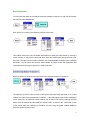
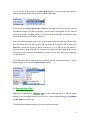
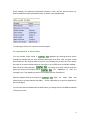
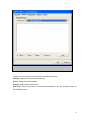
Sendfax2.ivx is actually a very simple call flow that merely uses the number MakeCall has dialed
and sends the fax. It consists of the following elements:
9.3 Receiving a Fax
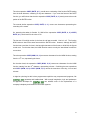
Just as it can automate sending a fax,
handle receiving of faxes automatically,
through the use of the RecvFax control cell.
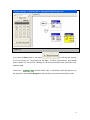
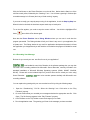
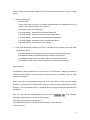
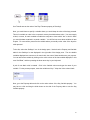
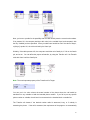
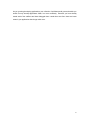
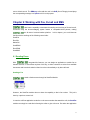
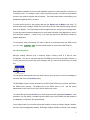
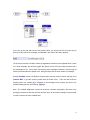
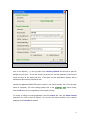
The RecvFax control cell receives incoming fax and saves the Fax to an assigned file. The fax
file is saved in the directory specified under the cell’s Destination path property, like
C:\Recv_docs for example.
74