1
Software Installation Manual
U-SYS SoftX3000 SoftSwitch System
Chapter 8 Configuring Remote Maintenance System
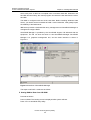
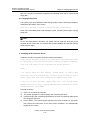
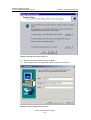
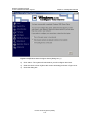
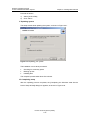
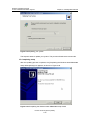
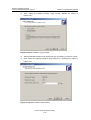
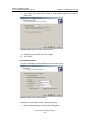
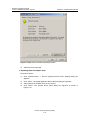
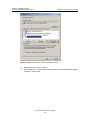
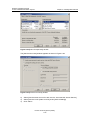
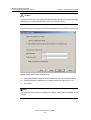
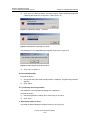
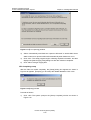
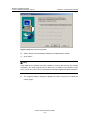
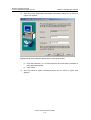
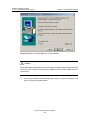
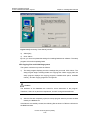
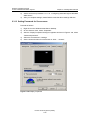
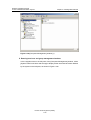
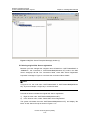
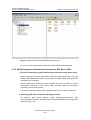
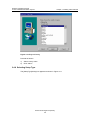
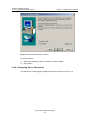
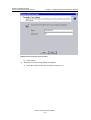
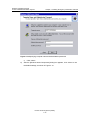
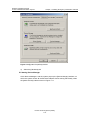
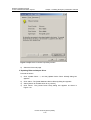
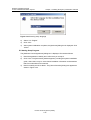
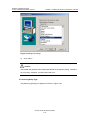
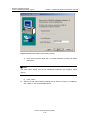
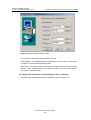
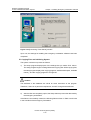
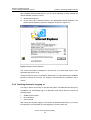
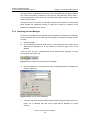
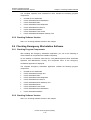
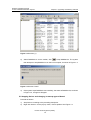
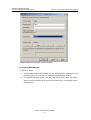
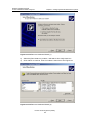
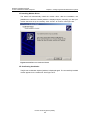
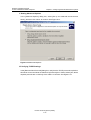
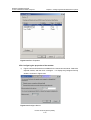
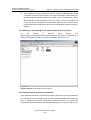
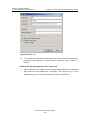
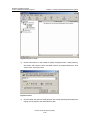
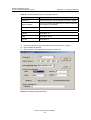
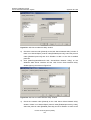
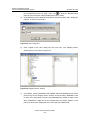
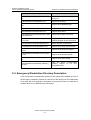
Figure 8-31 User Properties
As of now, the remote workstation can access the SoftX3000 terminal system through
PSTN.
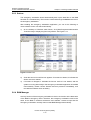
8.4 Checking Remote Maintenance System
8.4.1 Modem Functions
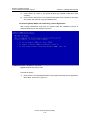
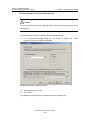
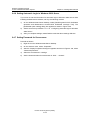
After the modem driver has been installed, it is required to test modem functions. You
can do the following to have a test.
1)
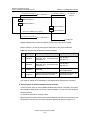
Connect a telephone line to the LINE port of the modem. Make sure the modem is
also connected to the computer through serial port cable.
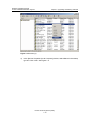
2)
On
the
desktop
of
Windows
2000
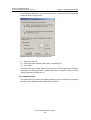
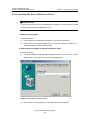
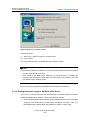
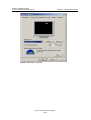
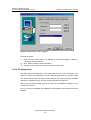
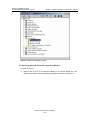
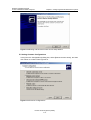
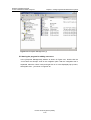
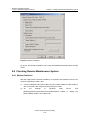
[Start/Programs/Accessories/Communications/Phone
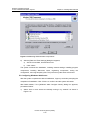
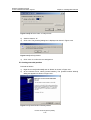
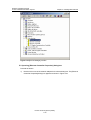
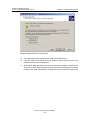
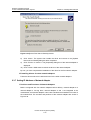
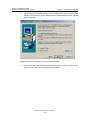
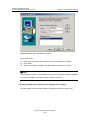
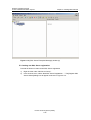
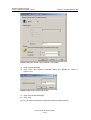
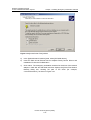
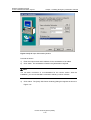
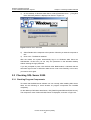
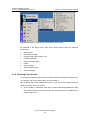
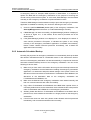
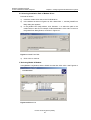
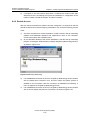
[Phone Dialer] window. See Figure 8-32.
Huawei Technologies Proprietary
8-27
Dialer]
Server,
to
display
click
the