1
Software Installation Manual
U-SYS SoftX3000 SoftSwitch System
Chapter 2 Installing BAM Software
3)
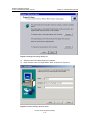
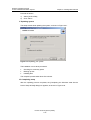
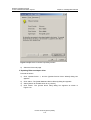
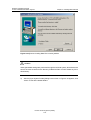
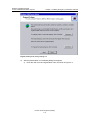
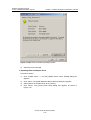
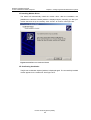
Select “Default”.
4)
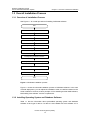
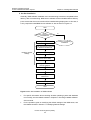
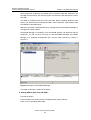
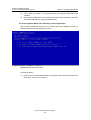
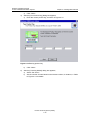
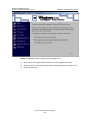
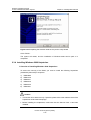
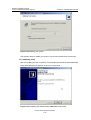
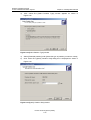
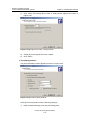
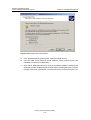
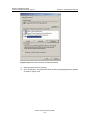
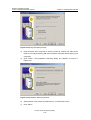
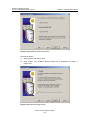
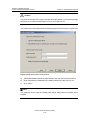
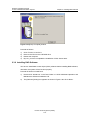
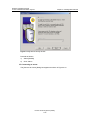
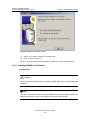
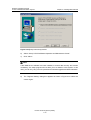
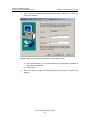
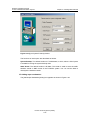
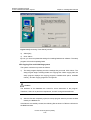
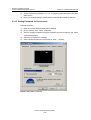
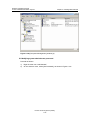
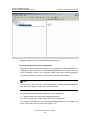
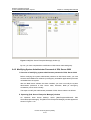
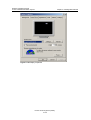
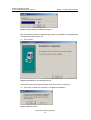
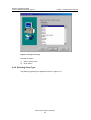
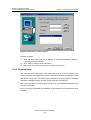
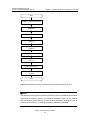
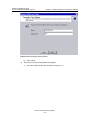
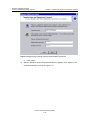
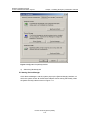
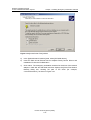
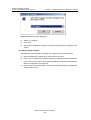
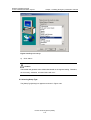
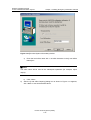
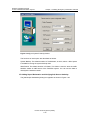
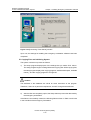
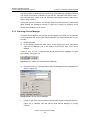
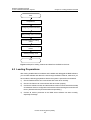
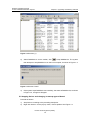
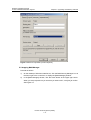
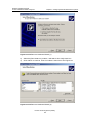
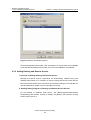
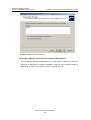
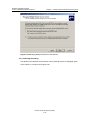
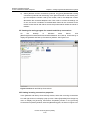
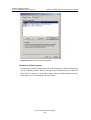
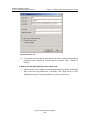
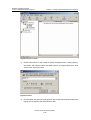
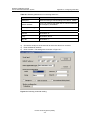
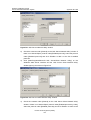
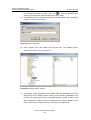
Click <Next>. The [Setup Type] dialog box is displayed as shown in Figure 2-57.
Figure 2-57 [Setup Type] window
5)
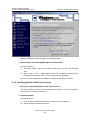
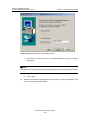
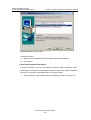
Select the option [Custom], and keep the default path for [Destination Folder].
6)
Click <Next>.
VI. Selecting Components to Install and Completing Corresponding Settings
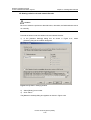
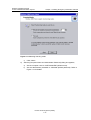
Proceed as follows to select installation components and set such information as
services accounts and authentication mode:
1)
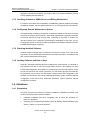
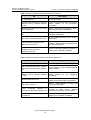
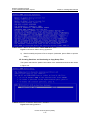
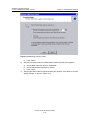
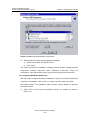
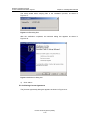
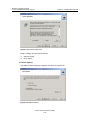
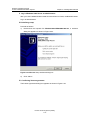
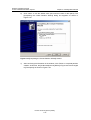
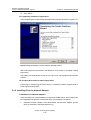
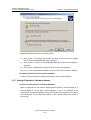
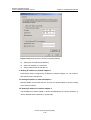
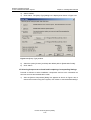
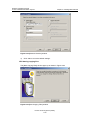
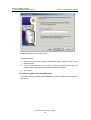
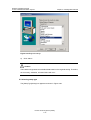
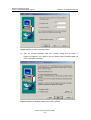
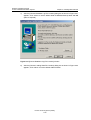
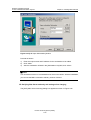
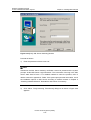
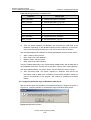
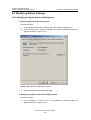
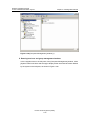
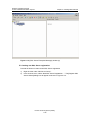
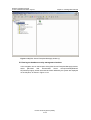
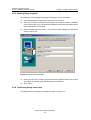
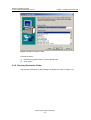
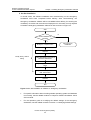
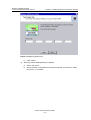
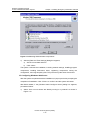
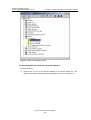
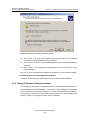
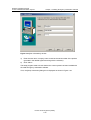
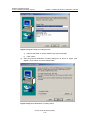
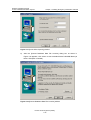
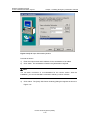
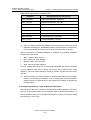
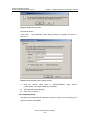
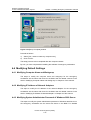
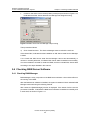
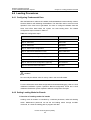
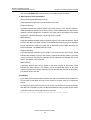
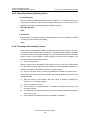
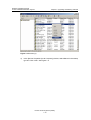
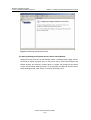
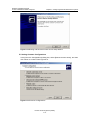
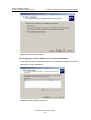
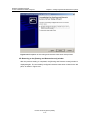
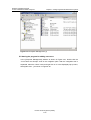
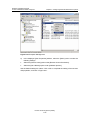
After the [Select Components] dialog box appears as shown in Figure 2-58, to
ensure the normal running of the system, click <Next> to use the default settings.
Huawei Technologies Proprietary
2-55