1
Chapter 7 Configuring System DNs
159
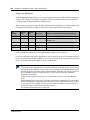
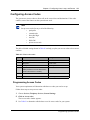
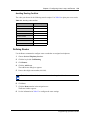
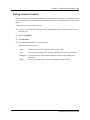
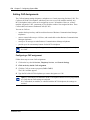
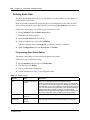
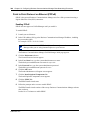
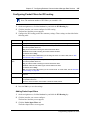
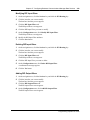
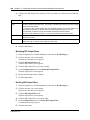
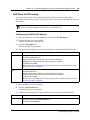
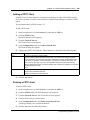
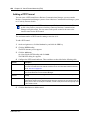
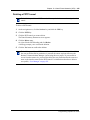
Assigning a Hotline
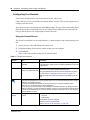
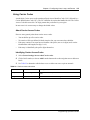
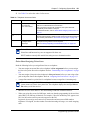
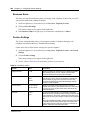
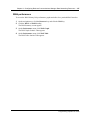
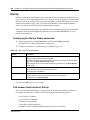
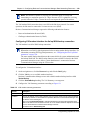
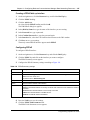
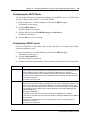
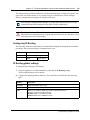
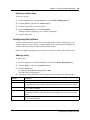
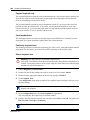
The Hotline heading allows you to define a telephone number that automatically dials when you
lift the receiver or press the Handsfree/Mute button on a telephone.
Use these steps to define an internal or external Hotline number.
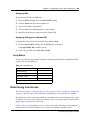
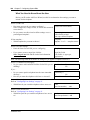
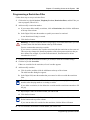
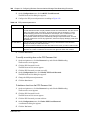
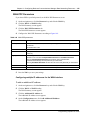
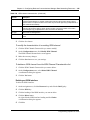
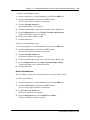
1
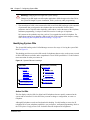
If you are not already in the DN record, click the telephone DN to which you want to assign a
hotline.
2
Click on Capabilities.
3
Click on Hotline.
4
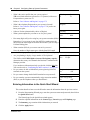
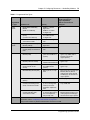
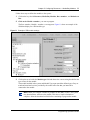
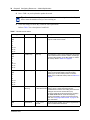
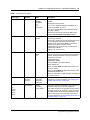
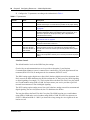
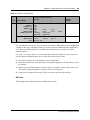
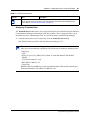
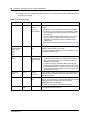
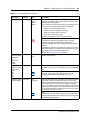
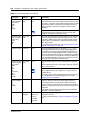
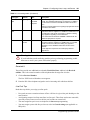
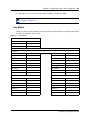
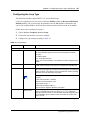
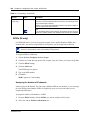
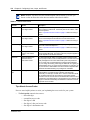
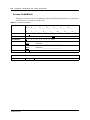
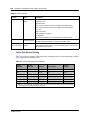
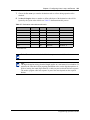
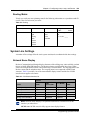
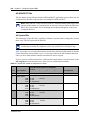
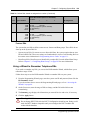
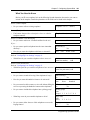
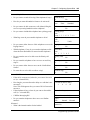
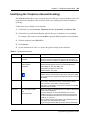
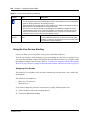
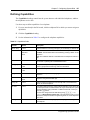
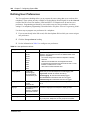
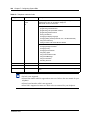
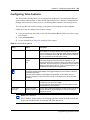
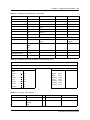
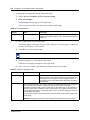
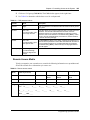
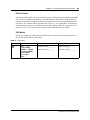
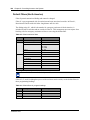
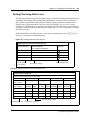
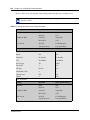
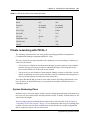
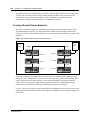
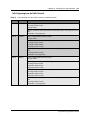
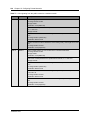
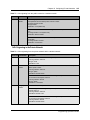
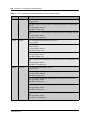
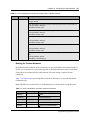
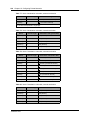
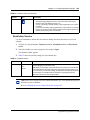
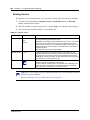
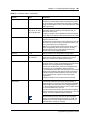
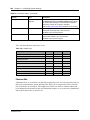
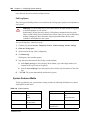
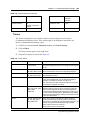
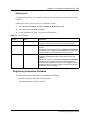
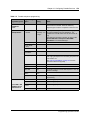
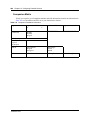
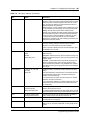
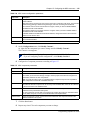
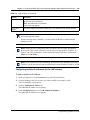
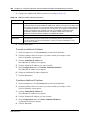
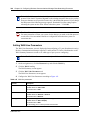
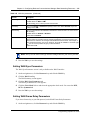
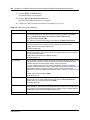
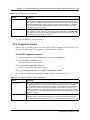
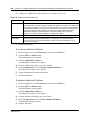
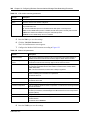
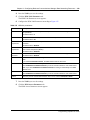
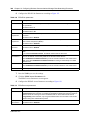
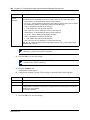
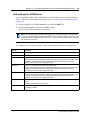
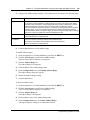
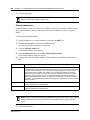
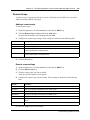
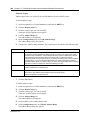
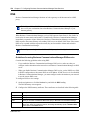
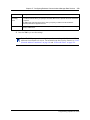
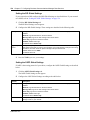
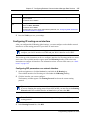
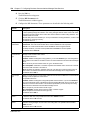
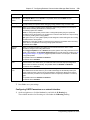
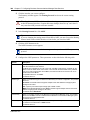
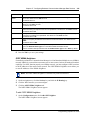
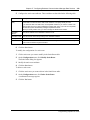
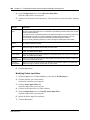
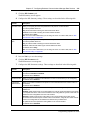
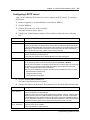
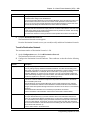
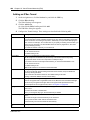
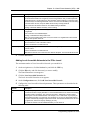
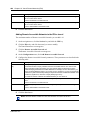
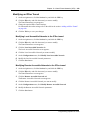
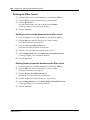
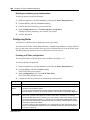
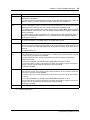
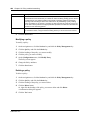
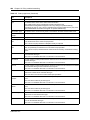
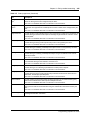
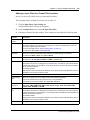
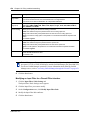
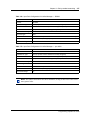
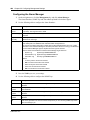
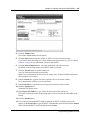
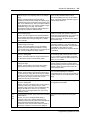
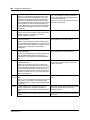
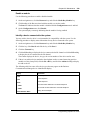
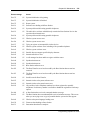
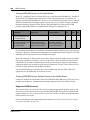
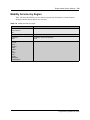
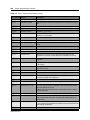
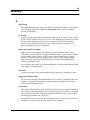
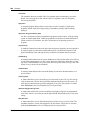
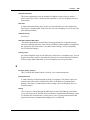
Use Table 37 to configure the hotline setting for a telephone.
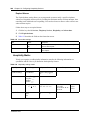
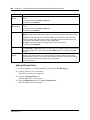
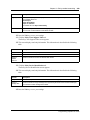
Table 37 Hotline values
Attribute
Values
None
Description
The telephone does not automatically dial any number.
Internal
Internal #
Direct dial set
DN:
Define the internal telephone you want to access.
Direct dial set: Will automatically dial a telephone on the system defined as a
direct dial telephone
DN: the DN of the telephone that gets automatically dialed when the user picks
up the handset
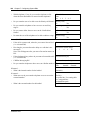
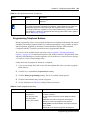
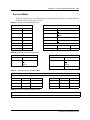
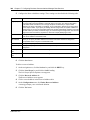
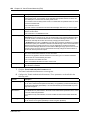
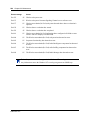
External
External #
Facility Value:
Use line nnn
Use prime line
Pool code
Use routing table
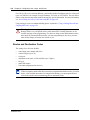
Enter the complete call number for the external telephone you want to access.
Enter the line you want the call to use. (This cannot be a target line.)
Use line nnn: Refer to line assignment for this telephone.
Use prime line: Refer to the General record for this telephone.
Pool code: Refer to the line pool assignment for this telephone.
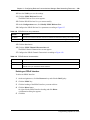
Use routing table: Refer to the routing tables. The destination code for that
table must be part of the External #.
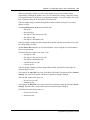
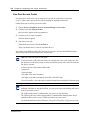
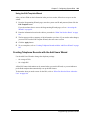
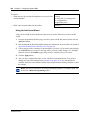
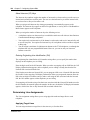
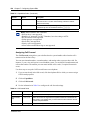
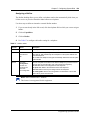
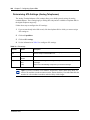
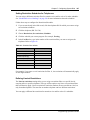
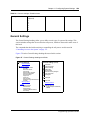
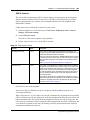
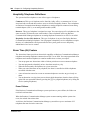
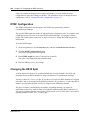
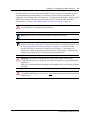
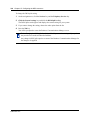
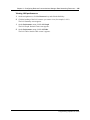
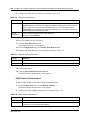
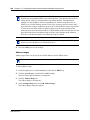
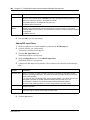
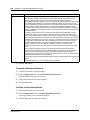
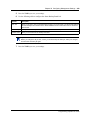
Note: ISDN terminals/DECT handsets
This feature is not supported for this equipment.
Programming Operations Guide