1
Chapter 16 Configuring Business Communications Manager Data Networking Resources
331
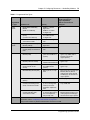
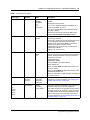
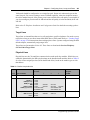
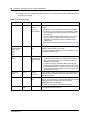
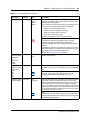
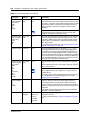
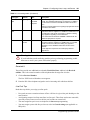
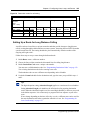
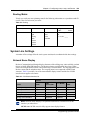
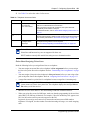
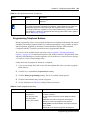
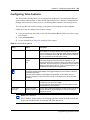
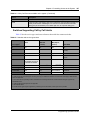
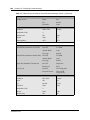
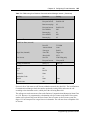
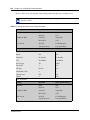
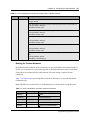
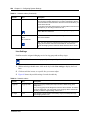
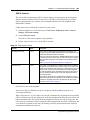
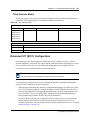
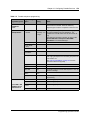
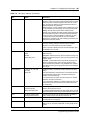
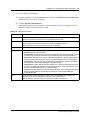
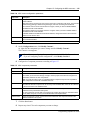
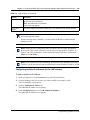
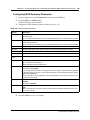
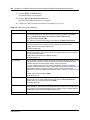
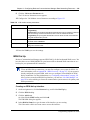
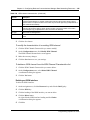
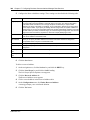
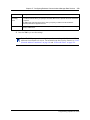
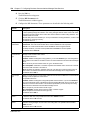
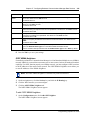
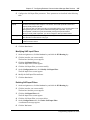
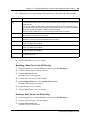
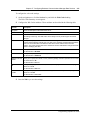
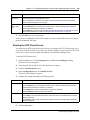
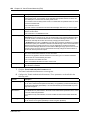
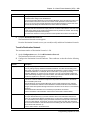
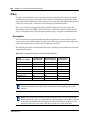
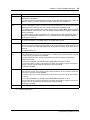
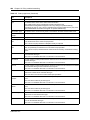
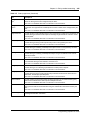
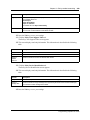
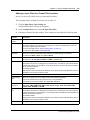
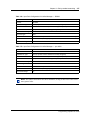
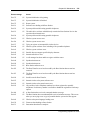
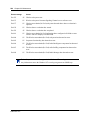
Table 145 WAN line parameters (Continued)
Attribute
Description
Line Coding
Lets you set the type of encoding used in the T1 line.
Possible values are B8ZS or AMI.
Use the setting your T1 service provider recommends.
Line Polarity
Lets you set Normal or Inverted line polarity in the T1 line. Select Inverted only if Line
Coding is set to AMI.
Pulse Density
Lets you control whether the DSU/CSU maintains the minimum level of 1s on the line for
AMI encoding.
Possible values are Enabled or Disabled.
Default value is Disabled.
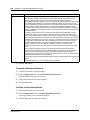
Channel List
Lets you create a list of T1 channels used when using fractional T1. You can list each
channel number or provide a range of numbers separated by a comma or hyphen. The
channel list can contain a mix of ranges and individual channel numbers. For example, a
valid channel list format is 3,5,6,10-15,18,20-23. To use all the available T1 channels, type
All. Your T1 service provider can give you this information.
Default value is All.
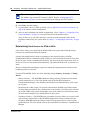
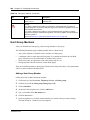
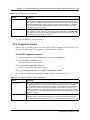
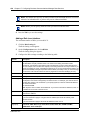
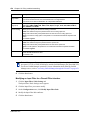
Note: Always use the same frame type and line coding method as your service provider.
5
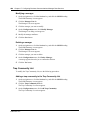
Press the Tab key to save the settings.
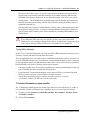
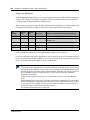
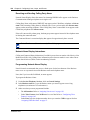
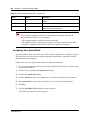
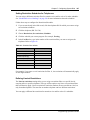
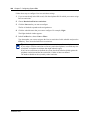
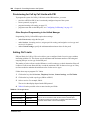
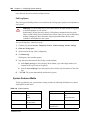
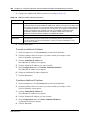
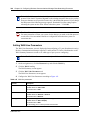
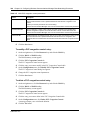
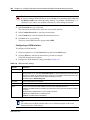
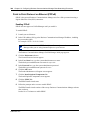
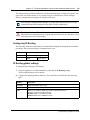
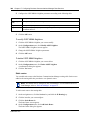
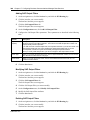
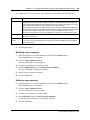
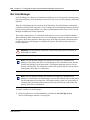
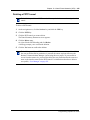
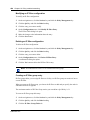
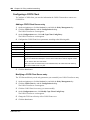
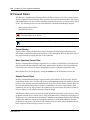
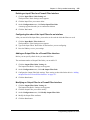
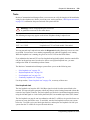
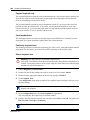
Setting WAN Sync Parameters
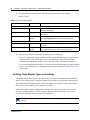
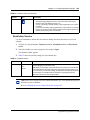
The WAN Sync Parameters screen is only available on the WAN2 interface.
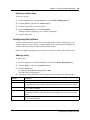
1
On the navigation tree, click the Resources key and click the WAN Key.
2
Click the WAN2 heading.
The WAN Summary screen appears.
3
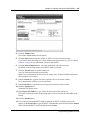
Click the WAN Sync Parameters tab.
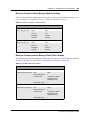
The WAN Sync Parameters screen appears.
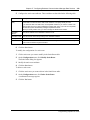
4
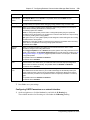
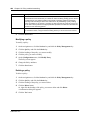
Click the Clock Mode list box and select the appropriate clock mode. You can select DTE,
DCE or Symmetrical.
5
Press the Tab key to save the settings.
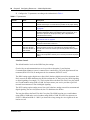
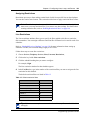
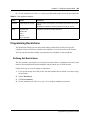
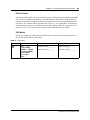
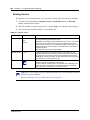
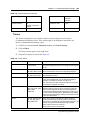
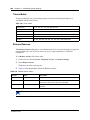
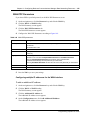
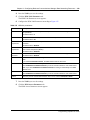
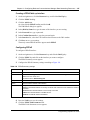
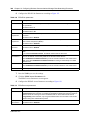
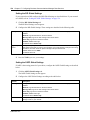
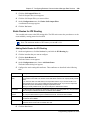
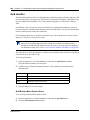
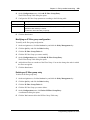
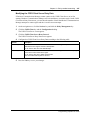
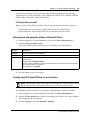
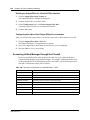
Setting WAN Frame Relay Parameters
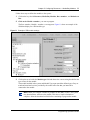
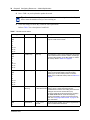
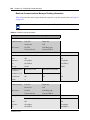
If you chose frame relay as your link protocol, set theWAN Frame Relay Parameters.
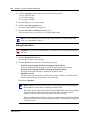
1
On the navigation tree, click the Resources key and click the WAN Key.
Programming Operations Guide