1
Chapter 19 Policy-enabled networking
4
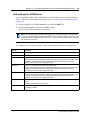
On the Configuration menu, click Add IP Filter Group Entry.
The IP Filter Group Table dialog box opens.
5
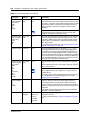
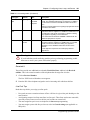
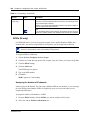
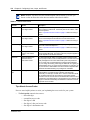
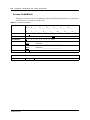
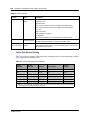
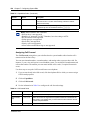
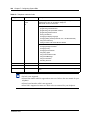
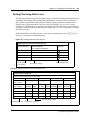
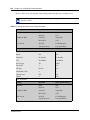
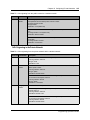
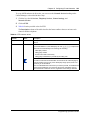
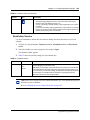
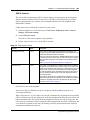
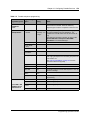
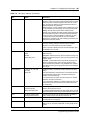
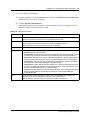
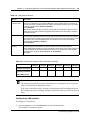
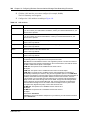
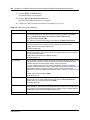
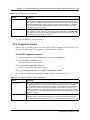
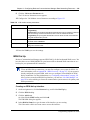
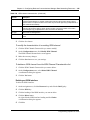
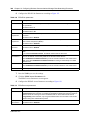
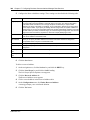
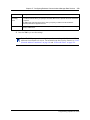
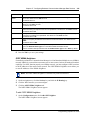
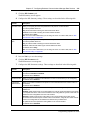
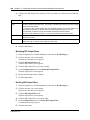
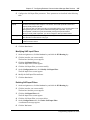
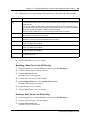
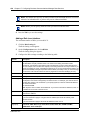
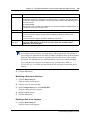
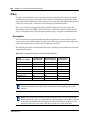
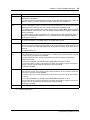
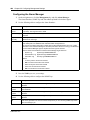
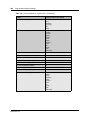
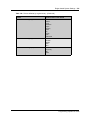
Configure the IP Filter Group parameters according to the following table.
Attribute
Description
Filter Group Name
Enter the name of the filter group.
Filter Order
Enter the name of the filter to add to the filter group. If you are adding more than one filter,
separate the filter names by a comma.
The filters are used in the order you specify.
6
459
Click the Save button.
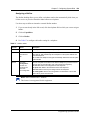
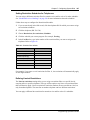
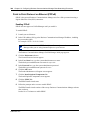
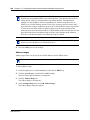
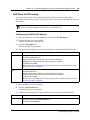
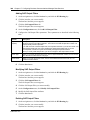
Modifying an IP filter group configuration
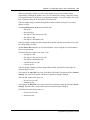
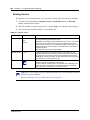
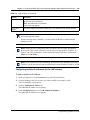
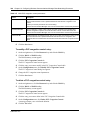
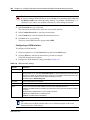
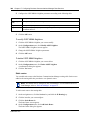
To modify an IP filter group configuration:
1
On the navigation tree, click the Services key and click the Policy Management key.
2
Click the QoS key and click the Rules heading.
3
Click the IP Filter Group Table tab.
4
Click the IP Filter Group you want to modify.
5
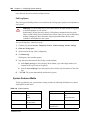
On the Configuration menu, click Modify IP Filter Group Entry.
The IP Filter Group Table dialog box opens.
6
Add or delete filters as a member of the Filter Group. You can also change the order in which
the filters are applied.
7
Click the Save button.
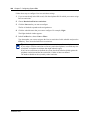
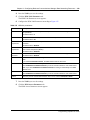
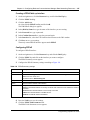
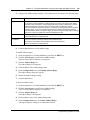
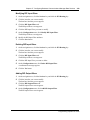
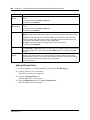
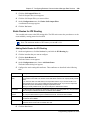
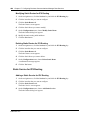
Deleting an IP filter group entry
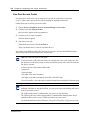
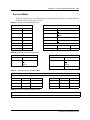
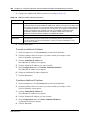
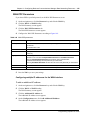
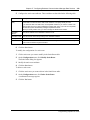
To delete an IP filter group entry:
1
On the navigation tree, click the Services key and click the Policy Management key.
2
Click the QoS key and click the Rules heading.
3
Click the IP Filter Group Table tab.
4
Click the IP Filter Group you want to delete.
5
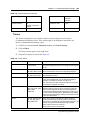
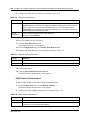
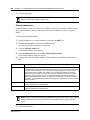
On the Configuration menu, click Delete IP Filter Group Entry.
A confirmation dialog box opens.
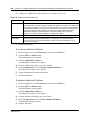
6
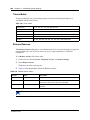
Click the Yes button to delete the IP Filter Group Table entry.
Programming Operations Guide