1
462
Chapter 19 Policy-enabled networking
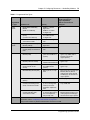
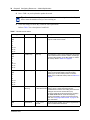
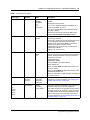
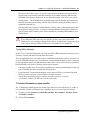
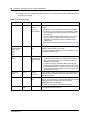
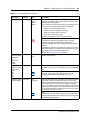
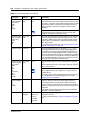
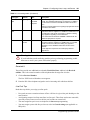
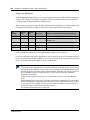
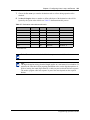
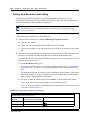
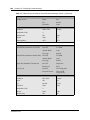
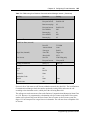
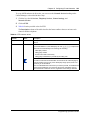
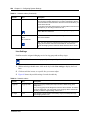
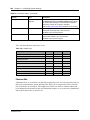
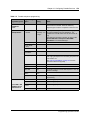
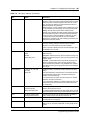
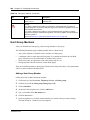
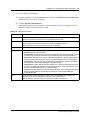
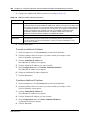
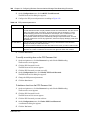
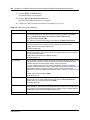
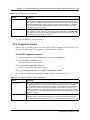
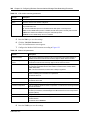
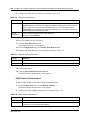
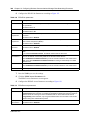
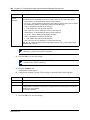
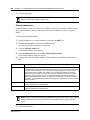
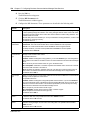
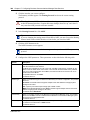
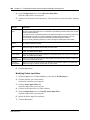
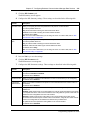
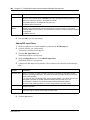
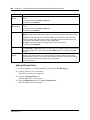
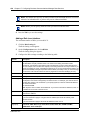
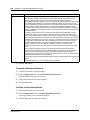
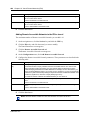
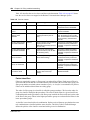
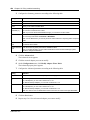
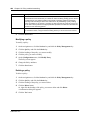
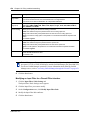
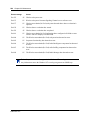
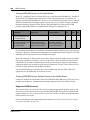
Attribute
Description
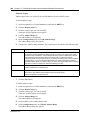
Order
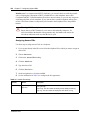
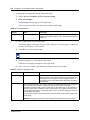
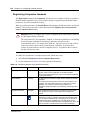
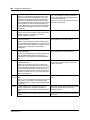
Enter the number used to determine the order of precedence for this policy.
Nortel Networks recommends that you consider an order numbering strategy (for the values in
the Order field) as you configure policies. The policies in the Policy Table are arranged in
ascending order according to value in the Order column. By establishing a policy ordering
scheme in multiples of, for example, 10 (Order 10, Order 20, Order 30, Order 40, and so on),
you are able to insert policies in the appropriate filter precedence location and still retain the
precedence of the remaining policies.
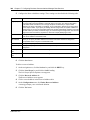
Action
Select the action that is performed with policy.
You must add an action, using the Actions heading, before you can choose it from this box.
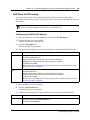
5
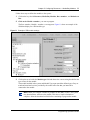
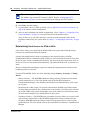
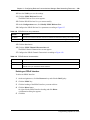
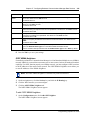
Click the Save button.
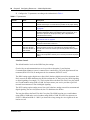
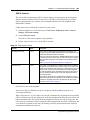
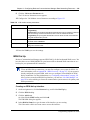
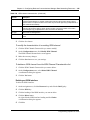
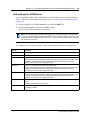
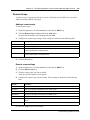
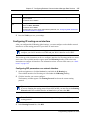
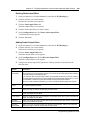
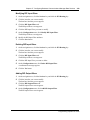
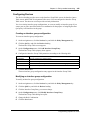
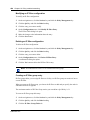
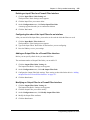
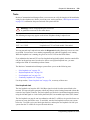
Modifying a policy
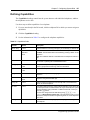
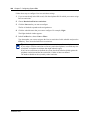
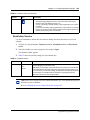
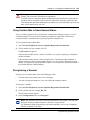
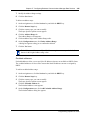
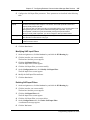
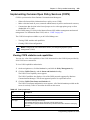
To modify a policy:
1
On the navigation tree, click the Services key and click the Policy Management key.
2
Click the QoS key and click the Policies key.
3
Click the heading of the policy you want to modify.
4
Click the policy you want to modify.
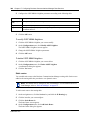
5
On the Configuration menu, click Modify Entry.
The Policy screen appears.
6
Change the Policy attributes.
7
Click the Save button.
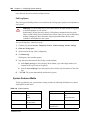
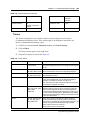
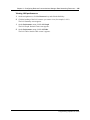
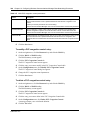
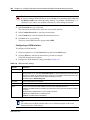
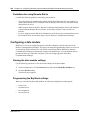
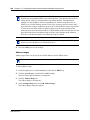
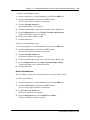
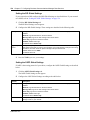
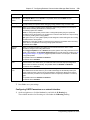
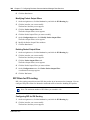
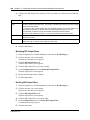
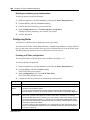
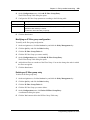
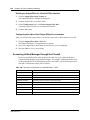
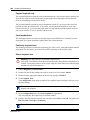
Deleting a policy
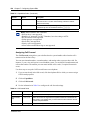
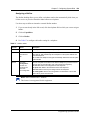
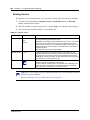
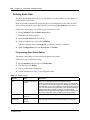
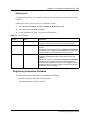
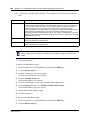
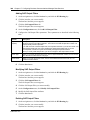
To delete a policy:
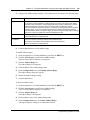
1
On the navigation tree, click the Services key and click the Policy Management key.
2
Click the QoS key and click the Policies key.
3
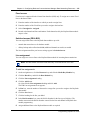
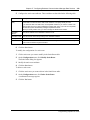
Click the heading of the policy you want to delete.
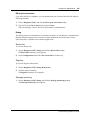
4
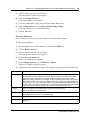
Click the Delete button.
Or, right click the heading of the policy you want to delete and click Delete.
A confirmation dialog box appears.
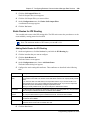
5
Click the Yes button.
P0937241 02.1