1
Chapter 16 Configuring Business Communications Manager Data Networking Resources
345
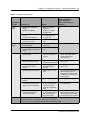
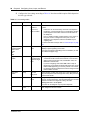
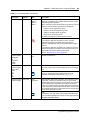
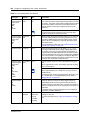
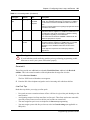
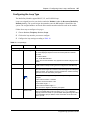
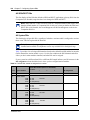
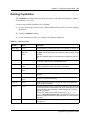
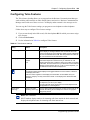
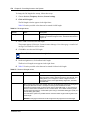
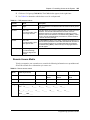
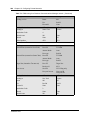
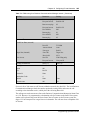
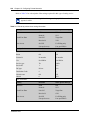
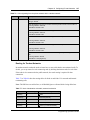
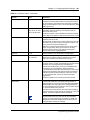
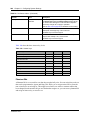
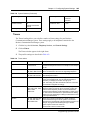
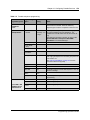
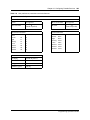
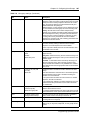
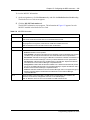
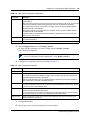
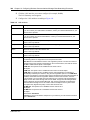
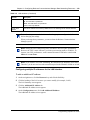
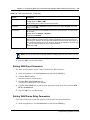
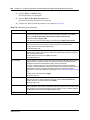
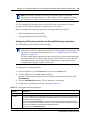
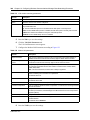
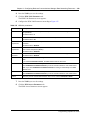
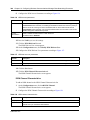
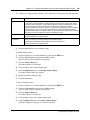
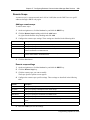
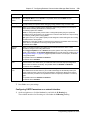
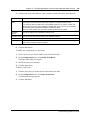
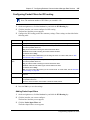
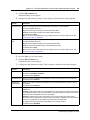
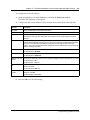
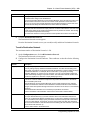
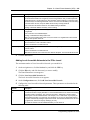
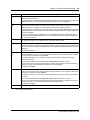
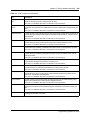
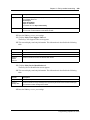
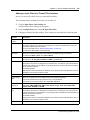
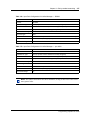
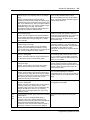
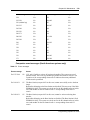
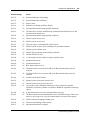
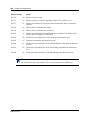
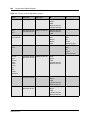
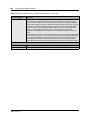
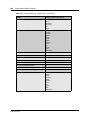
Table 158 ISDN channel characteristics (Continued)
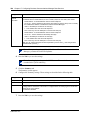
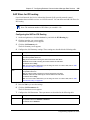
Attribute
Description
Phone 1
Enter the phone number to use to make an ISDN connection to the network or to Business
Communications Manager. If needed, include area codes and all necessary digits to dial an
external number. The phone number must contain only numerical digits only (no alphabetical or
other characters are allowed).
Phone 2
Enter an alternate phone number to use to make the ISDN connection. If needed, include area
codes and all necessary digits to dial an external number. The phone number must contain
numerical digits only (no alphabetical or other characters are allowed).
Line Type
Select a 64K or 56K digital line.
Fallback
Choose whether or not to fall back to a slower speed if unable to connect at the previously set
speed.
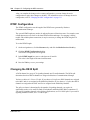
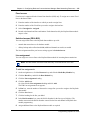
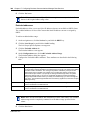
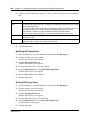
3
Click the Save button.
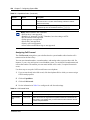
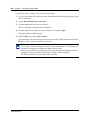
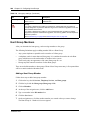
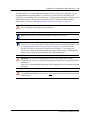
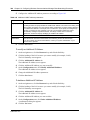
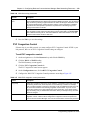
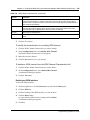
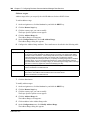
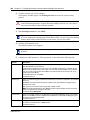
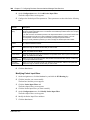
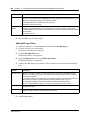
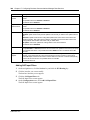
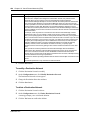
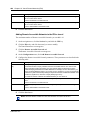
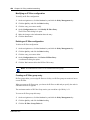
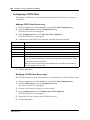
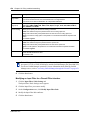
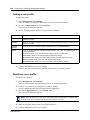
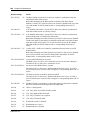
To modify the characteristics of an existing ISDN channel:
1
Click the ISDN Channel Characteristic you want to modify.
2
On the Configuration menu, click Modify ISDN Channel.
The ISDN Channel Characteristics screen appears.
3
Make the necessary changes.
4
Click the Save button to save your settings.
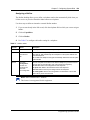
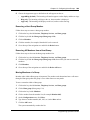
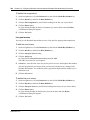
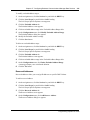
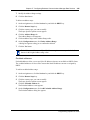
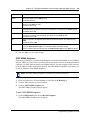
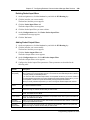
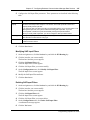
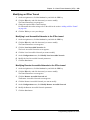
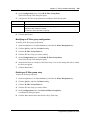
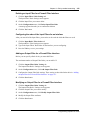
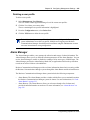
To delete an ISDN channel from the ISDN Channel Characteristics list:
1
Click the ISDN Channel Characteristic you want to delete.
2
On the Configuration menu, select Delete ISDN Channel.
A confirmation dialog box appears.
3
Click the Yes button.
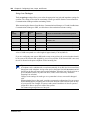
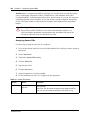
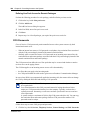
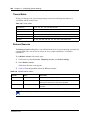
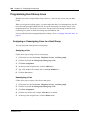
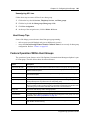
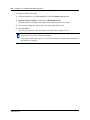
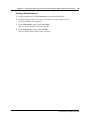
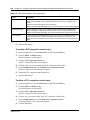
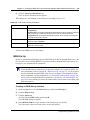
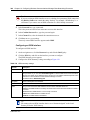
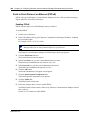
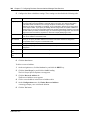
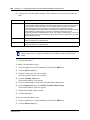
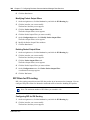
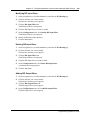
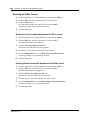
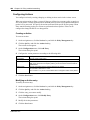
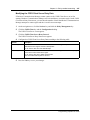
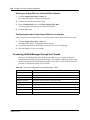
Deleting an ISDN interface
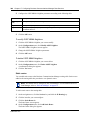
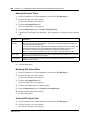
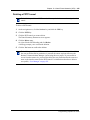
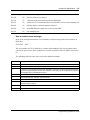
To delete an ISDN interface:
1
On the navigation tree, click the Resources key and click the Dial Up key.
2
Click the ISDN key.
3
Click the heading of the ISDN interface you want to delete.
4
Click the Delete button.
Or, right click the ISDN interface heading and click Delete.
A confirmation dialog box appears.
5
Click Yes.
Programming Operations Guide