1
510
Chapter 22 Maintenance
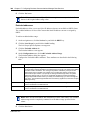
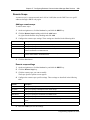
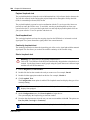
Disable a device
Warning: Give notice that you are disabling equipment.
Inform people that you are going to disable their devices.
Warning: Pick a suitable time to disable devices. Disabling a port will disconnect users
from their calls.
Do not disable devices when many people are using the Business Communications
Manager system. Wait until after regular office hours.
Warning: Do not enable or disable ports during the first two minutes after plugging in
your system.
If you enable or disable ports in the first two minutes after powering up, incorrect ports
may be enabled or disabled. To recover from this, disable, then enable the affected
modules using the Media Bay Modules selection.
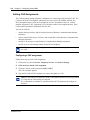
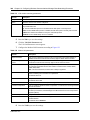
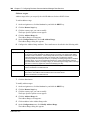
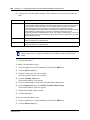
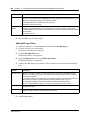
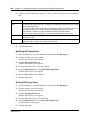
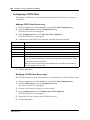
Use the following procedure to disable a device immediately.
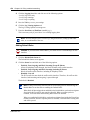
1
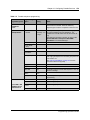
Identify the device you wish to disable. For information on how to perform this procedure,
refer to “Identify a device connected to the system” on page 509.
2
Click the device you want to disable.
3
On the Configuration menu, click Disable.
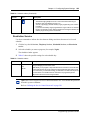
The system displays a warning that this action will disable the port.
4
Click OK.
The system disables the device in one minute (or immediately, if the device is idle). Press
Cancel to leave this display without disabling the device.
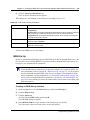
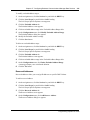
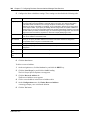
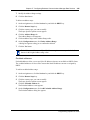
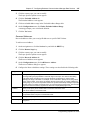
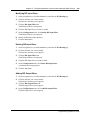
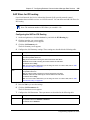
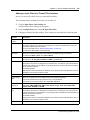
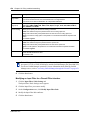
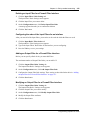
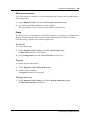
Enable a device
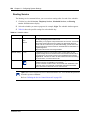
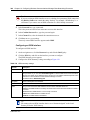
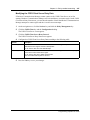
Use the following procedure to enable a disabled device:
1
Identify the device you wish to disable. For information on how to perform this procedure,
refer to “Identify a device connected to the system” on page 509.
2
Click the device you want to enable.
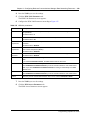
3
On the Configuration menu, click Enable.
The system displays a message indicating that the device is being enabled.
P0937241 02.1