1
406
Chapter 17 Configuring Business Communications Manager Data Services
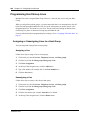
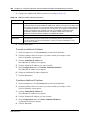
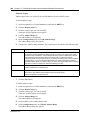
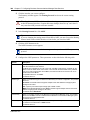
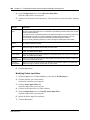
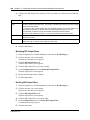
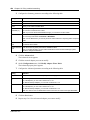
Modifying a manager
1
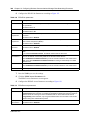
On the navigation tree, click the Services key, and click the SNMP heading.
The SNMP Summary screen appears.
2
Click the Manager List tab.
The Manager List screen appears.
3
Click the manager you want to modify.
4
On the Configuration menu, click Modify Manager.
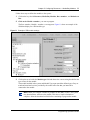
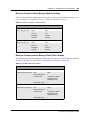
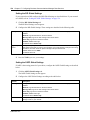
The Manager List dialog screen appears.
5
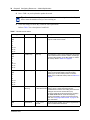
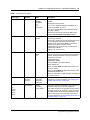
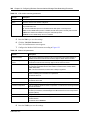
Modify the manager attributes.
6
Click the Save button.
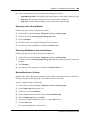
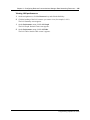
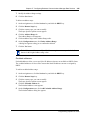
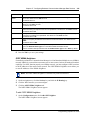
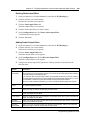
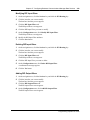
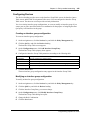
Deleting a manager
1
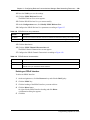
On the navigation tree, click the Services key, and click the SNMP heading.
The SNMP Summary screen appears.
2
Click the Manager List tab.
The Manager List screen appears.
3
Click the manager you want to delete.
4
On the Configuration menu, click Delete Manager.
A message appears that asks you to confirm the deletion.
5
Click the Yes button.
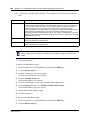
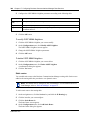
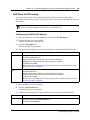
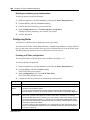
Trap Community List
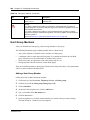
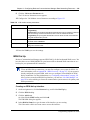
To modify the Trap Community List, use the following procedures.
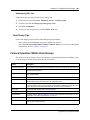
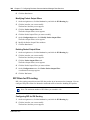
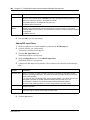
Adding a trap community to the Trap Community List
1
On the navigation tree, click the Services key, and click the SNMP heading.
The SNMP Summary screen appears.
2
Click the Trap Community List tab.
The Trap Community List screen appears.
3
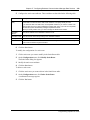
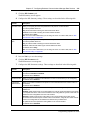
On the Configuration menu, click Add Trap Community.
The Trap Community List screen appears.
P0937241 02.1