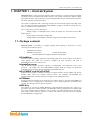
1
InterLab System - User Manual
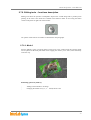
2.9. Configuration of ilsPrintMaker
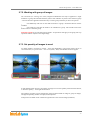
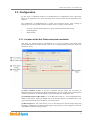
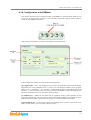
This chapter describes how to configure settings in ilsPrintMaker to achieve best working
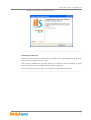
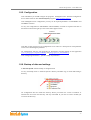
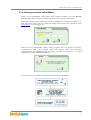
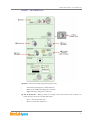
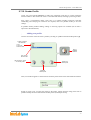
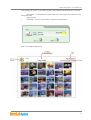
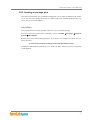
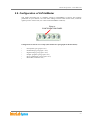
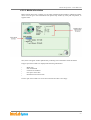
parameters for your machine. To access these settings click the button shown below, located at
right-top corner of the screen (it is visible in all ilsPrintMaker windows):
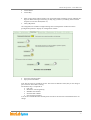
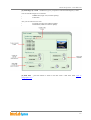
Enter to
CONFIGURATION PANEL
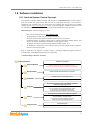
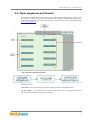
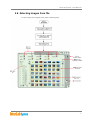
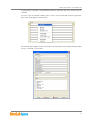
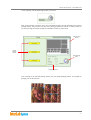
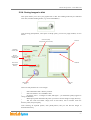
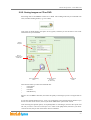
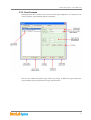
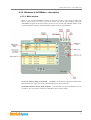
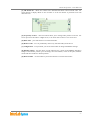
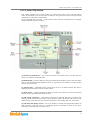
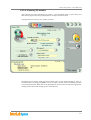
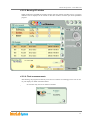
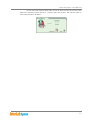
Configuration screen has six overlaps (described in next paragraphs of this document):
Print options (paragraph 2.10.1)
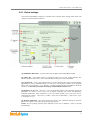
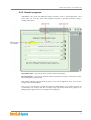
Global settings (paragraph 2.10.2)
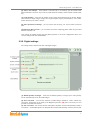
Digital settings (paragraph 2.10.3)
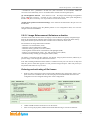
Graphic programs (paragraph 2.10.5)
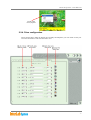
Drive configuration (paragraph 2.10.6)
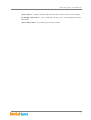
Hot Folder (rozdział 2.10.5)
69