1
I N T R O D U C T I O N
T O
T H E
S O F T W A R E
T O O L S
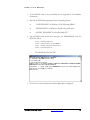
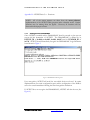
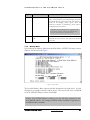
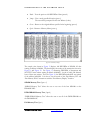
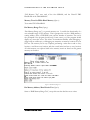
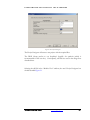
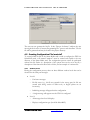
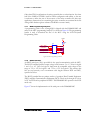
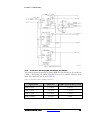
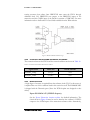
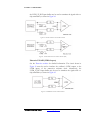
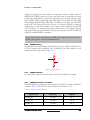
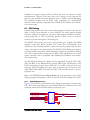
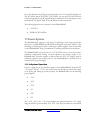
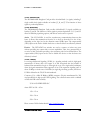
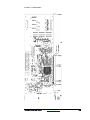
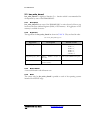
Figure 10 - Memory Write/Read DWORD
Figure 10 shows a write/read of the DWORD 0x54fedcba from address 0x200000 of
SSRAM #2.
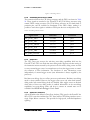
Bar Memory Fill (Opt: 4)
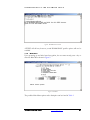
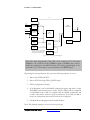
“Bar Memory Fill” enables to user to fill a region of PCI memory space with a data
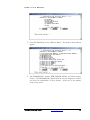
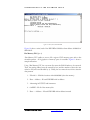
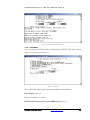
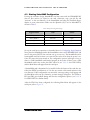
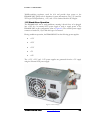
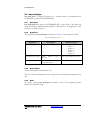
selectable pattern. All 4 gigabytes of memory space is accessible. Figure 11 shows a
sample transaction.
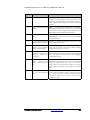
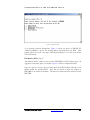
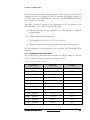
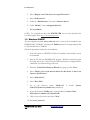
Using “Bar Memory Fill”, the user must first enter the BAR Number to be accessed.
Then, the starting address must be entered (in hex) and the number of bytes the user
wishes to fill (in hex and divisible by 4). Finally, the user must choose from a selection
data patterns:
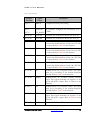
1. Fill with 0 – fill all the locations with 0x00000000 (clear the memory)
2. Data = Address – fill each DWORD with its address
3. Alternating 0x55555555 and 0xaaaaaaaa
4. 0xffffffff – fill all of the memory bits
5. Data = ~Address – fill each DWORD with its address inverted
DN6000K10SC User Guide
www.dinigroup.com
34