1
P R O G R A M M I N G / C O N F I G U R I N G
T H E
H A R D W A R E
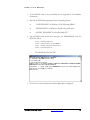
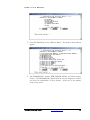
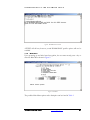
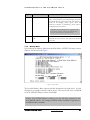
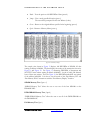
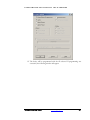
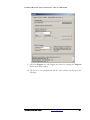
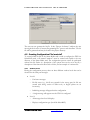
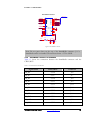
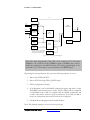
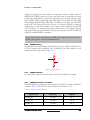
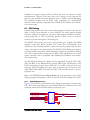
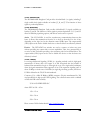
9. Select the Program tab and program the device by selecting the Program
button in the Flash window.
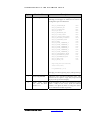
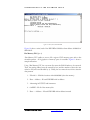
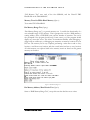
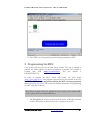
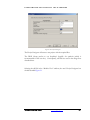
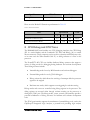
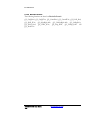
10. The device is now programmed and the status window should report the
following:
DN6000K10SC User Guide
www.dinigroup.com
49