1
NETGEAR 8800 Chassis Switch CLI Manual
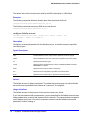
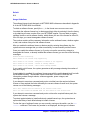
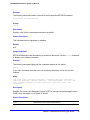
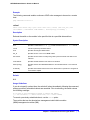
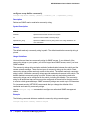
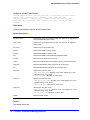
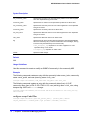
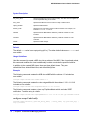
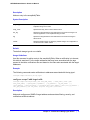
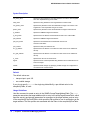
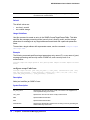
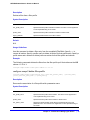
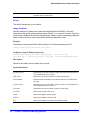
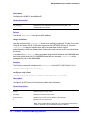
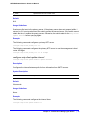
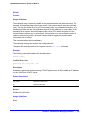
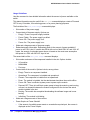
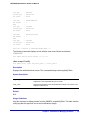
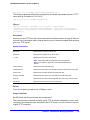
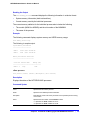
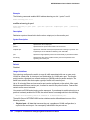
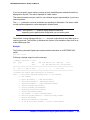
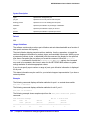
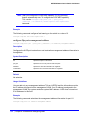
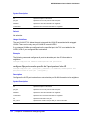
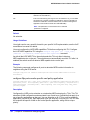
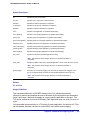
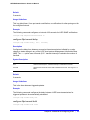
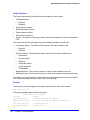
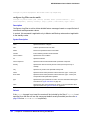
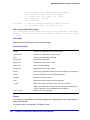
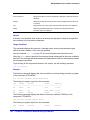
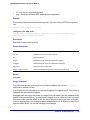
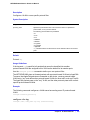
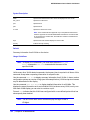
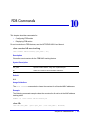
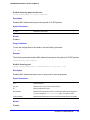
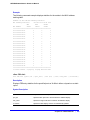
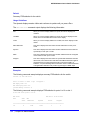
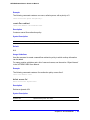
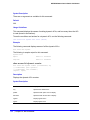
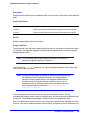
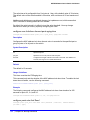
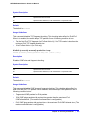
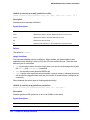
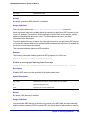
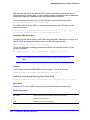
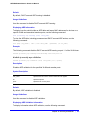
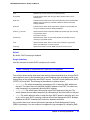
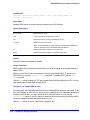
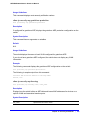
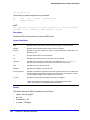
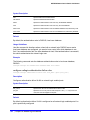
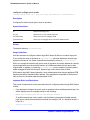
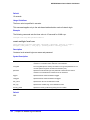
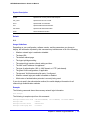
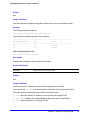
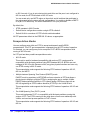
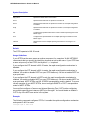
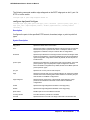
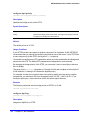
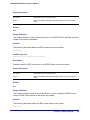
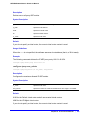
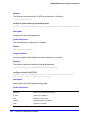
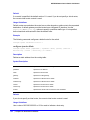
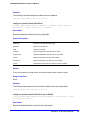
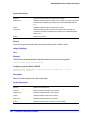
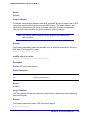
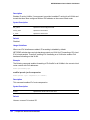
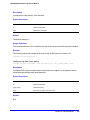
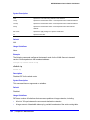
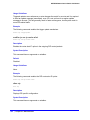
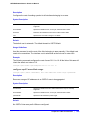
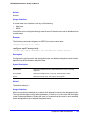
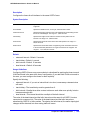
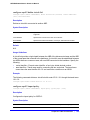
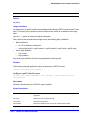
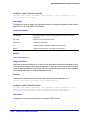
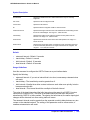
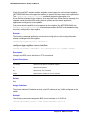
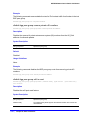
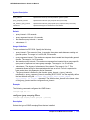
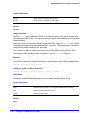
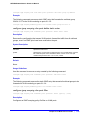
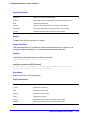
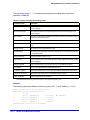
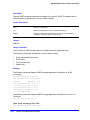
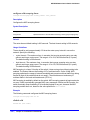
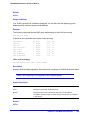
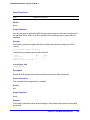
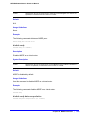
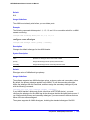
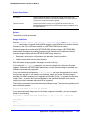
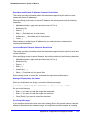
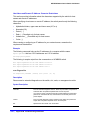
Syntax Description
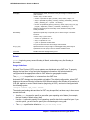
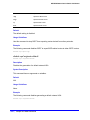
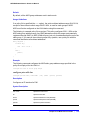
mac
Specifies the MAC address to add.
mask
Specifies the number of bits to use for the mask.
default
Specifies the default entry.
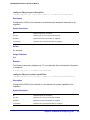
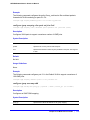
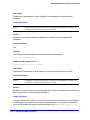
encrypted
Used to display encrypted form of password in configuration files. Do not use.
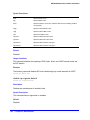
password
Specifies the password to send for authentication.
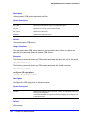
ports
Specifies the port or port list to use for authentication.
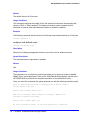
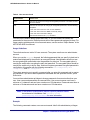
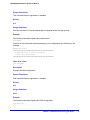
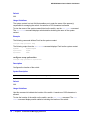
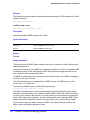
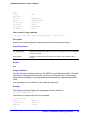
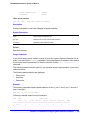
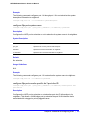
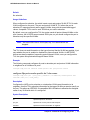
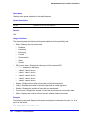
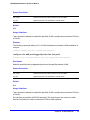
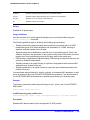
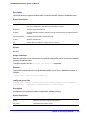
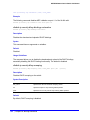
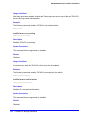
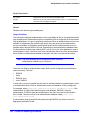
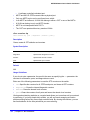
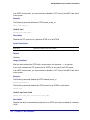
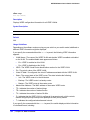
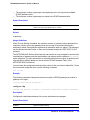
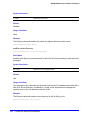
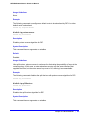
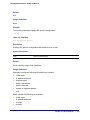
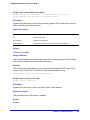
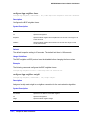
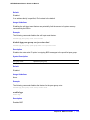
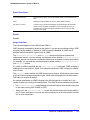
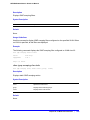
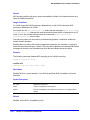
Default
If no password is specified, the MAC address will be used.
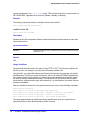
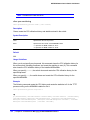
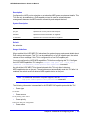
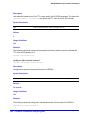
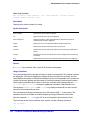
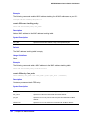
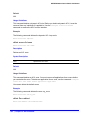
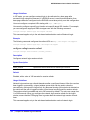
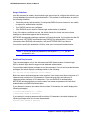
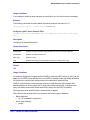
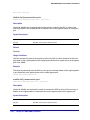
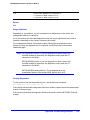
Usage Guidelines
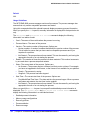
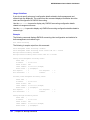
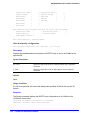
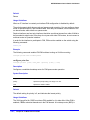
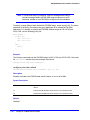
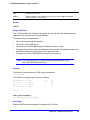
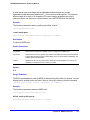
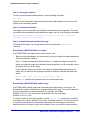
Use this command to add an entry to the MAC address list used for MAC-based network
login.
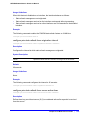
If no match is found in the table of MAC entries, and a default entry exists, the default will be
used to authenticate the client. All entries in the list are automatically sorted in longest prefix
order.
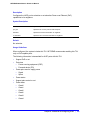
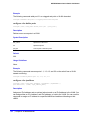
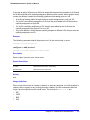
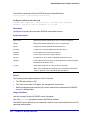
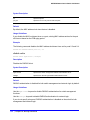
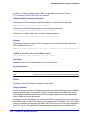
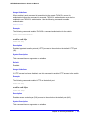
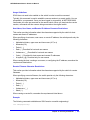
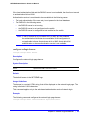
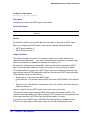
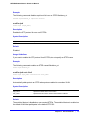
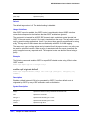
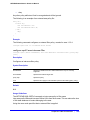
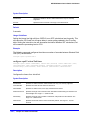
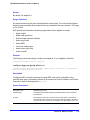
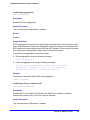
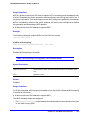
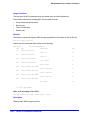
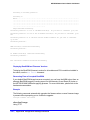
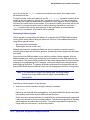
Associating a MAC Address to a Port
You can configure the switch to accept and authenticate a client with a specific MAC address.
Only MAC addresses that have a match for the specific ports are sent for authentication. For
example, if you associate a MAC address with one or more ports, only authentication
requests for that MAC addresses received on the port(s) are sent to the RADIUS server. The
port(s) block all other authentication requests that do not have a matching entry. This is also
known as secure MAC.
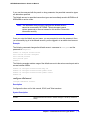
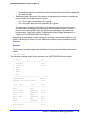
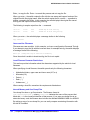
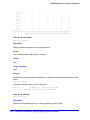
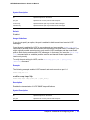
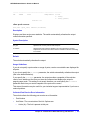
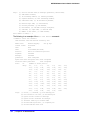
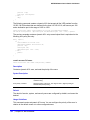
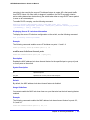
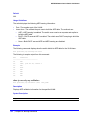
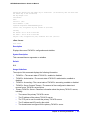
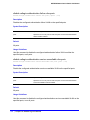
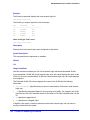
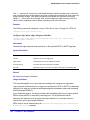
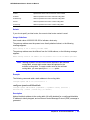
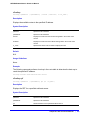
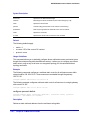
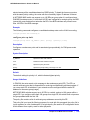
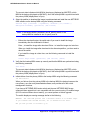
To associate a MAC address with one or more ports, specify the ports option when using the
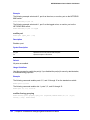
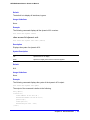
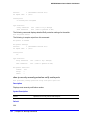
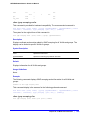
configure netlogin add mac-list [<mac> {<mask>} | default] {encrypted} {<password>}
{ports <port_list>} command.
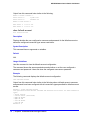
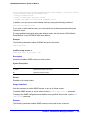
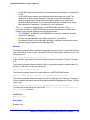
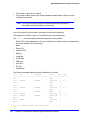
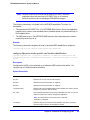
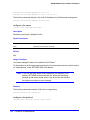
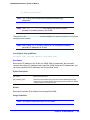
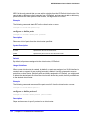
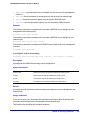
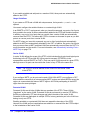
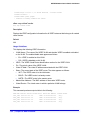
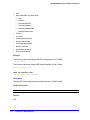
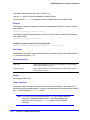
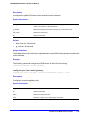
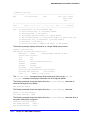
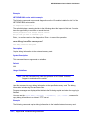
You must enable MAC-based network login on the switch and the specified ports before
using this command. If MAC-based network login is not enabled on the specified port(s), the
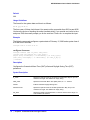
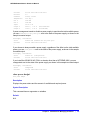
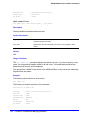
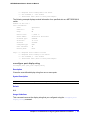
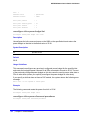
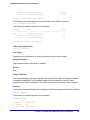
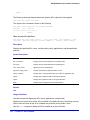
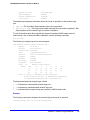
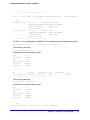
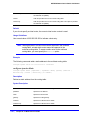
switch displays a warning message similar to the following:
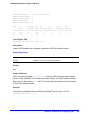
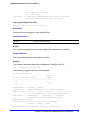
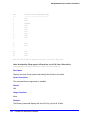
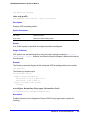
WARNING: Not all specified ports have MAC-Based NetLogin enabled.
If this occurs, make sure to enable MAC-based network login.
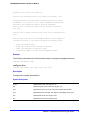
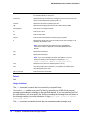
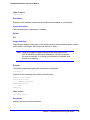
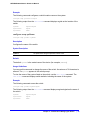
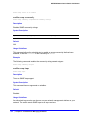
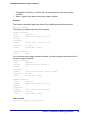
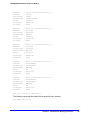
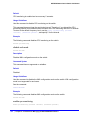
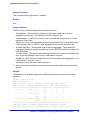
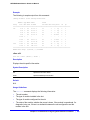
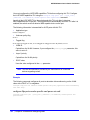
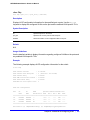
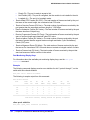
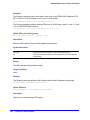
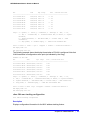
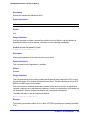
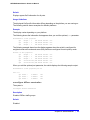
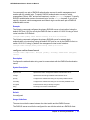
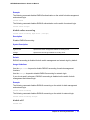
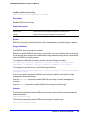
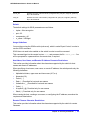
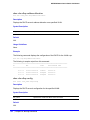
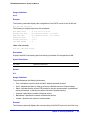
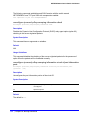
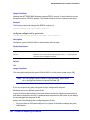
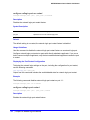
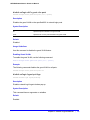
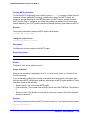
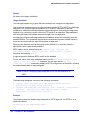
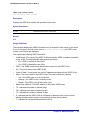
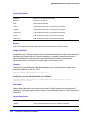
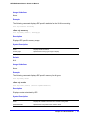
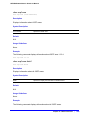
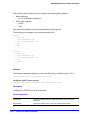
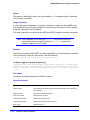
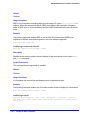
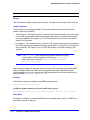
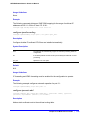
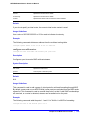
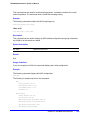
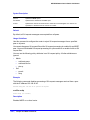
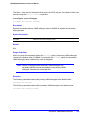
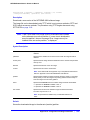
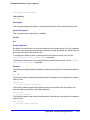
Example
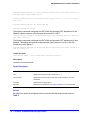
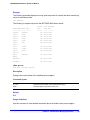
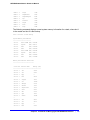
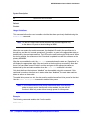
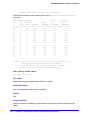
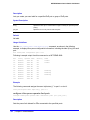
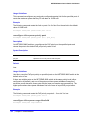
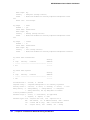
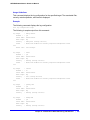
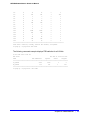
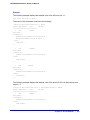
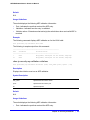
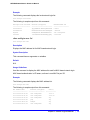
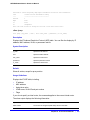
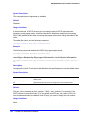
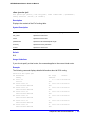
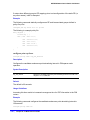
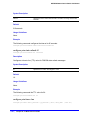
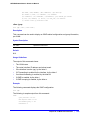
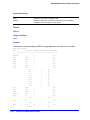
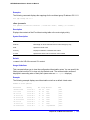
The following command adds the MAC address 10:20:30:40:50:60 with the password foo to
the list:
configure netlogin add mac-list 10:20:30:40:50:60 password foo
Chapter 16. Network Login Commands
|
681