1
NETGEAR 8800 Chassis Switch CLI Manual
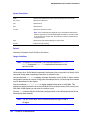
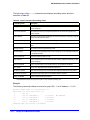
Default
N/A.
Usage Guidelines
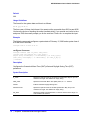
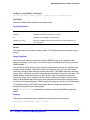
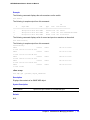
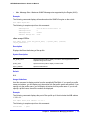
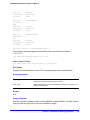
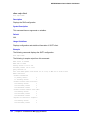
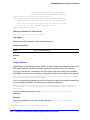
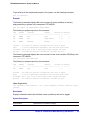
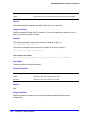
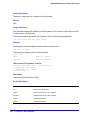
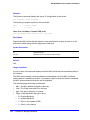
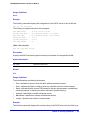
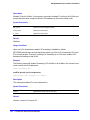
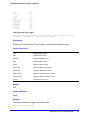
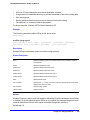
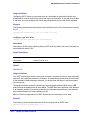
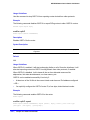
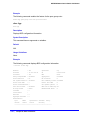
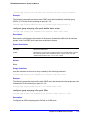
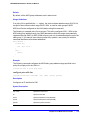
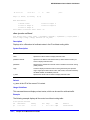
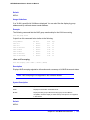
This command power cycles the specified ports. Ports are immediately disabled and then
re-enabled, allowing remote PDs to be power-cycled.
This command affects only inline power; it does not affect network connectivity for the port(s).
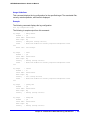
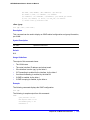
Example
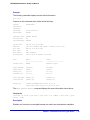
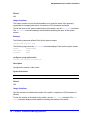
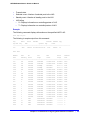
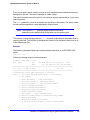
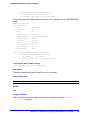
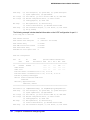
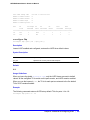
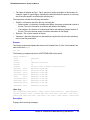
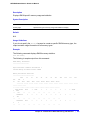
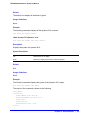
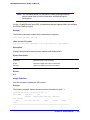
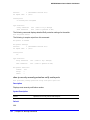
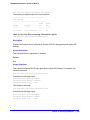
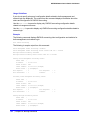
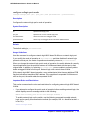
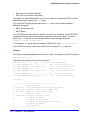
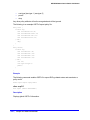
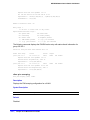
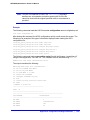
The following command resets power for port 4 on slot 3 on the switch:
reset inline-power ports 3:4
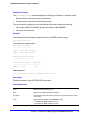
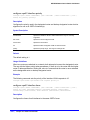
show inline-power
show inline-power
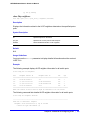
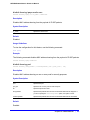
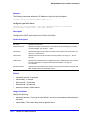
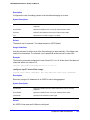
Description
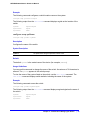
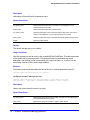
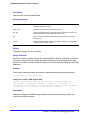
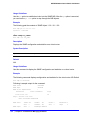
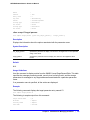
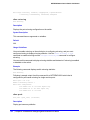
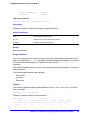
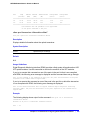
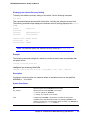
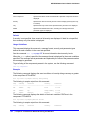
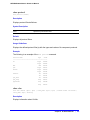
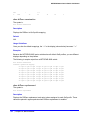
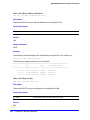
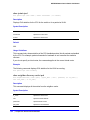
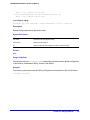
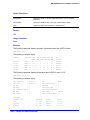
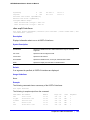
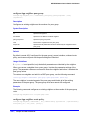
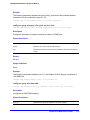
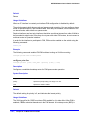
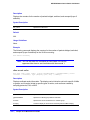
Displays inline power status information for the specified PoE switch.
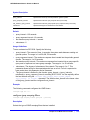
Syntax Description
This command has no arguments or variables.
Default
N/A.
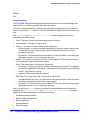
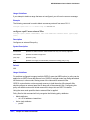
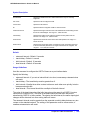
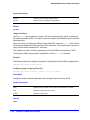
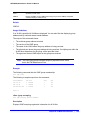
Usage Guidelines
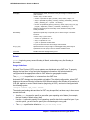
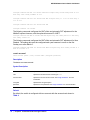
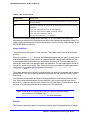
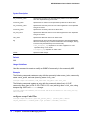
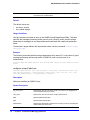
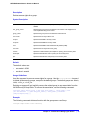
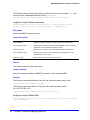
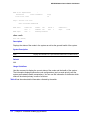
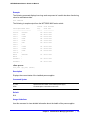
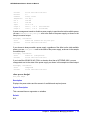
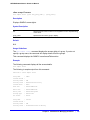
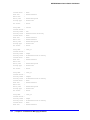
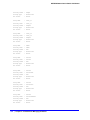
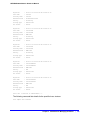
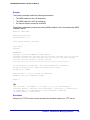
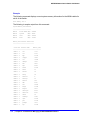
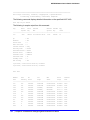
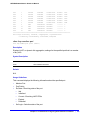
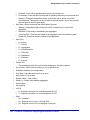
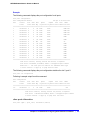
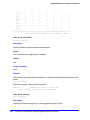
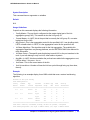
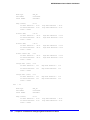
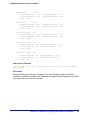
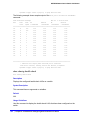
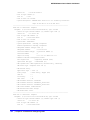
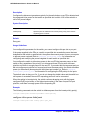
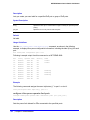
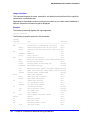
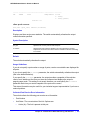
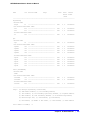
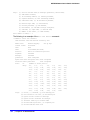
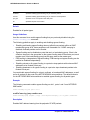
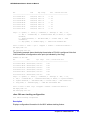
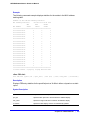
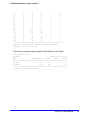
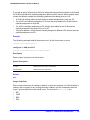
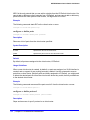
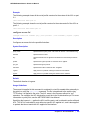
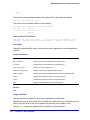
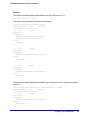
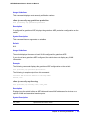
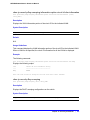
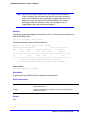
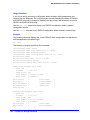
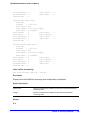
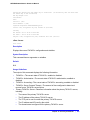
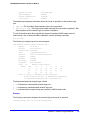
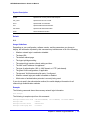
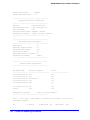
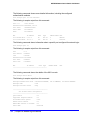
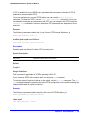
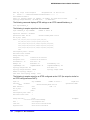
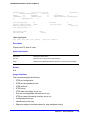
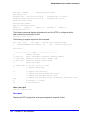
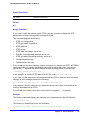
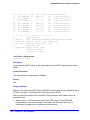
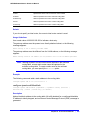
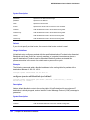
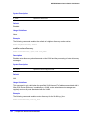
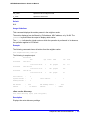
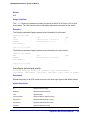
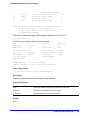
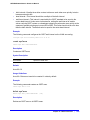
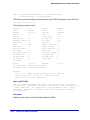
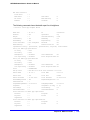
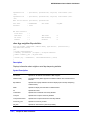
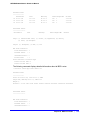
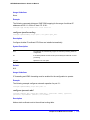
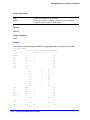
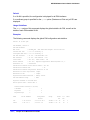
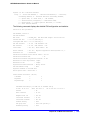
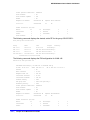
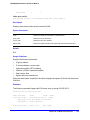
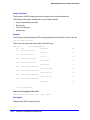
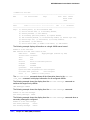
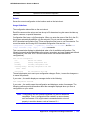
The output varies depending on the PoE device you are using.
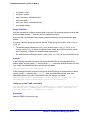
•
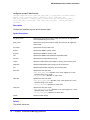
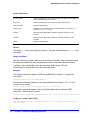
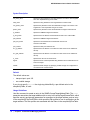
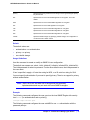
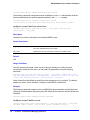
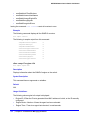
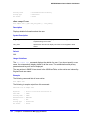
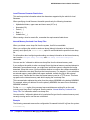
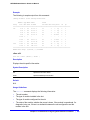
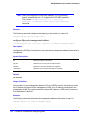
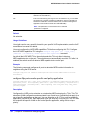
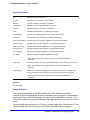
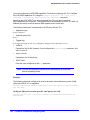
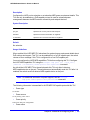
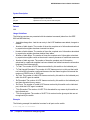
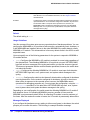
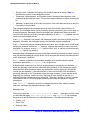
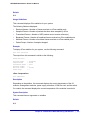
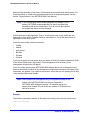
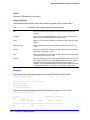
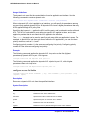
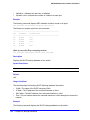
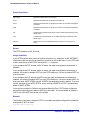
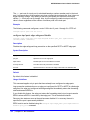
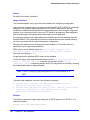
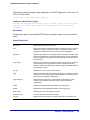
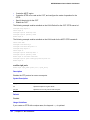
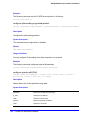
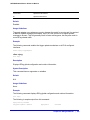
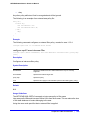
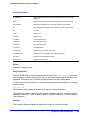
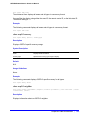
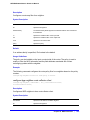
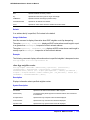
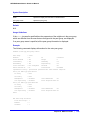
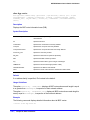
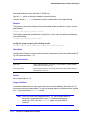
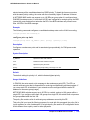
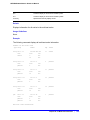
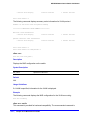
Inline power status—The status of inline power. The status conditions are:
•
Enabled
•
Disabled
•
Power usage threshold
•
Disconnect precedence
•
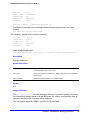
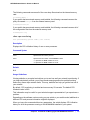
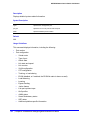
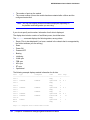
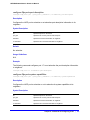
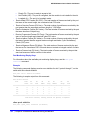
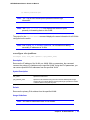
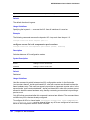
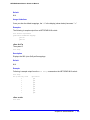
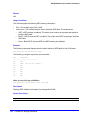
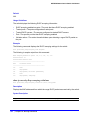
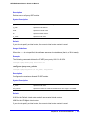
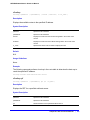
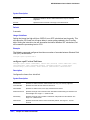
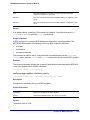
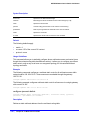
Firmware status—The operational status of the slot. The status conditions are:
•
•
Operational
•
Not operational
•
Disabled
•
Subsystem failure
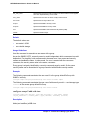
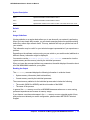
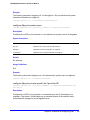
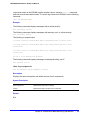
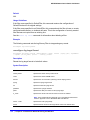
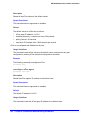
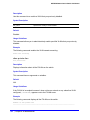
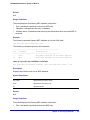
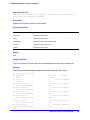
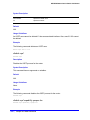
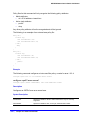
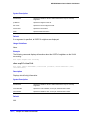
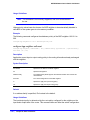
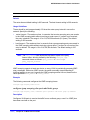
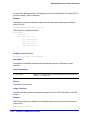
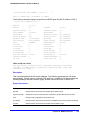
Measured power—The amount of power, in watts, that currently being used by the switch.
316 | Chapter 7. PoE Commands