1
NETGEAR 8800 Chassis Switch CLI Manual
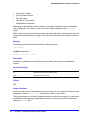
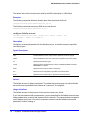
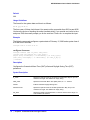
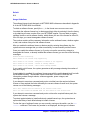
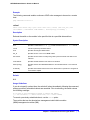
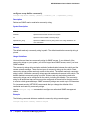
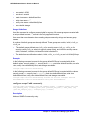
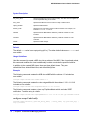
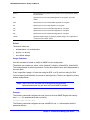
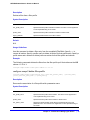
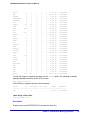
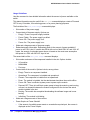
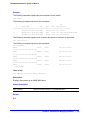
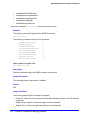
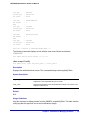
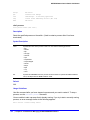
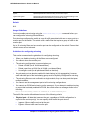
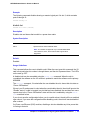
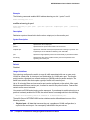
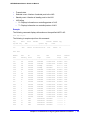
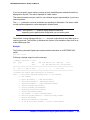
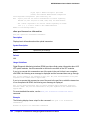
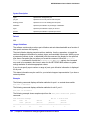
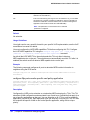
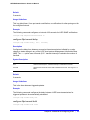
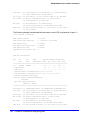
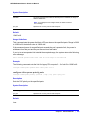
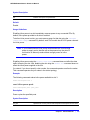
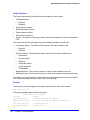
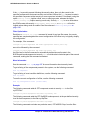
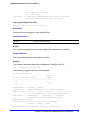
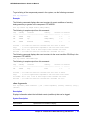
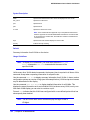
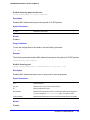
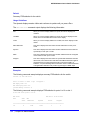
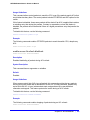
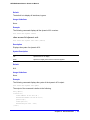
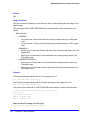
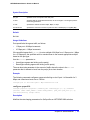
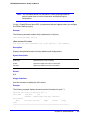
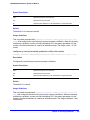
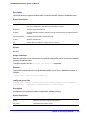
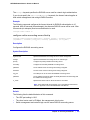
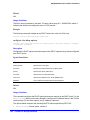
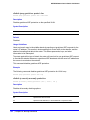
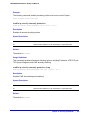
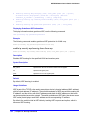
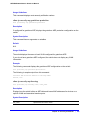
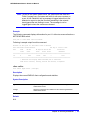
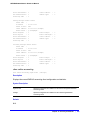
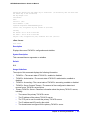
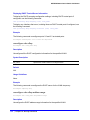
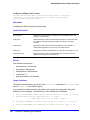
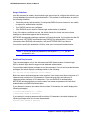
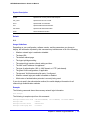
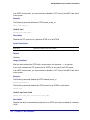
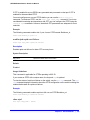
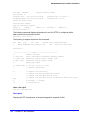
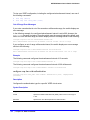
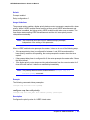
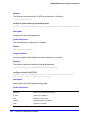
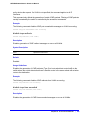
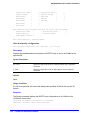
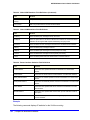
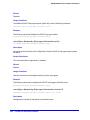
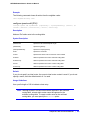
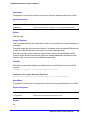
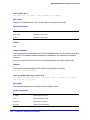
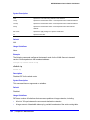
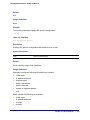
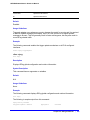
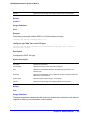
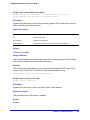
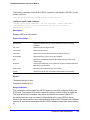
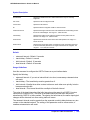
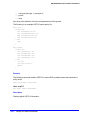
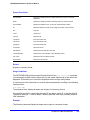
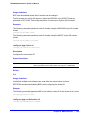
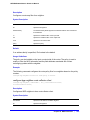
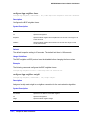
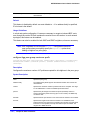
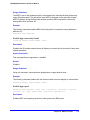
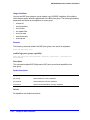
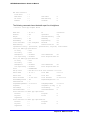
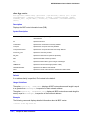
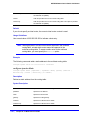
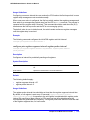
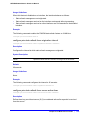
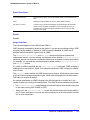
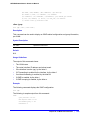
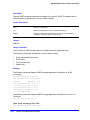
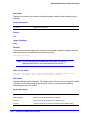
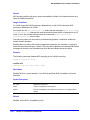
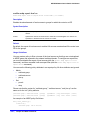
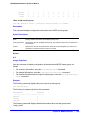
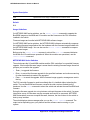
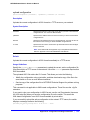
Used: 3
Available: 12
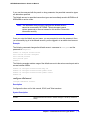
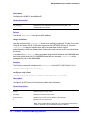
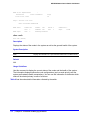
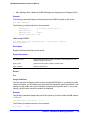
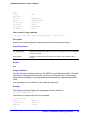
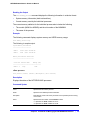
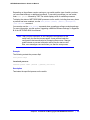
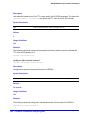
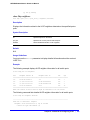
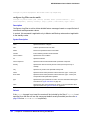
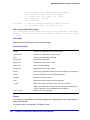
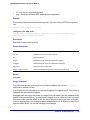
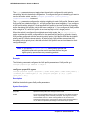
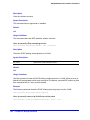
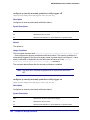
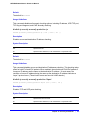
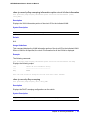
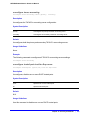
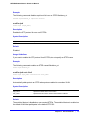
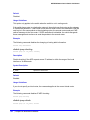
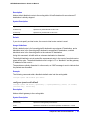
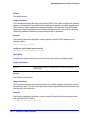
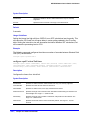
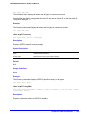
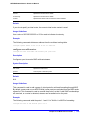
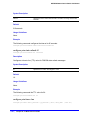
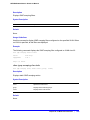
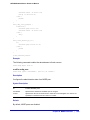
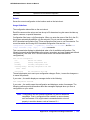
show access-list usage acl-range port
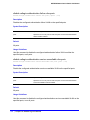
show access-list usage acl-range port <port>
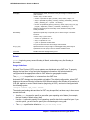
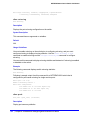
Description
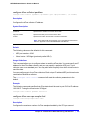
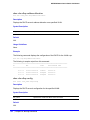
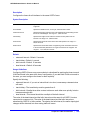
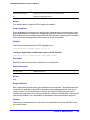
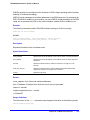
Displays the number of Layer 4 port ranges consumed by the ACLs on the slices that support
a particular port.
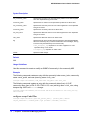
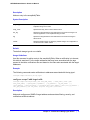
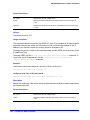
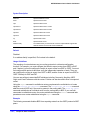
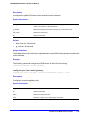
Syntax Description
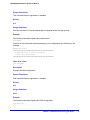
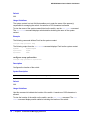
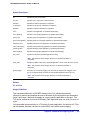
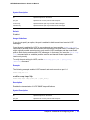
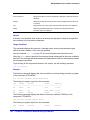
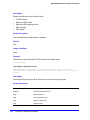
port
Specifies to display the usage for the slices that support this port.
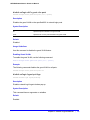
Default
N/A.
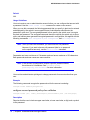
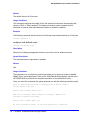
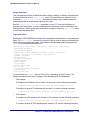
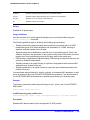
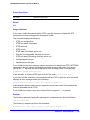
Usage Guidelines
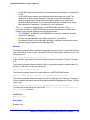
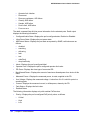
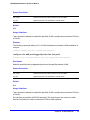
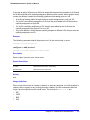
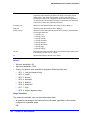
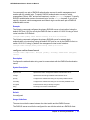
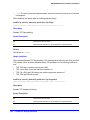
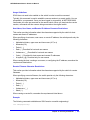
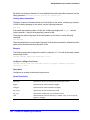
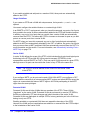
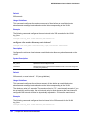
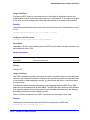
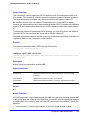
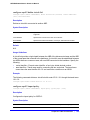
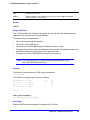
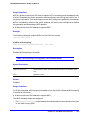
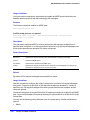
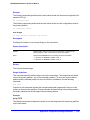
The NETGEAR 8800 switches can support a total of 16 Layer 4 port ranges among the slices
that support each group of 24 ports.
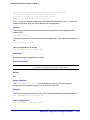
Use this command to display how many of these Layer 4 ranges are currently consumed by
the ACLs on the slices that support a particular port. The output of this command also
displays which ports share the same slices as the specified port.
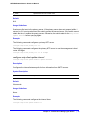
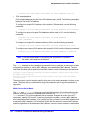
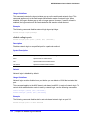
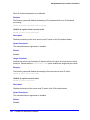
Example
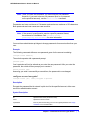
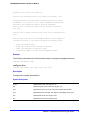
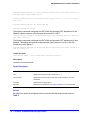
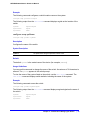
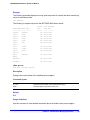
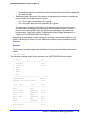
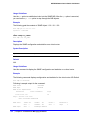
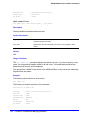
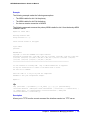
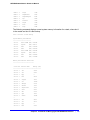
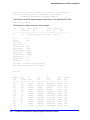
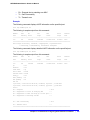
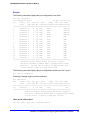
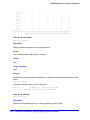
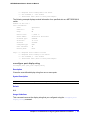
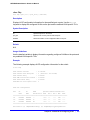
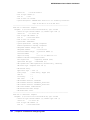
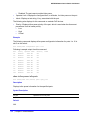
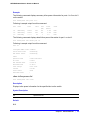
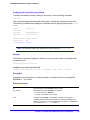
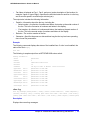
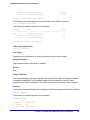
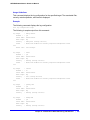
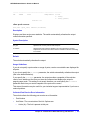
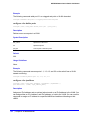
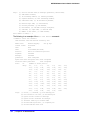
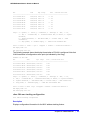
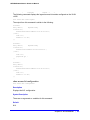
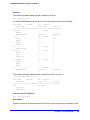
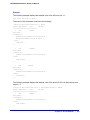
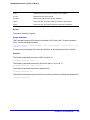
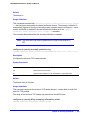
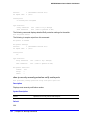
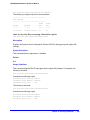
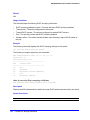
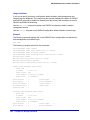
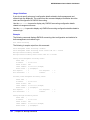
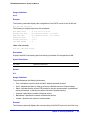
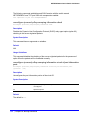
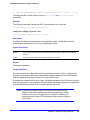
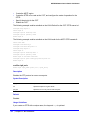
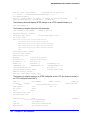
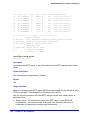
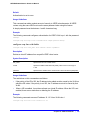
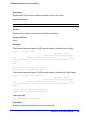
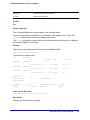
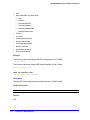
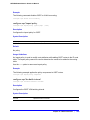
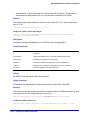
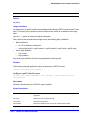
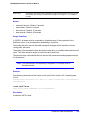
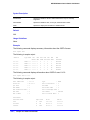
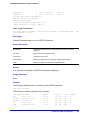
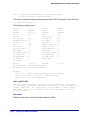
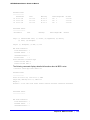
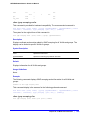
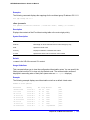
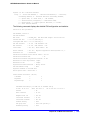
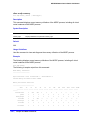
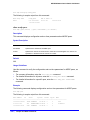
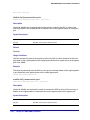
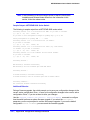
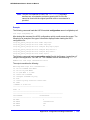
The following example displays the Layer 4 range usage on port 9:1:
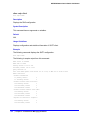
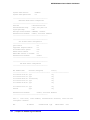
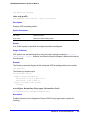
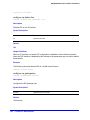
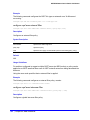
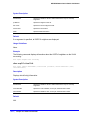
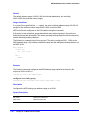
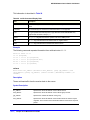
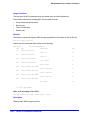
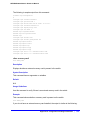
show access-list usage acl-range port 9:1
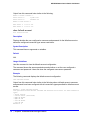
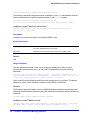
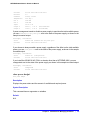
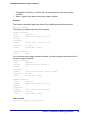
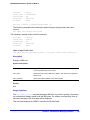
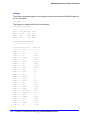
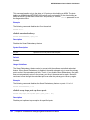
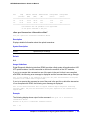
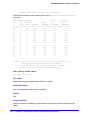
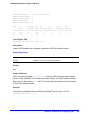
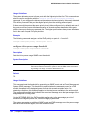
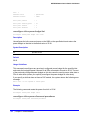
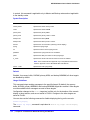
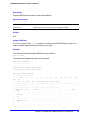
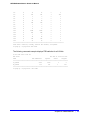
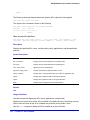
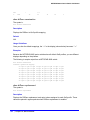
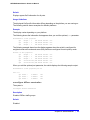
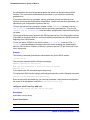
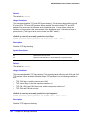
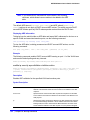
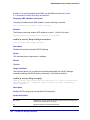
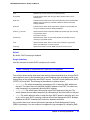
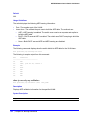
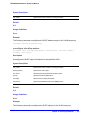
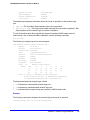
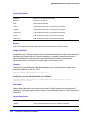
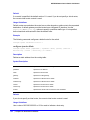
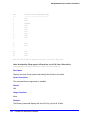
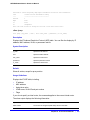
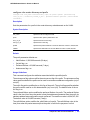
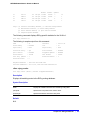
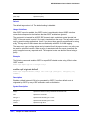
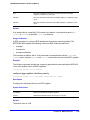
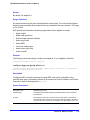
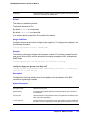
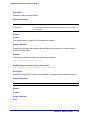
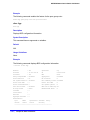
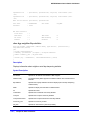
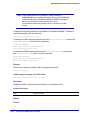
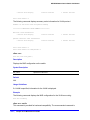
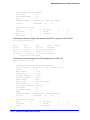
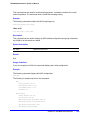
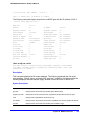
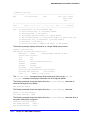
The output of this command is similar to the following:
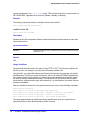
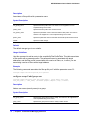
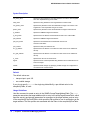
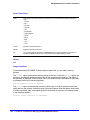
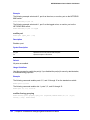
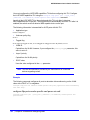
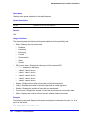
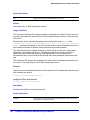
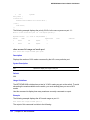
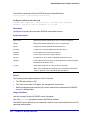
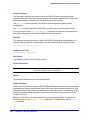
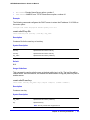
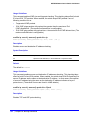
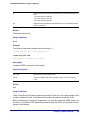
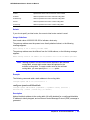
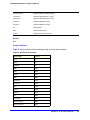
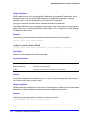
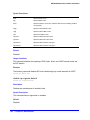
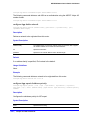
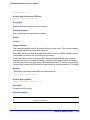
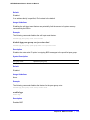
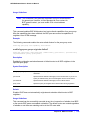
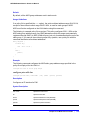
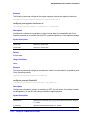
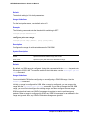
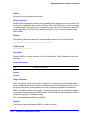
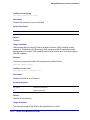
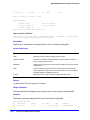
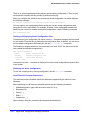
Ports 9:1-9:12, 9:25-9:36
L4 Port Ranges:
Used: 4
Available: 12
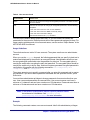
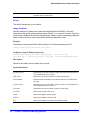
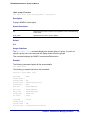
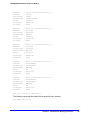
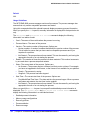
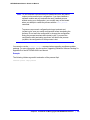
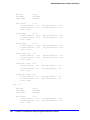
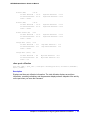
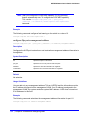
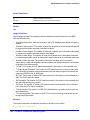
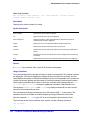
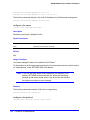
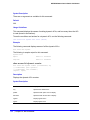
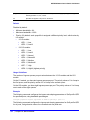
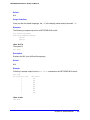
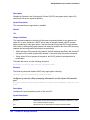
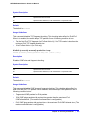
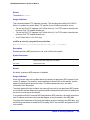
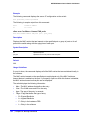
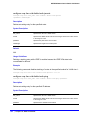
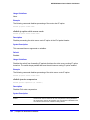
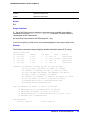
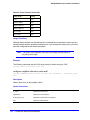
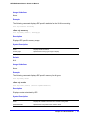
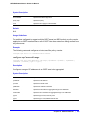
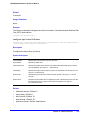
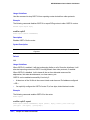
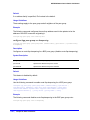
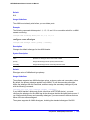
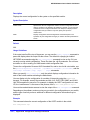
show access-list usage acl-rule port
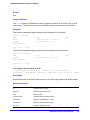
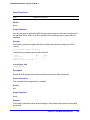
show access-list usage acl-rule port <port>
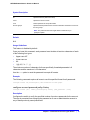
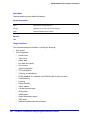
Description
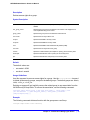
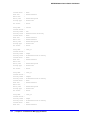
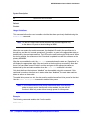
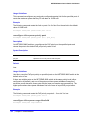
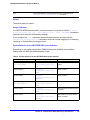
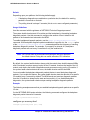
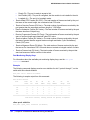
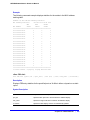
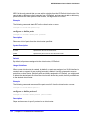
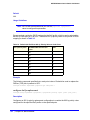
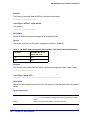
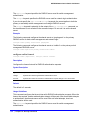
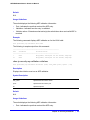
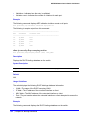
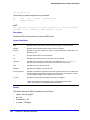
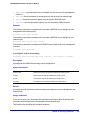
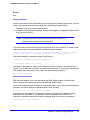
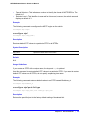
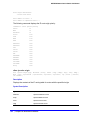
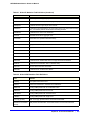
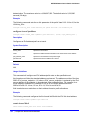
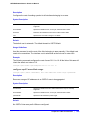
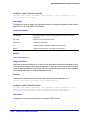
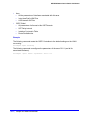
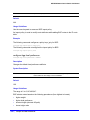
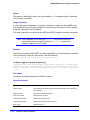
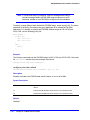
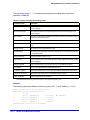
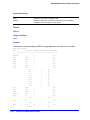
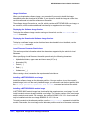
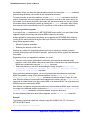
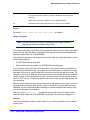
Displays the number of ACL rules consumed by the ACLs on a particular port or on the slices
that support a particular port.
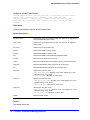
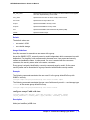
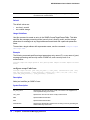
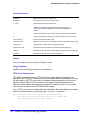
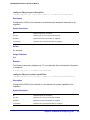
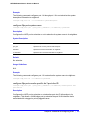
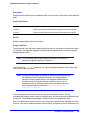
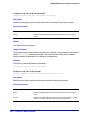
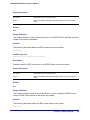
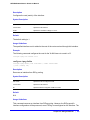
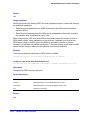
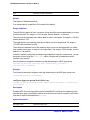
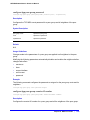
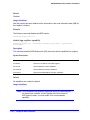
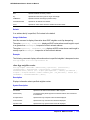
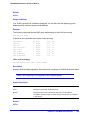
Syntax Description
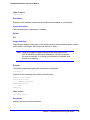
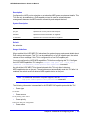
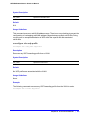
port
Specifies to display the usage on this port.
Chapter 13. ACL Commands
|
515