1
NETGEAR 8800 Chassis Switch CLI Manual
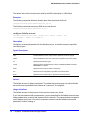
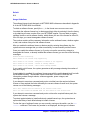
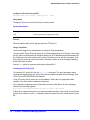
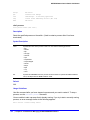
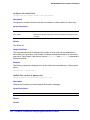
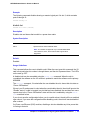
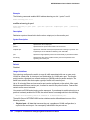
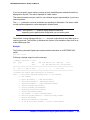
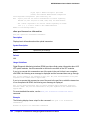
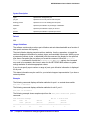
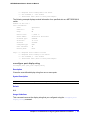
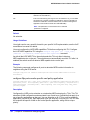
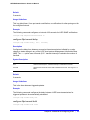
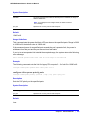
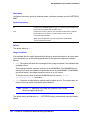
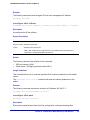
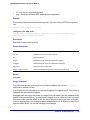
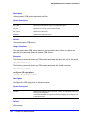
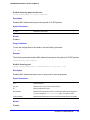
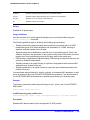
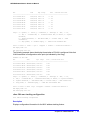
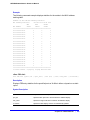
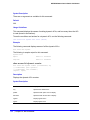
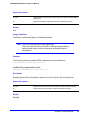
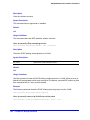
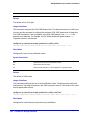
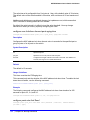
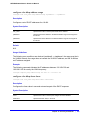
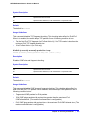
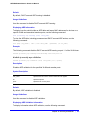
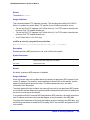
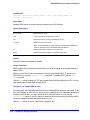
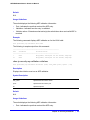
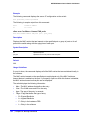
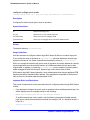
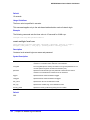
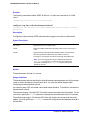
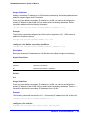
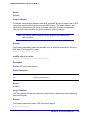
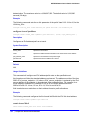
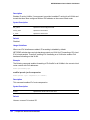
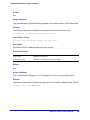
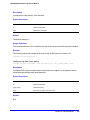
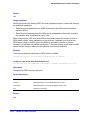
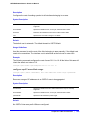
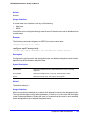
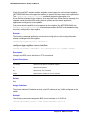
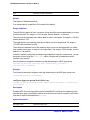
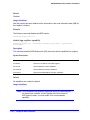
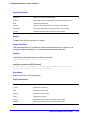
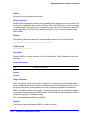
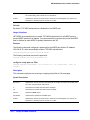
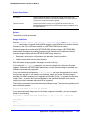
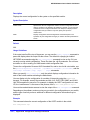
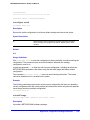
Default
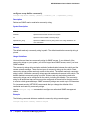
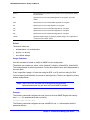
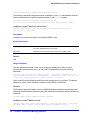
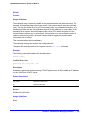
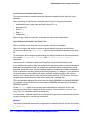
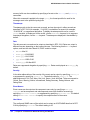
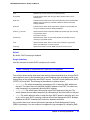
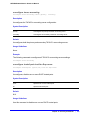
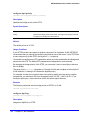
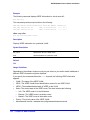
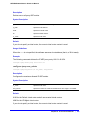
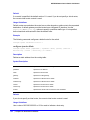
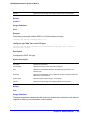
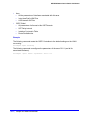
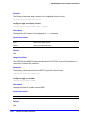
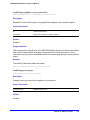
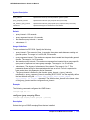
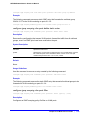
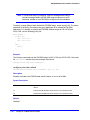
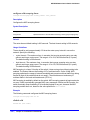
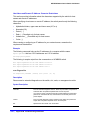
30,000 milliseconds.
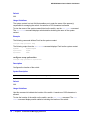
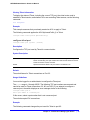
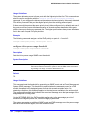
Usage Guidelines
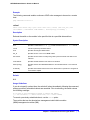
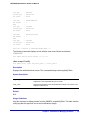
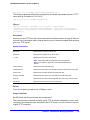
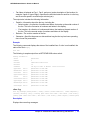
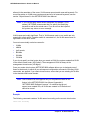
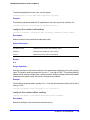
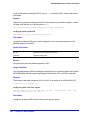
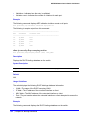
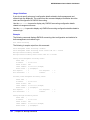
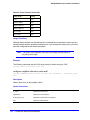
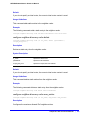
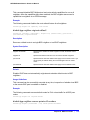
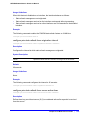
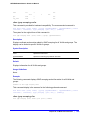
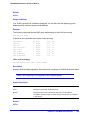
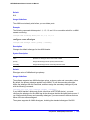
The reachable time is the time, in milliseconds, that a node assumes a neighbor is reachable
after having received a reachability confirmation. A value of 0 means the time is unspecified
by this router. The maximum value is 3,600,000 (1 hour).
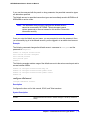
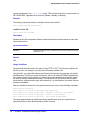
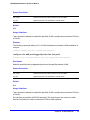
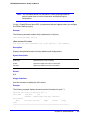
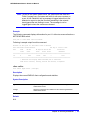
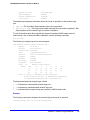
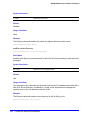
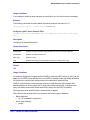
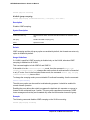
Example
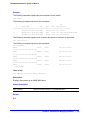
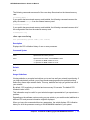
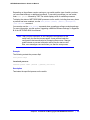
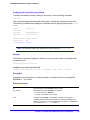
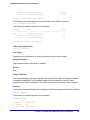
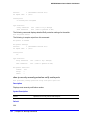
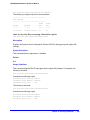
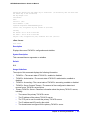
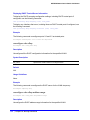
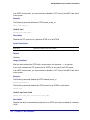
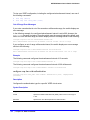
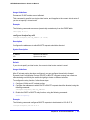
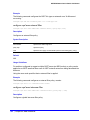
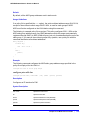
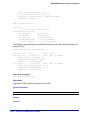
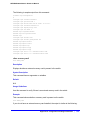
The following command configures the reachable time to be 3,600,000 milliseconds for the
VLAN top_floor:
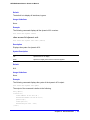
configure vlan top_floor router-discovery reachable-time 3600000
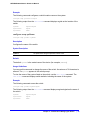
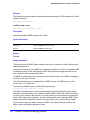
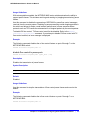
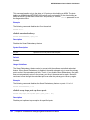
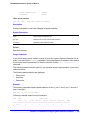
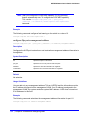
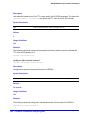
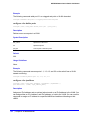
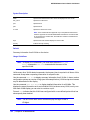
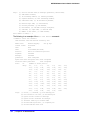
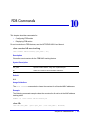
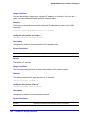
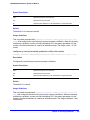
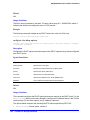
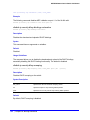
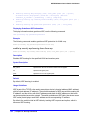
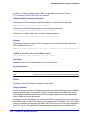
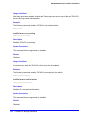
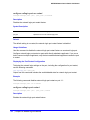
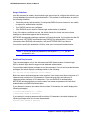
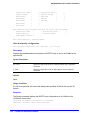
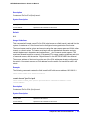
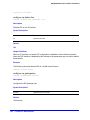
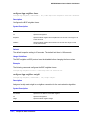
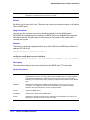
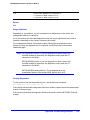
configure vlan router-discovery retransmit-time
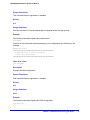
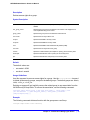
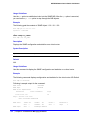
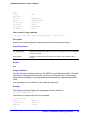
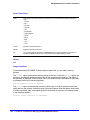
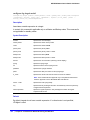
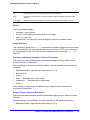
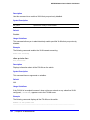
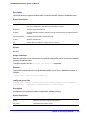
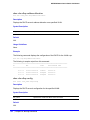
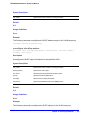
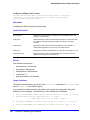
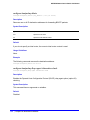
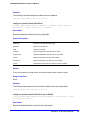
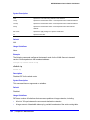
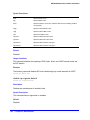
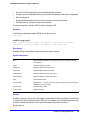
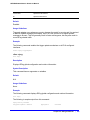
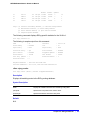
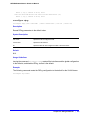
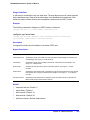
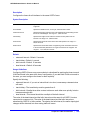
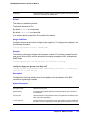
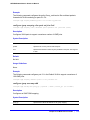
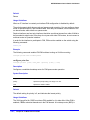
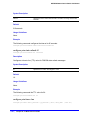
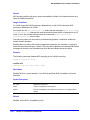
configure vlan <vlan_name> router-discovery {ipv6} retransmit-time <retransmittime>
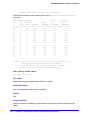
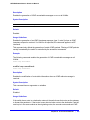
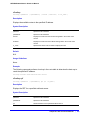
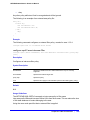
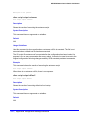
Description
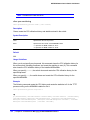
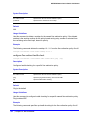
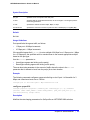
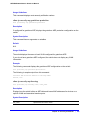
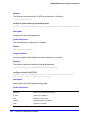
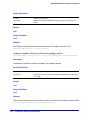
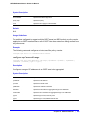
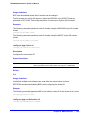
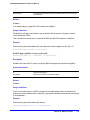
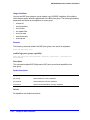
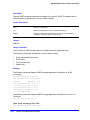
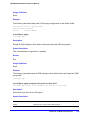
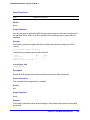
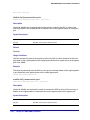
Configures the retransmit time value in router discovery advertisements on the VLAN.
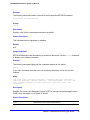
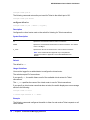
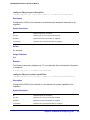
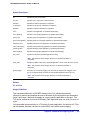
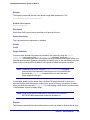
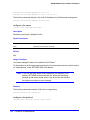
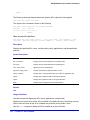
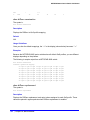
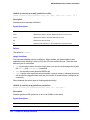
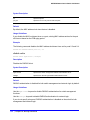
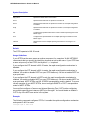
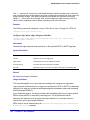
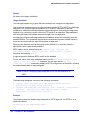
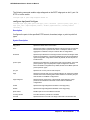
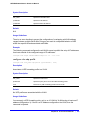
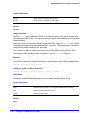
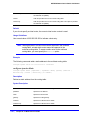
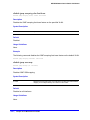
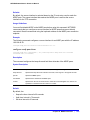
Syntax Description
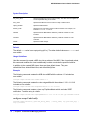
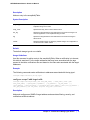
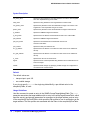
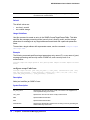
vlan_name
Specifies an IPv6 configured VLAN.
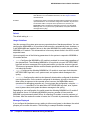
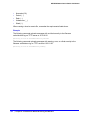
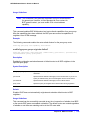
retransmittime
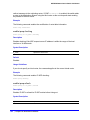
Specifies the reachable time value in advertisements, in milliseconds. Range
is 0 to 4,294,967,295 (approximately 50 days).
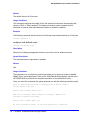
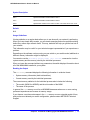
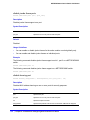
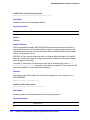
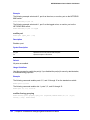
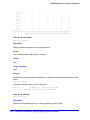
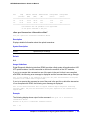
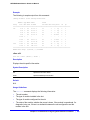
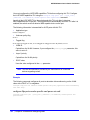
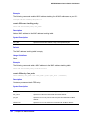
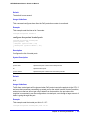
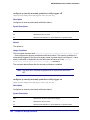
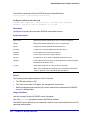
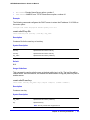
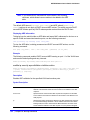
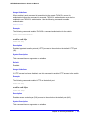
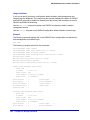
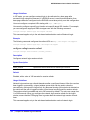
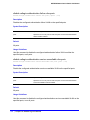
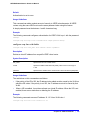
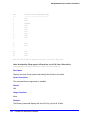
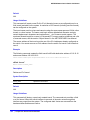
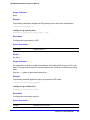
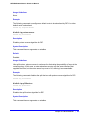
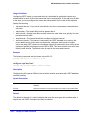
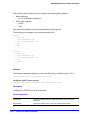
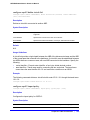
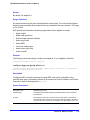
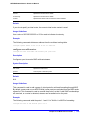
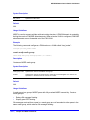
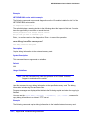
Default
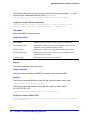
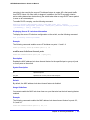
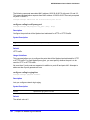
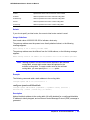
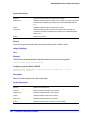
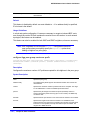
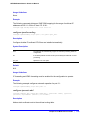
1,000 milliseconds.
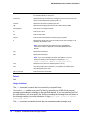
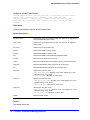
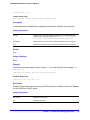
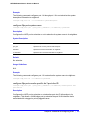
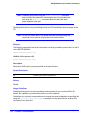
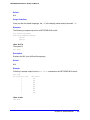
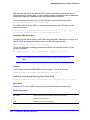
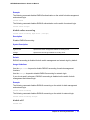
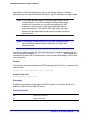
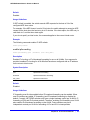
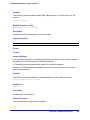
Usage Guidelines
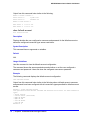
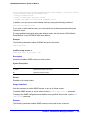
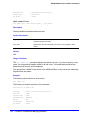
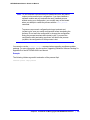
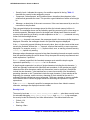
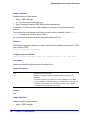
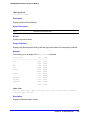
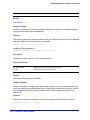
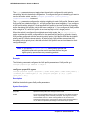
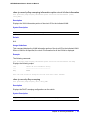
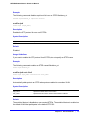
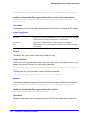
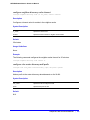
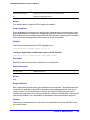
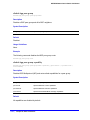
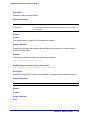
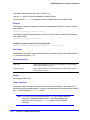
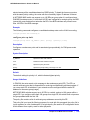
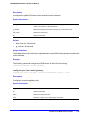
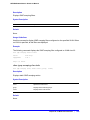
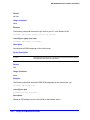
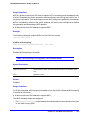
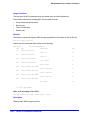
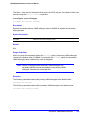
This command configures the retransmit time value in the router advertisement messages.
The retransmit time, in milliseconds, is the time between retransmitted neighbor solicitation
messages. A value of 0 means the value is unspecified by this router. The maximum value is
4,294,967,295.
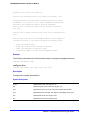
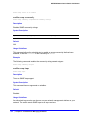
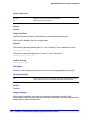
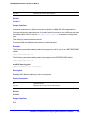
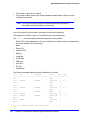
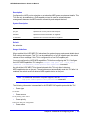
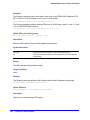
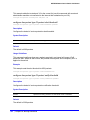
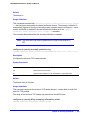
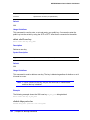
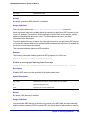
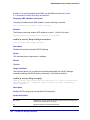
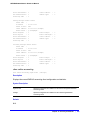
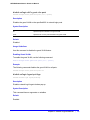
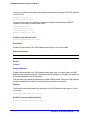
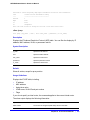
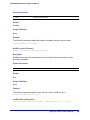
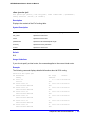
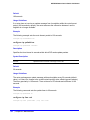
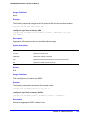
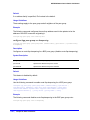
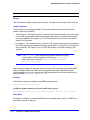
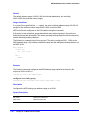
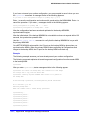
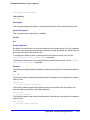
Example
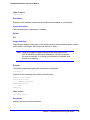
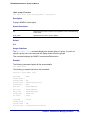
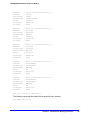
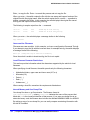
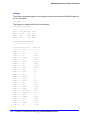
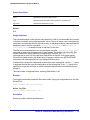
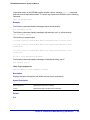
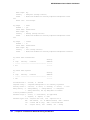
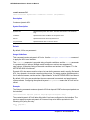
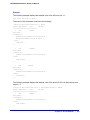
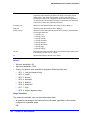
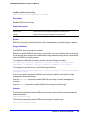
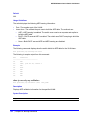
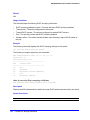
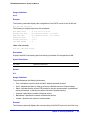
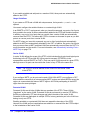
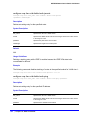
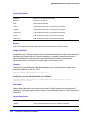
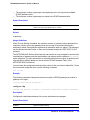
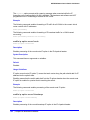
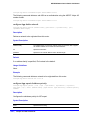
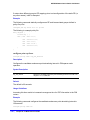
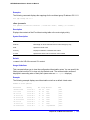
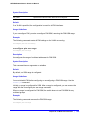
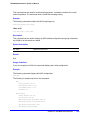
The following command configures the retransmit time to be 604,800,000 milliseconds (one
week) for the VLAN top_floor:
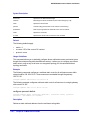
configure vlan top_floor router-discovery retransmit-time 604800000
922 | Chapter 20. IPv6 Unicast Commands