1
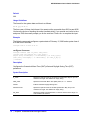
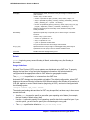
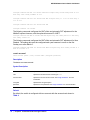
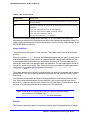
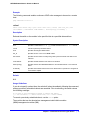
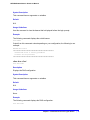
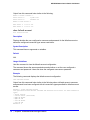
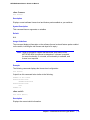
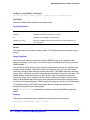
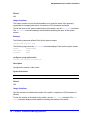
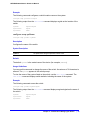
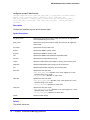
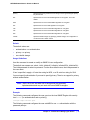
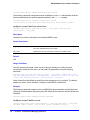
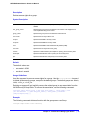
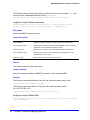
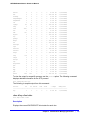
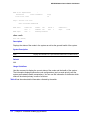
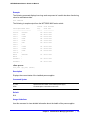
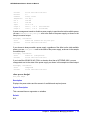
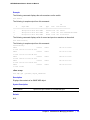
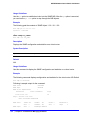
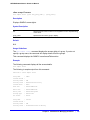
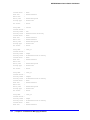
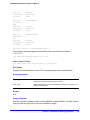
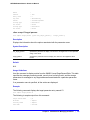
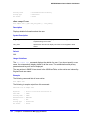
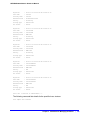
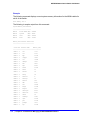
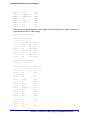
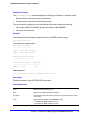
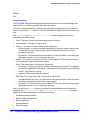
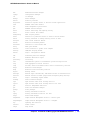
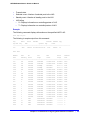
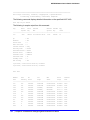
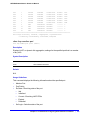
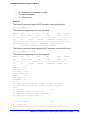
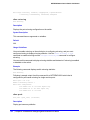
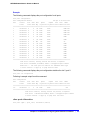
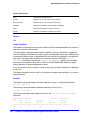
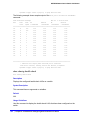
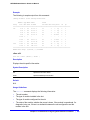
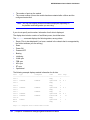
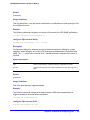
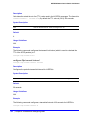
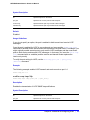
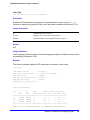
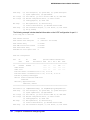
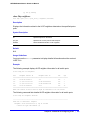
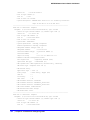
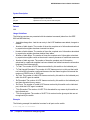
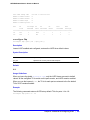
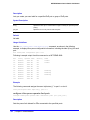
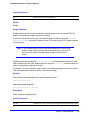
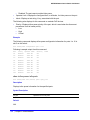
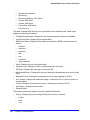
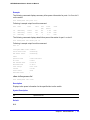
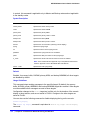
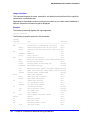
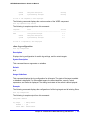
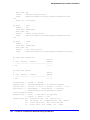
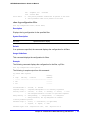
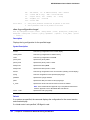
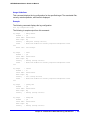
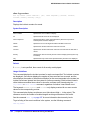
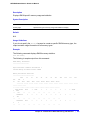
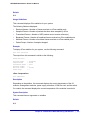
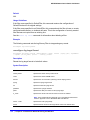
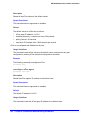
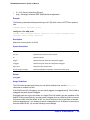
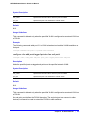
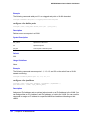
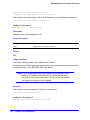
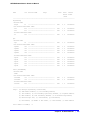
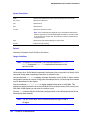
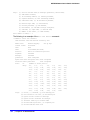
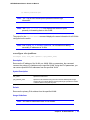
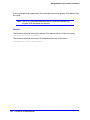
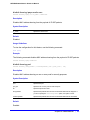
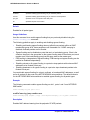
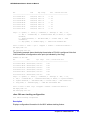
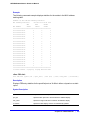
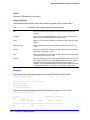
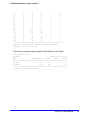
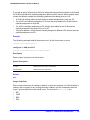
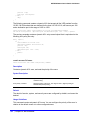
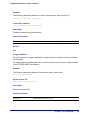
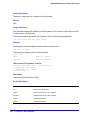
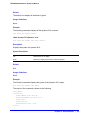
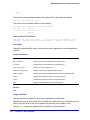
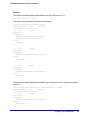
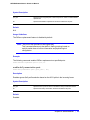
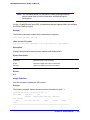
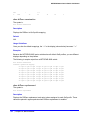
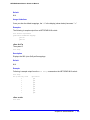
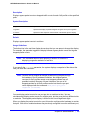
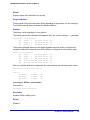
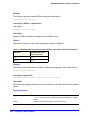
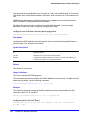
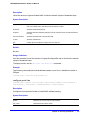
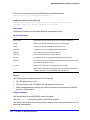
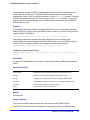
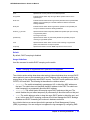
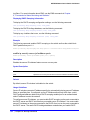
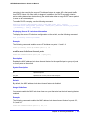
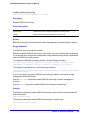
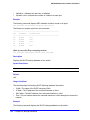
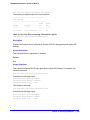
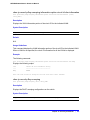
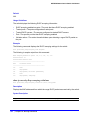
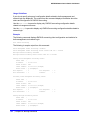
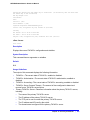
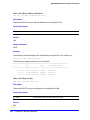
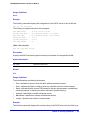
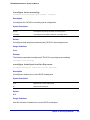
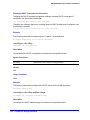
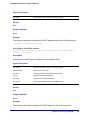
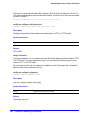
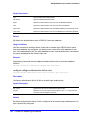
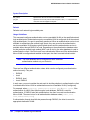
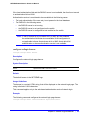
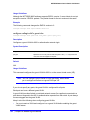
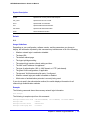
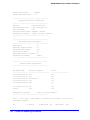
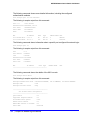
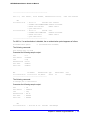
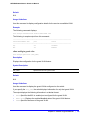
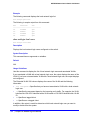
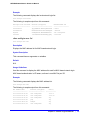
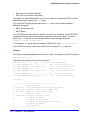
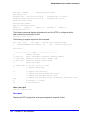
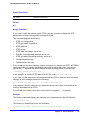
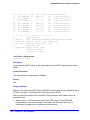
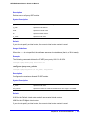
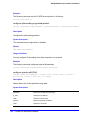
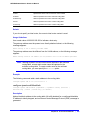
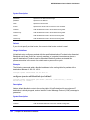
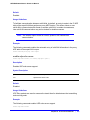
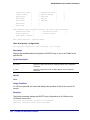
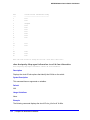
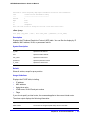
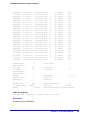
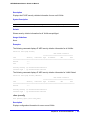
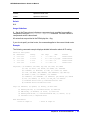
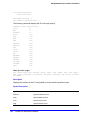
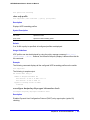
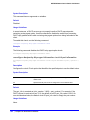
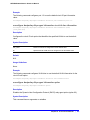
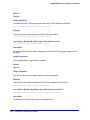
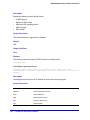
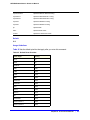
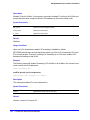
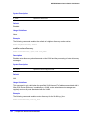
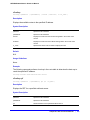
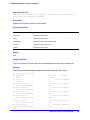
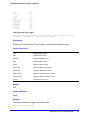
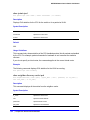
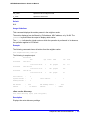
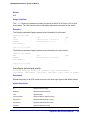
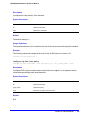
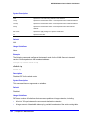
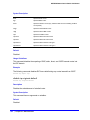
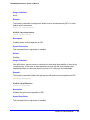
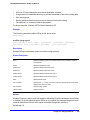
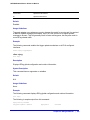
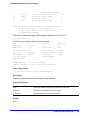
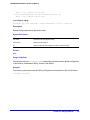
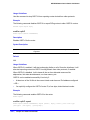
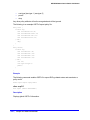
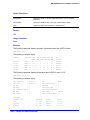
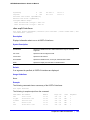
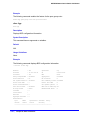
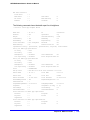
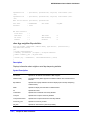
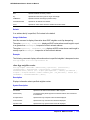
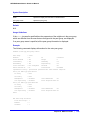
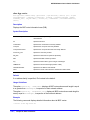
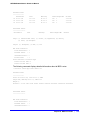
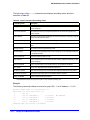
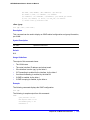
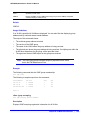
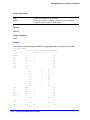
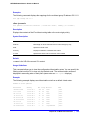
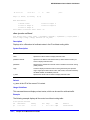
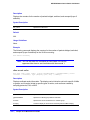
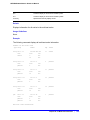
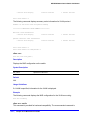
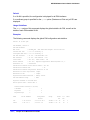
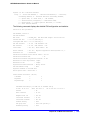
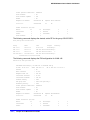
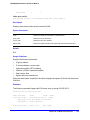
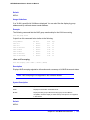
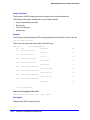
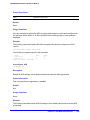
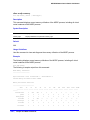
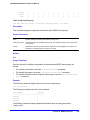
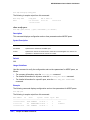
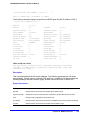
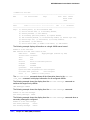
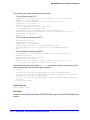
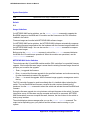
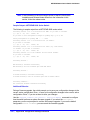
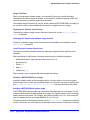
NETGEAR 8800 Chassis Switch CLI Manual Example The following command displays the local network login list: show netlogin local-users The following is sample output from this command: Netlogin Local User Name Password (encrypted) Extended-VLAN VSA ------------------------ ----------------------------- --------------------- 000000000012 Iqyydz$MP7AG.VAmwOoqiKX2u13H1 U hallo 00008653C314 BoO28L$oRVvKv8.wmxcorhhXxQY40 * default megtest w7iMbp$lBL34/dLx4G4M8aAdiCvI <not configured> testUser /Jhouw$iHE15steebwhOibgj6pZq. T testVlan show netlogin mac-list show netlogin mac-list Description Displays the MAC address list for MAC-based network login. Syntax Description This command has no arguments or variables. Default N/A. Usage Guidelines Use this command to display the MAC address list used for MAC-based network login. MAC-based authentication is VR aware, so there is one MAC list per VR. Example The following command displays the MAC address list: show netlogin mac-list The following is sample output from this command: MAC Address/Mask -------------------00:00:00:00:00:10/48 Password (encrypted) ---------------------<not configured> Port(s) -------------- 1:1-1:5 00:00:00:00:00:11/48 <not configured> 1:6-1:10 00:00:00:00:00:12/48 <not configured> any 00:01:30:70:0C:00/48 yaqu any 00:01:30:32:7D:00/48 ravdqsr any 00:04:96:00:00:00/24 <not configured> any Chapter 16. Network Login Commands | 731