1
NETGEAR 8800 Chassis Switch CLI Manual
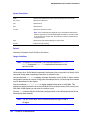
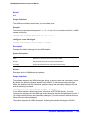
Usage Guidelines
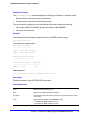
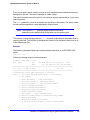
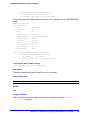
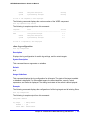
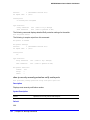
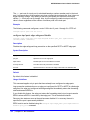
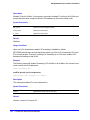
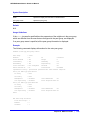
Clear the states of every MAC learned on this VLAN port and put the port back to
unauthenticated state. The port will be moved to its original VLAN if configured in campus
mode.
Example
The following command clears the Network Login state of port 2:9:
clear netlogin state port 2:9
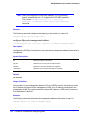
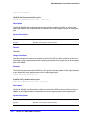
clear netlogin state mac-address
clear netlogin state mac-address <mac>
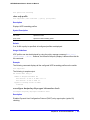
Description
Initialize/reset the network login sessions for a specified supplicant.
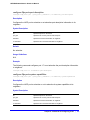
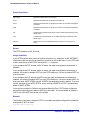
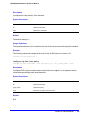
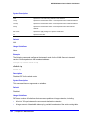
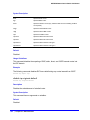
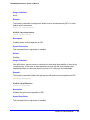
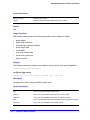
Syntax Description
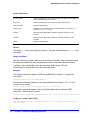
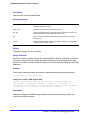
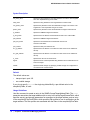
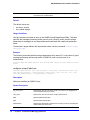
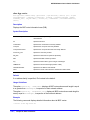
mac
Specifies the MAC address of the supplicant.
Default
N/A.
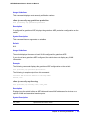
Usage Guidelines
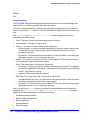
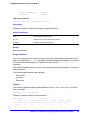
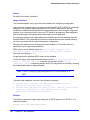
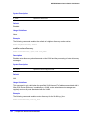
This command is essentially equivalent to a particular supplicant logging out. The MAC
address will be cleared from the FDB, the port is put back to its original VLAN (for campus
mode), and the port state is set to unauthenticated, if this was the last authenticated MAC on
this port.
Example
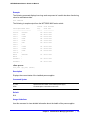
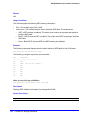
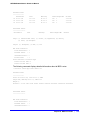
The following command resets the Network Login session for the supplicant with the MAC
address of 00:e0:18:01:32:1f:
clear netlogin state mac-address 00:e0:18:01:32:1f
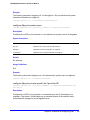
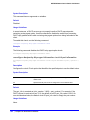
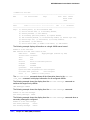
configure netlogin add mac-list
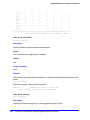
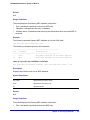
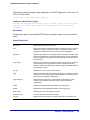
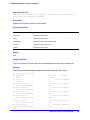
configure netlogin add mac-list [<mac> {<mask>} | default] {encrypted} {<password>} {ports
<port_list>}
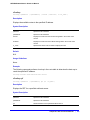
Description
Adds an entry to the MAC address list for MAC-based network login.
680 | Chapter 16. Network Login Commands