1
NETGEAR 8800 Chassis Switch CLI Manual
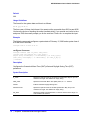
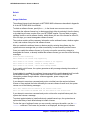
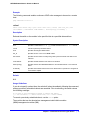
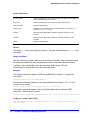
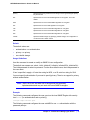
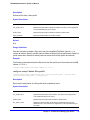
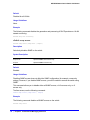
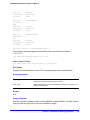
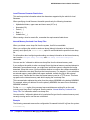
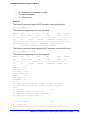
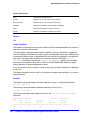
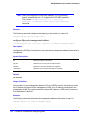
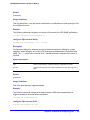
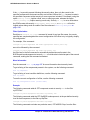
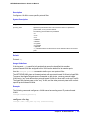
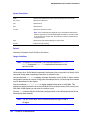
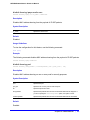
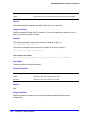
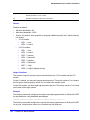
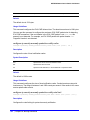
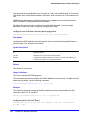
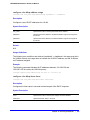
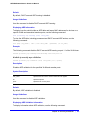
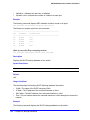
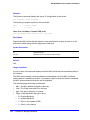
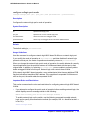
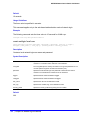
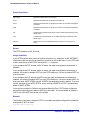
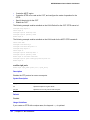
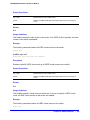
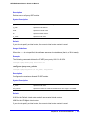
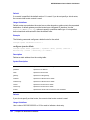
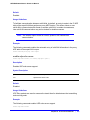
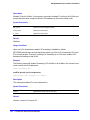
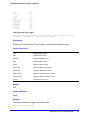
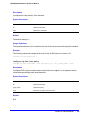
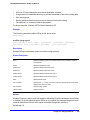
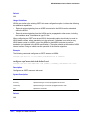
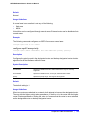
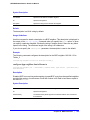
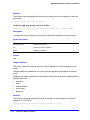
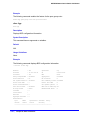
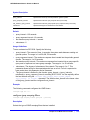
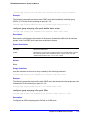
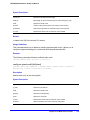
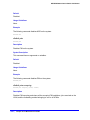
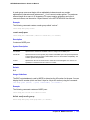
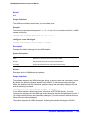
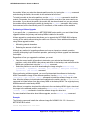
multicast-only
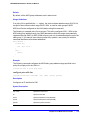
Adds the specified route to the multicast routing table. This option is provided
for backward compatibility.
unicast
Adds the specified route to the unicast routing table.
unicast-only
Adds the specified route to the unicast routing table. This option is provided
for backward compatibility.
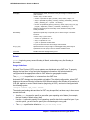
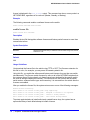
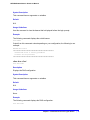
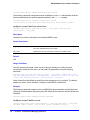
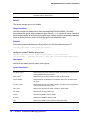
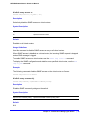
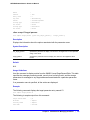
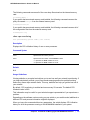
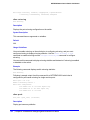
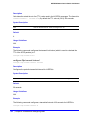
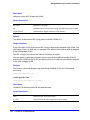
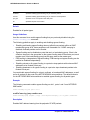
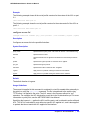
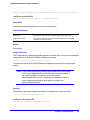
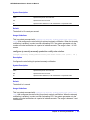
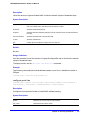
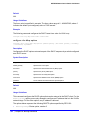
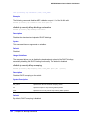
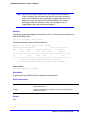
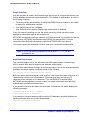
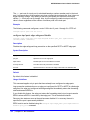
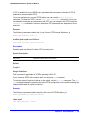
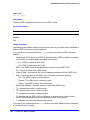
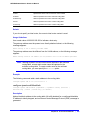
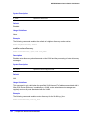
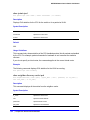
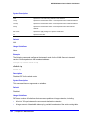
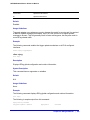
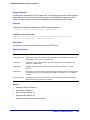
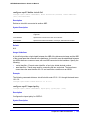
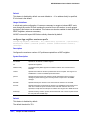
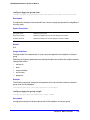
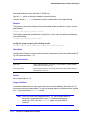
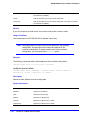
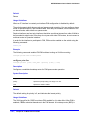
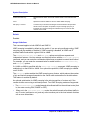
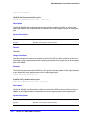
Default
If you do not specify a virtual router, the current virtual router context is used.
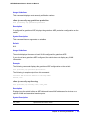
Usage Guidelines
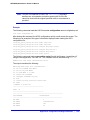
Use a mask value of 255.255.255.255 to indicate a host entry.
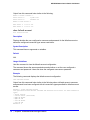
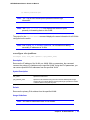
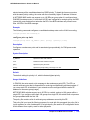
Note: Although dynamic unicast routes can be captured in the multicast
routing table, unicast static routes cannot be captured in the
multicast routing table. To create a static route for the multicast
routing table, you must specify the multicast option.
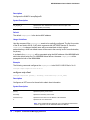
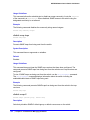
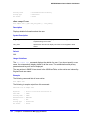
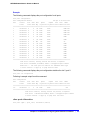
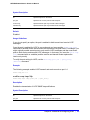
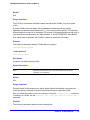
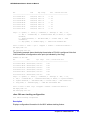
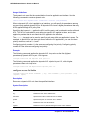
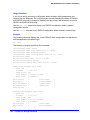
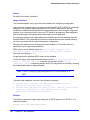
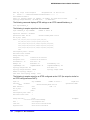
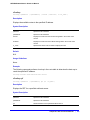
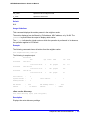
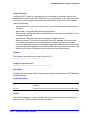
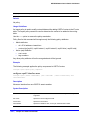
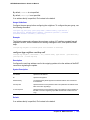
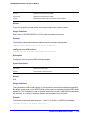
Example
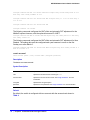
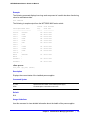
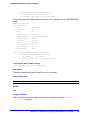
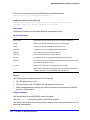
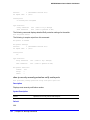
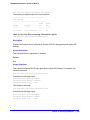
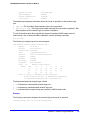
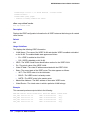
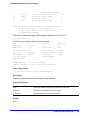
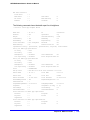
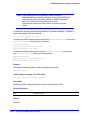
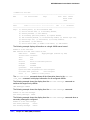
The following command adds a static address to the multicast routing table:
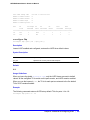
configure iproute add 10.1.1.0/24 123.45.67.1 5 multicast
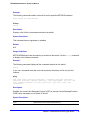
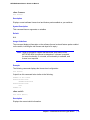
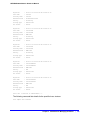
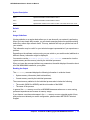
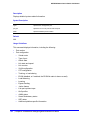
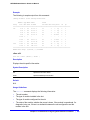
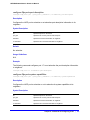
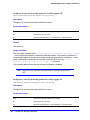
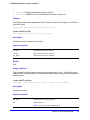
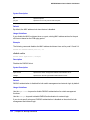
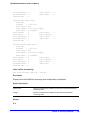
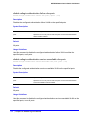
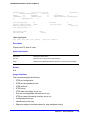
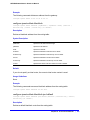
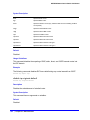
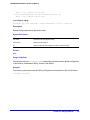
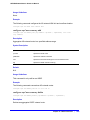
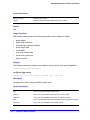
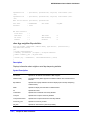
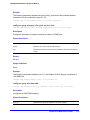
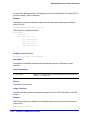
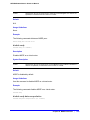
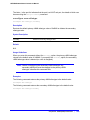
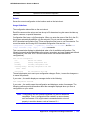
configure iproute delete
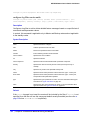
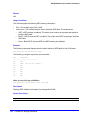
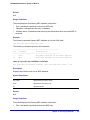
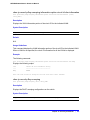
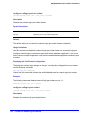
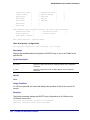
configure iproute delete [<ipNetmask> | <ipaddress> <mask>] <gateway> {multicast |
multicast-only | unicast | unicast-only} {vr <vrname>}
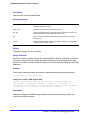
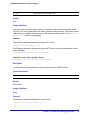
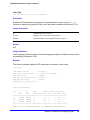
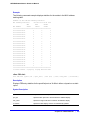
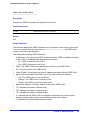
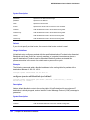
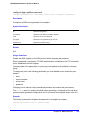
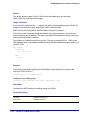
Description
Deletes a static address from the routing table.
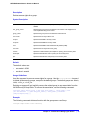
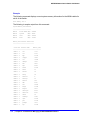
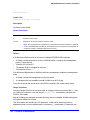
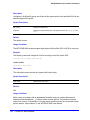
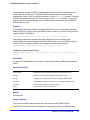
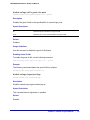
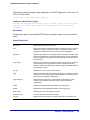
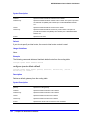
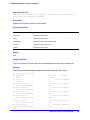
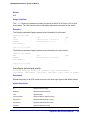
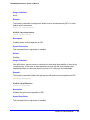
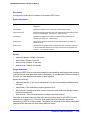
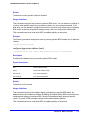
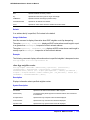
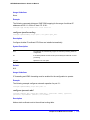
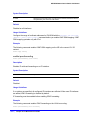
Syntax Description
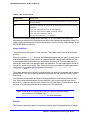
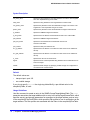
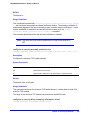
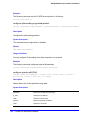
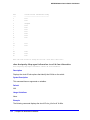
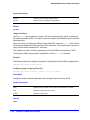
ipNetmask
Specifies an IP address/mask length.
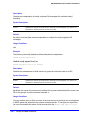
ipaddress
Specifies an IP address.
mask
Specifies a subnet mask.
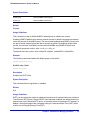
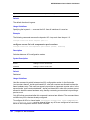
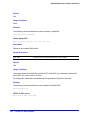
gateway
Specifies a VLAN gateway.
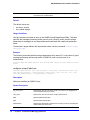
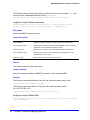
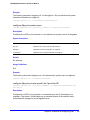
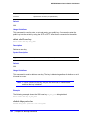
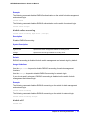
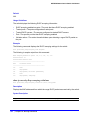
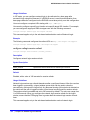
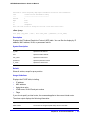
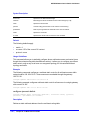
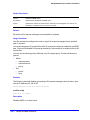
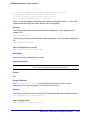
multicast
Specifies a multicast route to delete.
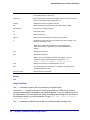
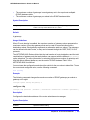
multicast-only
Specifies a multicast route to delete.
1182 | Chapter 26. IP Multicast Commands