1
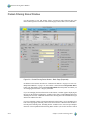
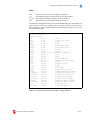
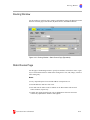
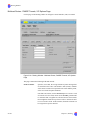
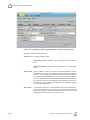
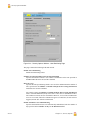
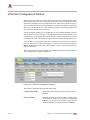
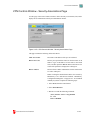
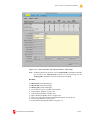
Users Window
◆
◆
◆
◆
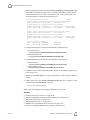
Delete non-Proxy users only when their files are no longer on backup media.
Instead, set the users’ internal and external authentication methods to Disabled to prevent them from logging in. When you delete a user, you also
delete the user’s home directory and its contents and mail files.
Changing a user from an FSO, FSM, or Unprivileged user to a Proxy user has
the same effect as deleting the user - all files and the home directory are
deleted.
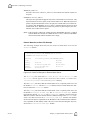
For security purposes, the Multilevel Secure (MLS) protection on the firewall
prevents a user from using Telnet or Rlogin to login to the firewall and become
superuser.
During the installation of Release 4.x, when UnixWare user records are
imported into the firewall user database, all users are designated as Unprivileged users. The firewall administrator must change each user who should be a
Proxy user. Refer to the cg_dbadm(1M) online manual page for complete
information.
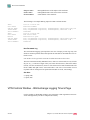
FSO Notes:
◆
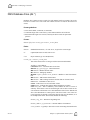
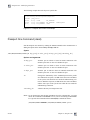
In the Shell window, FSO users should prefix each administrative command
(and many common commands) with the /sbin/ tfadmin command. This will
provide access to the full functionality of these commands. For example:
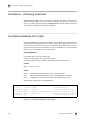
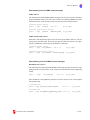
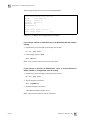
/sbin/tfadmin newlvl SYS_PRIVATE
◆
To become the root user, execute the tfadmin command and su to root:
/sbin/tfadmin newlvl SYS_PRIVATE
su root
◆
◆
The FSO’s home directory is cleared to SYS_PUBLIC; as such, it is not
writable. Two subdirectories are created in the FSO’s home directory:
sys_private and network. Each is cleared to the implied level and is writable when the FSO logs in at that level.
An FSO cannot delete his own ID.
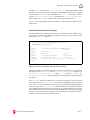
For syntax, values, and defaults, see the Glossary. For information about the firewall user
database, see “Users - Underlying Constructs” on page II-183.
CyberGuard Firewall Manual
II-157