1
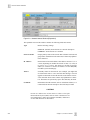
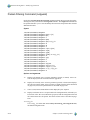
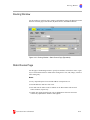
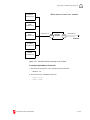
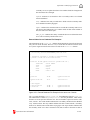
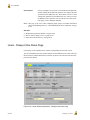
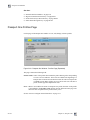
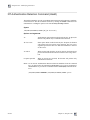
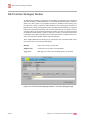
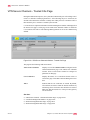
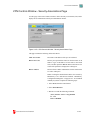
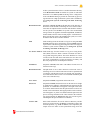
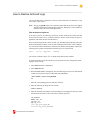
VPN Controls Window
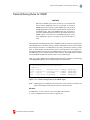
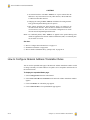
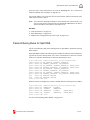
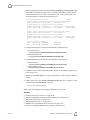
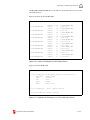
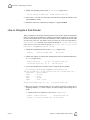
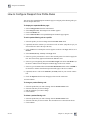
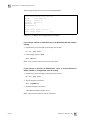
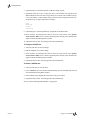
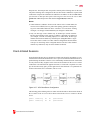
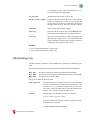
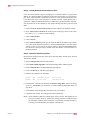
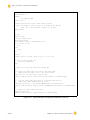
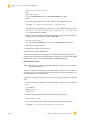
4. Issue the following commands:
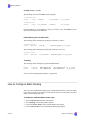
vpnctl stop
netguard
or
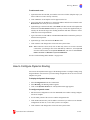
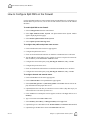
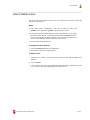
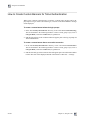
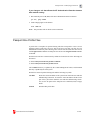
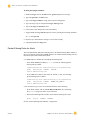
1. Select System from the Control Panel.
2. Select Reinitialize Network.
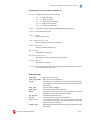
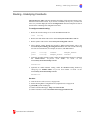
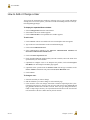
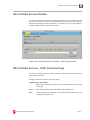
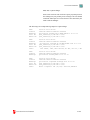
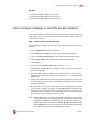
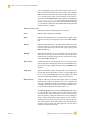
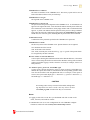
Display SA Information
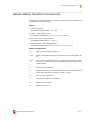
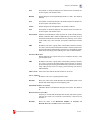
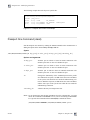
Opens the System Information window and displays General IPSec/IKE SA Information.
See Also:
◆
◆
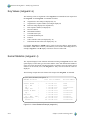
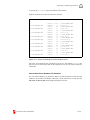
“System Information Window” on page I-246
“System Information Reports” on page I-247
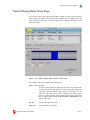
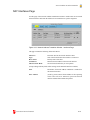
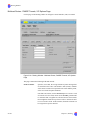
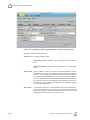
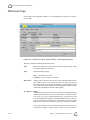
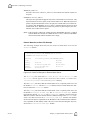
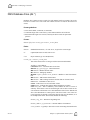
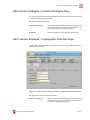
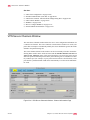
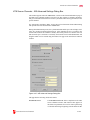
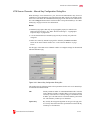
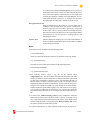
VPN Controls Window - IKE Exchange Logging Page
13
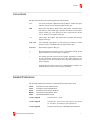
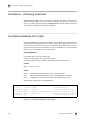
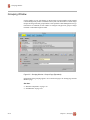
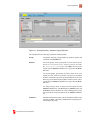
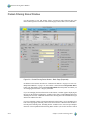
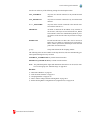
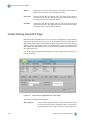
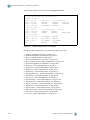
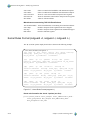
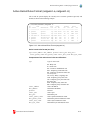
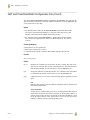
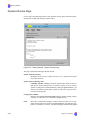
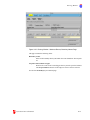
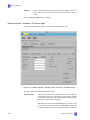
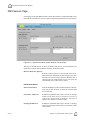
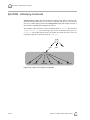
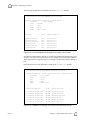
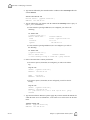
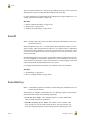
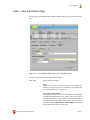
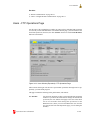
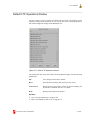
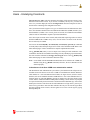
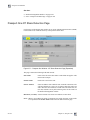
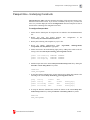
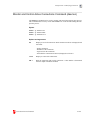
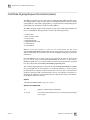
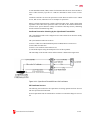
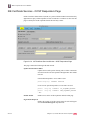
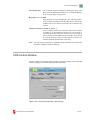
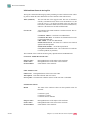
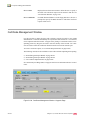
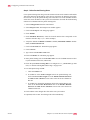
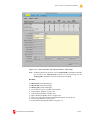
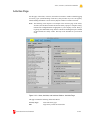
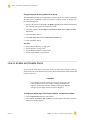
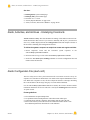
Use this page of the VPN Controls window to start IKE Exchange Logging for troubleshooting VPN IKE negotiations.
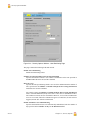
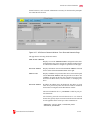
Figure II-104. VPN Controls Window - IKE Exchange Logging Page
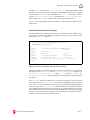
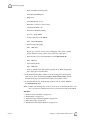
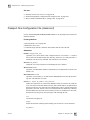
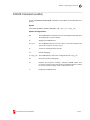
This page contains the following fields and controls.
II-282
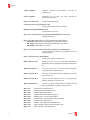
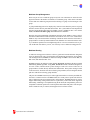
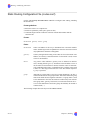
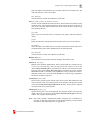
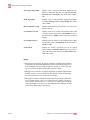
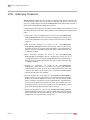
Logging is Enabled
Indicates logging is being performed.
Logging is Disabled
Indicates logging is not being performed.
Max log size (KB)
Maximum size in kilobytes that the log file is allowed to
grow to. The maximum value for this field is determined
Chapter 13, Virtual Private Network (VPN)