1
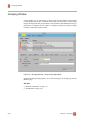
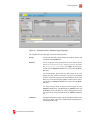
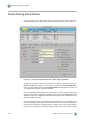
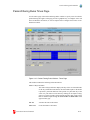
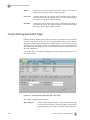
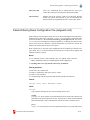
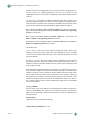
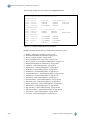
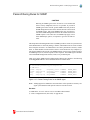
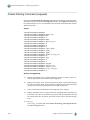
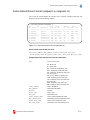
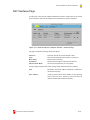
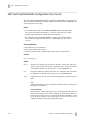
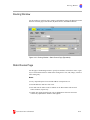
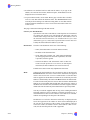
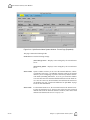
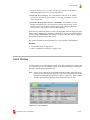
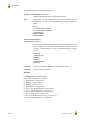
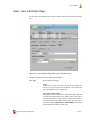
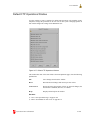
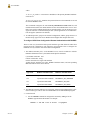
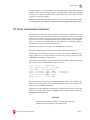
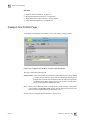
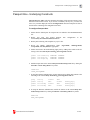
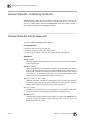
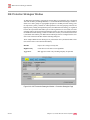
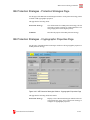
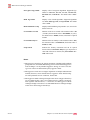
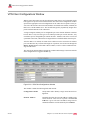
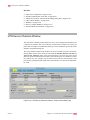
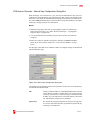
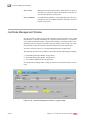
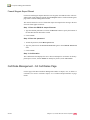
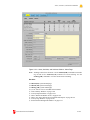
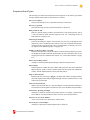
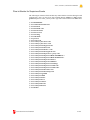
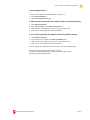
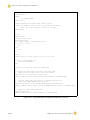
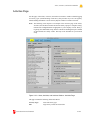
Certificate Management Window
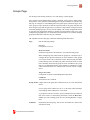
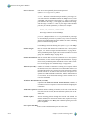
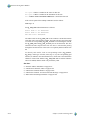
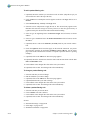
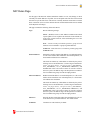
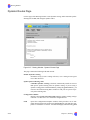
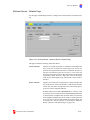
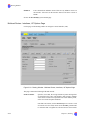
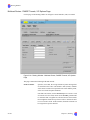
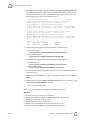
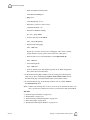
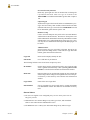
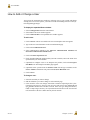
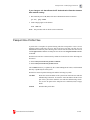
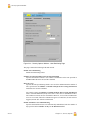
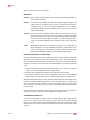
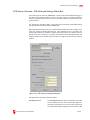
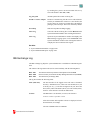
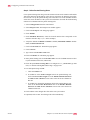
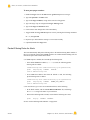
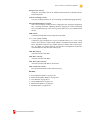
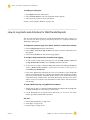
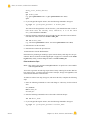
1. Type the absolute path name of the certificate or click on the Browse button to search
the file system for the file.
2. If the private key should be decrypted, check Decrypt private key. Checking this
box enables the Password and Confirm Password fields.
3. To unhide the password, clear Mask password which is checked by default.
4. Type the password in the Password field and again in the Confirm Password
field.
5. Click on Next.
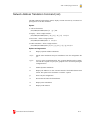
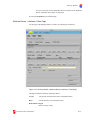
Step 5. Select the certificates to be imported
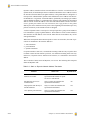
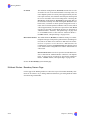
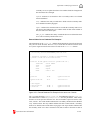
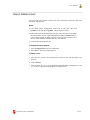
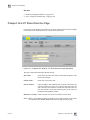
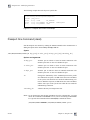
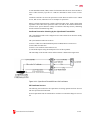
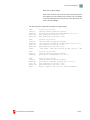
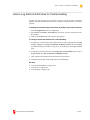
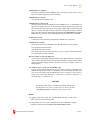
1. If the PKCS7 file contains more than one certificate, a list of certificates is displayed.
Select a certificate.
2. Click on Next.
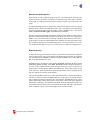
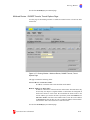
Step 6. Confirmation
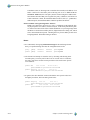
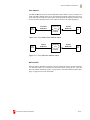
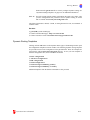
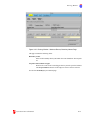
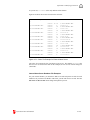
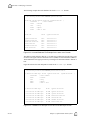
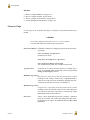
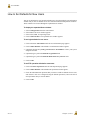
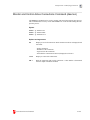
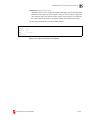
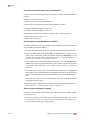
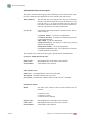
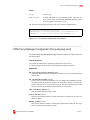
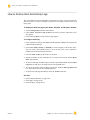
The Confirmation form displays the user’s choices and input for verification. If the Firewall Keypairs Import is correct, click on Finish. To modify any choices, click on Previous.
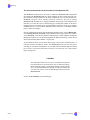
Step 7. Summary
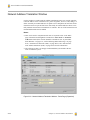
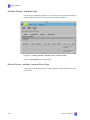
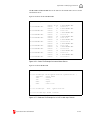
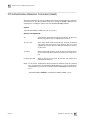
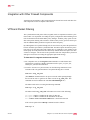
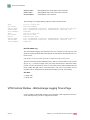
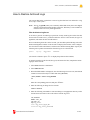
The Summary form displays the names of the firewall certificate and any CA certificates
that were imported.
CyberGuard Firewall Manual
II-295