1
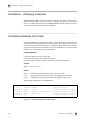
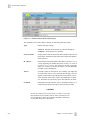
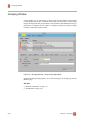
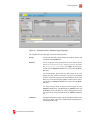
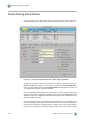
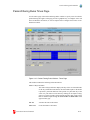
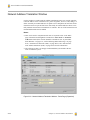
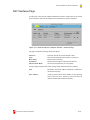
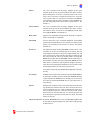
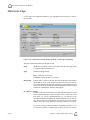
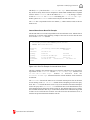
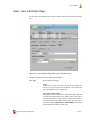
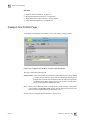
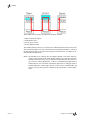
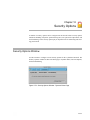
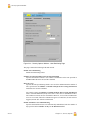
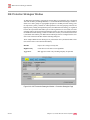
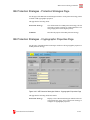
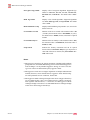
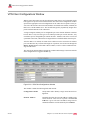
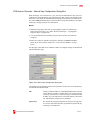
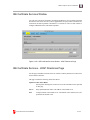
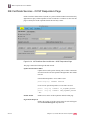
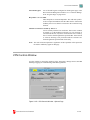
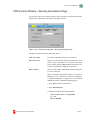
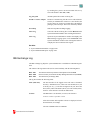
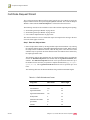
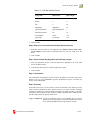
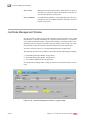
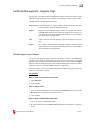
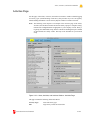
Packet-Filtering Rules Window
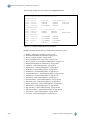
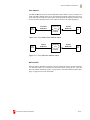
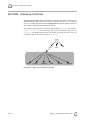
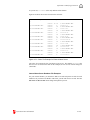
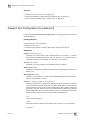
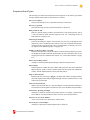
IPSec-Protected Rules, Packet Origins and Destinations
◆
◆
◆
◆
◆
◆
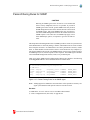
For device_NETWORK to be a tunneled origin or destination, the origin or
destination IP address of the target packet must have been routed through the
device interface.
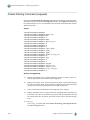
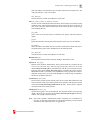
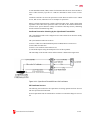
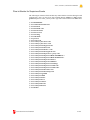
If ALL_INTERNAL or ALL_EXTERNAL are used and they represent more
than one device_NETWORK, the channel cannot be manually selected.
Therefore, a default channel for each device_NETWORK must be configured
by adding the device_NETWORK specification to the Peer Protected Networks of the appropriate VPN Secure Channel.
The following rules apply to using a device_NETWORK as a Peer Protected
Network:
-
The route to the remote gateway is through the device interface, or the
host-type channel interface matches the device interface
-
Only one channel may use a particular device_NETWORK
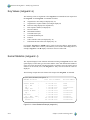
The automatic channel selection algorithm (virtual route) attempts to match an
IPSec packet-filtering rule origin or destination address with the most specific
Peer Protected Network definition. Configured device_NETWORK objects
are matched only if no match is found within all peer protected host addresses,
subnetwork addresses, and address ranges.
Use host granularity on device_NETWORK rules if peer gateway rules are
not as general (for example, rules that define specific subnetworks, hosts, etc.).
Without a host granularity, device_NETWORK rules cause IKE to negotiate
using a Phase 2 identity of 0.0.0.0/0 (any address), and this will only match
a similar definition on the other side.
EVERYONE may be used on a rule that uses IPSec, but only if the matching
packet address is not coming from or going to an IPSec tunnel.
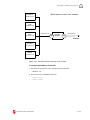
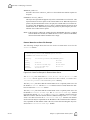
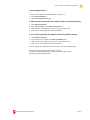
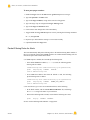
To determine if a netguard session was tunneled:
◆
◆
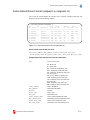
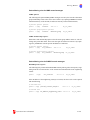
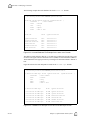
For a snapshot view, use the netguard -ln command to see which static rules
and dynamic sessions have IPSEC information such as ipsec_src, ipsec_dst,
and/or ipsec_nat associated with them.
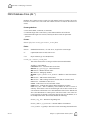
Run the following command to cause an audit record to be generated when a
new packet-filtering rule is created:
auditset -S+ng_add_rule
(The auditset command must be run prior to network traffic passing through
the firewall in order to generate the audit records for ng_add_rule. This
command can also be added to the /etc/rc2.d/S03auditlogd file.)
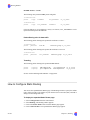
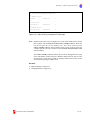
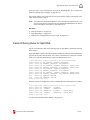
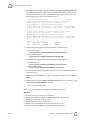
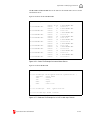
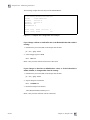
The audit record can be seen using the following command:
auditrpt -n ng_add_rule
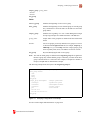
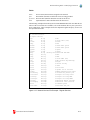
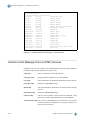
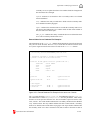
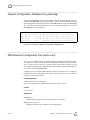
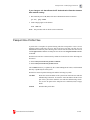
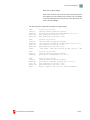
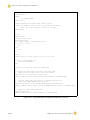
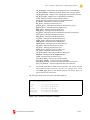
The audit record for ng_add_rule will contain one or more of the following:
CyberGuard Firewall Manual
II-33