1
Treatments
12.1
93
Animal Treatments
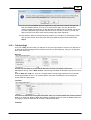
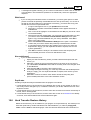
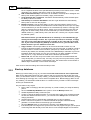
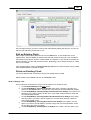
Treatments are user-defined actions that you can carry out on a single animal or a group of
animals. You can get to treatments by clicking on the Treat/Feed button on the current animal
listing (use the Animals toolbar button) All treatments can also be undone by an Undo button on
the treatments form. This will undo the most recent occurrence of the nominated treatment.
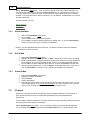
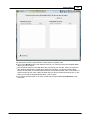
To perform a treatment on one or more animals, you need to be viewing the list of current animals
.
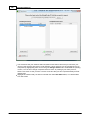
Select the animal(s) for the event by:
Use the filter to limit the list to the mob or group you want to make the final selection
from.
Clicking the Select All button to select all animals currently displayed (use Deselect All
if some have been selected and you want to start again)
Making selections with the mouse. You may select animals in a contiguous group by
clicking on the first animal in the group, holding down the Shift key and then clicking on
the last animal in the group.
Make a random selection by holding down the Ctrl key and clicking on the animals
needed. This method will also deselect already selected animals if you need to adjust the
list
If you only want to select one animal, then just click on that animal.
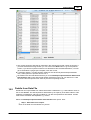
If you are uncertain how many animals you currently have selected, click the Selection Count
button at the bottom right of the list. (this button will not be visible if no animals are selected).
Now click Treatments. You must have at least one animal selected for this option to be
accepted.
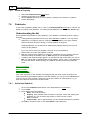
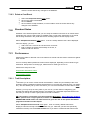
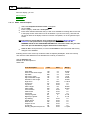
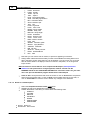
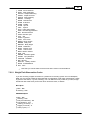
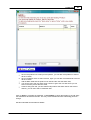
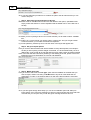
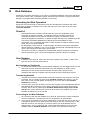
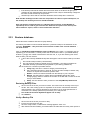
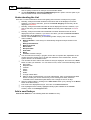
You will now be presented with a list of possible events. You can add more treatments to the list
via the + button. If you don't want to restrict the list of products available for each nominated
treatment to those specifically linked to a treatment, you can turn off the 'Restrict Product List'
option. In this way, you can select a product that is relevant to more than one treatment.
You can then either:
Click on a treatment and then click on OK or Undo
Double-click on a treatment (equivalent to single click and OK)
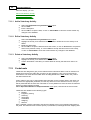
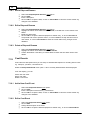
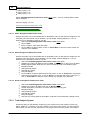
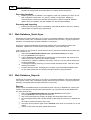
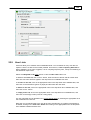
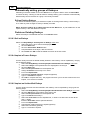
If you clicked on OK, you will then need to enter the following treatment details:
Treatment date in dd/mm/yyyy format (or pick from calendar)
Product. Select a product from the dropdown list. Unless you have turned off the option
to restrict the product list, only those products assigned to the specified treatment will
appear in the list. You may add a new product via the + button. The application unit
relevant to the specified product will appear beside the quantity field.
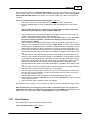
Quantity of the product used, per animal, in units as displayed. This can be
automatically entered by the program if the following conditions are met:
The animal has been weighed in the last 7 days.
The product has been setup with dose rates per kg of liveweight
This would only be used where you were dosing according to weight and the amount given
would therefore vary by individual. Tick the Use Last Weight selection if you want this to
happen.
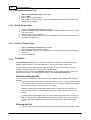
Comment.
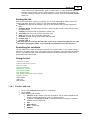
Batch No. You can link the product back to a specific purchase by selecting the
appropriate batch number from the displayed dropdown list. All batch numbers of
purchases of the specified product, except those that have been marked as used up, will
appear on the list.This identifier will then be held with every animal receiving the current
treatment or feeding..
© <2011> ... Practical Systems