1
INTREPID User Manual
Library | Help | Top
Interactive
Multi-scale edge detection wizard (T44a)
23
| Back |
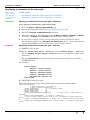
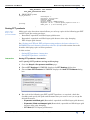
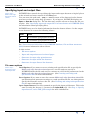
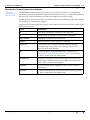
Saving derivative grids—interactive
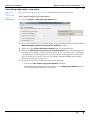
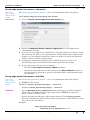
>> To specify the saving of horizontal derivative grids:
Library | Help | Top
1
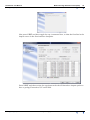
Go to the Step 2—Pre-process and filter page.
2
Check the Save derivative grids checkbox.
3
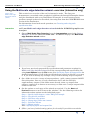
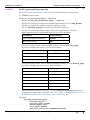
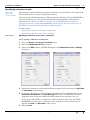
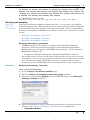
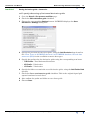
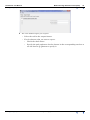
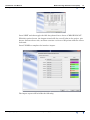
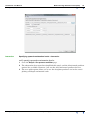
Choose the corresponding Settings button. INTREPID displays the Save
derivatives—Settings dialog box.
4
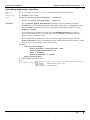
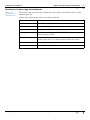
Specify the precision for the saved grids, using the Grid Precision drop-down list.
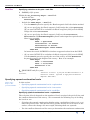
See "Data Types in INTREPID datasets" in INTREPID database, file and data
structures (R05) for the available numeric data types.
5
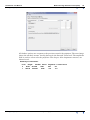
Specify the prefixes for the derivative grids using the corresponding text boxes.
•
THD Prefix—Total horizontal derivative
•
XD Prefix—X derivative
•
YD Prefix—Y derivative
6
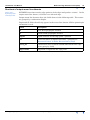
Specify the folder to contain the saved derivative grids, using the Grid Folder Path
text box.
7
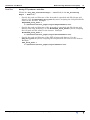
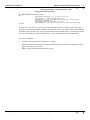
Check the Save continuation grids checkbox. This is the original signal grid
upward continued at each level.
8
Also confirm the prefix and folder to save these grids
9
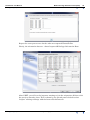
Choose Close.
© 2012 Intrepid Geophysics
| Back |