1
Master Mode
General MIDI Mode (GM On, GM Off)
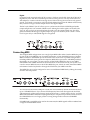
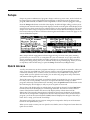
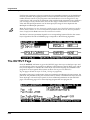
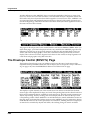
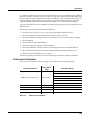
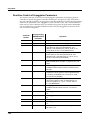
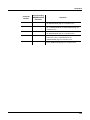
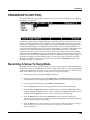
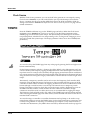
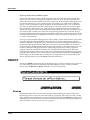
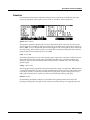
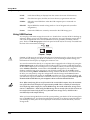
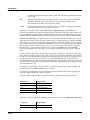
the tap tempo function. This would be best used with a programmable switch (or footswitch.) Configure the selected switch so that it is Toggled, has it’s On and Off Controls set to destination 168 (Tap Tempo,) and set the On and Off Values to any value other than None. Entry and Exit State should be set to None.
General MIDI Mode (GM On, GM Off)
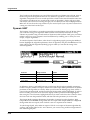
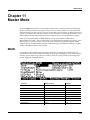
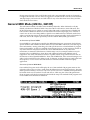
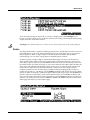
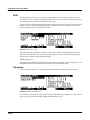
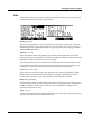
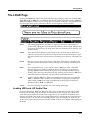
This soft button enables or disables General MIDI (GM) mode. When GM mode is off (the default,) the buttons is labeled GM On. Press the GM On soft button to enter GM mode. The PC3K will prompt you to confirm or cancel. When GM mode is on the buttons is labeled GM Off. Press the GM Off soft button to exit GM mode. The PC3K will prompt you to confirm or cancel. You can not access Setup Mode or Quick Access Mode while in GM mode. Aside from what is noted in this section, all other PC3K functions operate normally while in GM mode. In GM mode, the PC3K complies specifically with the General MIDI (GM1) specification.
An Overview of General MIDI
General MIDI is a specification created by the MIDI Manufacturers Association which defines specific features that a MIDI instrument must have (see the MMA website at www.midi.org for more information.) Among other things, the GM specification sets a standard bank of program names and numbers, as well as a standard drum mapping layout, so that sequences created on any GM instrument will playback with the correct instrumentation on any other GM instrument, no matter the manufacturer. GM has many uses, for example it makes it easy for musicians who use MIDI files to share ideas and collaborate while using different sets of equipment. Also many instrumental versions of public domain songs can be found for free on the internet as GM compatible MIDI files. These, like all MIDI files, offer certain advantages over audio such as small file size, the ability to edit, orchestrate, or change tempo to easily learn from the sequences, or even convert note information to standard notation with a third party application. Overview of General MIDI Mode
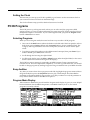
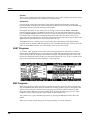
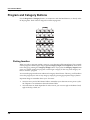
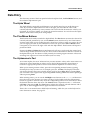
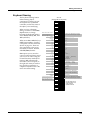
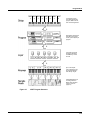
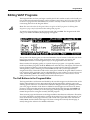
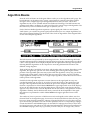
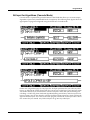
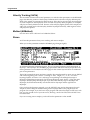
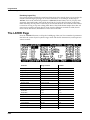
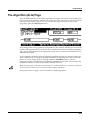
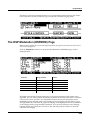
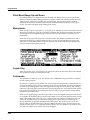
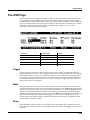
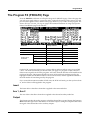
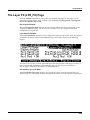
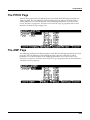
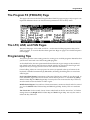
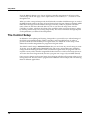
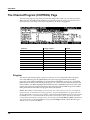
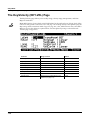
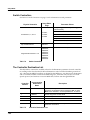
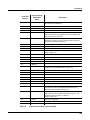
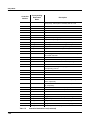
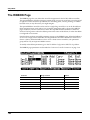
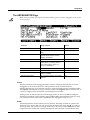
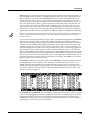
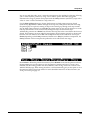
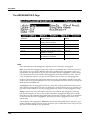
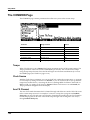
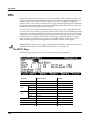
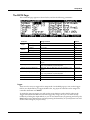
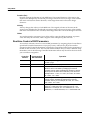
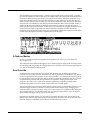
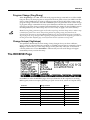
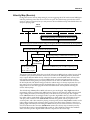
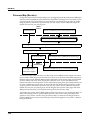
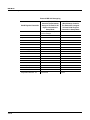
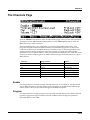
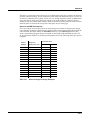
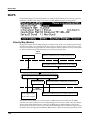
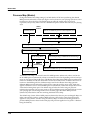
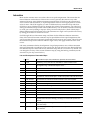
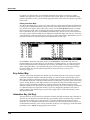
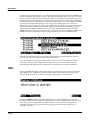
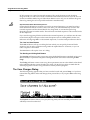
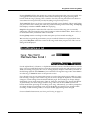
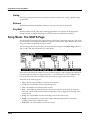
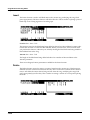
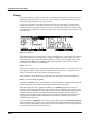
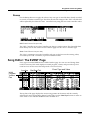
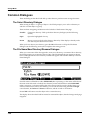
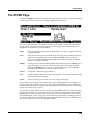
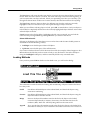
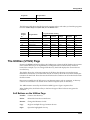
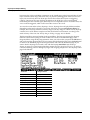
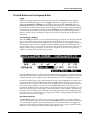
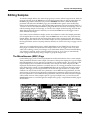
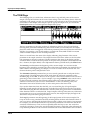
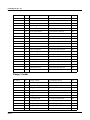
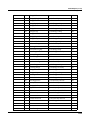
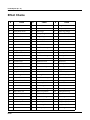
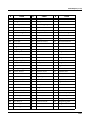
Once enabled, Program mode will display the set of 128 standard GM program names on the right side of the screen (see below.) Aside from the different layout and program choice, Program mode operates normally (see below for info on the left side of the screen.) A default GM sequence will be loaded which sets FX sends for reverb and chorus, which are part of the GM specification. Drum programs will also be remapped to the GM drum map. The standard PC3K programs will not be visible until GM mode is turned off.
11-11