1
Setup Mode
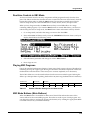
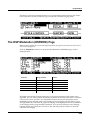
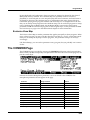
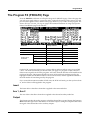
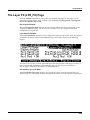
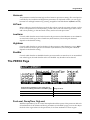
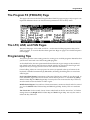
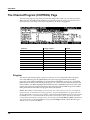
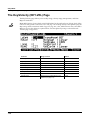
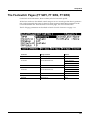
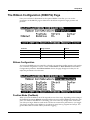
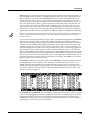
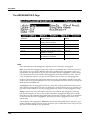
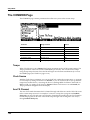
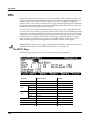
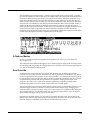
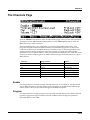
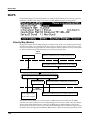
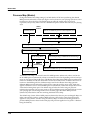
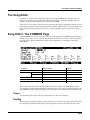
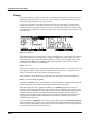
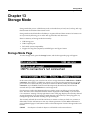
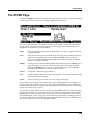
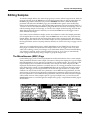
The Channel/Program (CH/PROG) Page
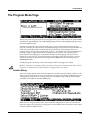
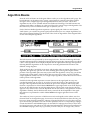
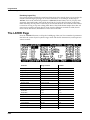
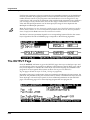
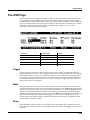
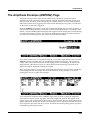
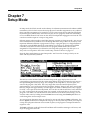
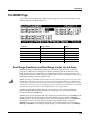
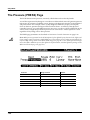
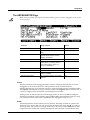
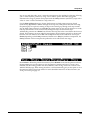
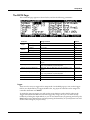
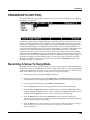
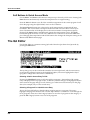
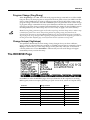
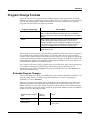
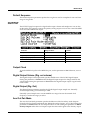
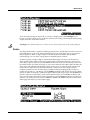
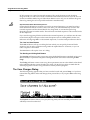
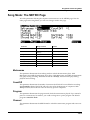
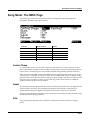
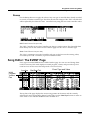
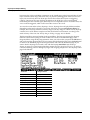
MIDI Program (MidiProg)
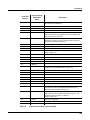
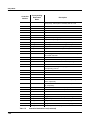
MidiProg defines which program number is transmitted out the MIDI Out port on the current zone’s MIDI channel.
When you change the value of the Program parameter, the value of MIDIProg automatically changes correspondingly. If you want to transmit a MIDI program change number different from the one corresponding to the local program, select the local program first, then change the MIDI program.
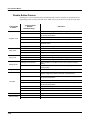
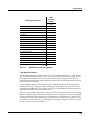
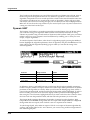
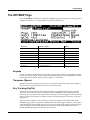
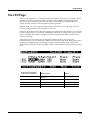
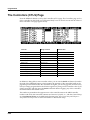
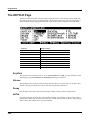
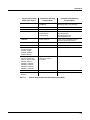
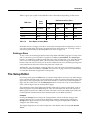
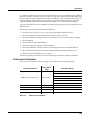
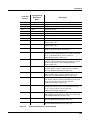
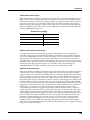
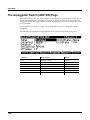
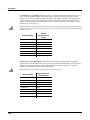
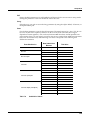
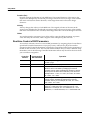
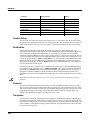
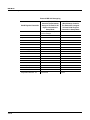
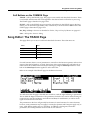
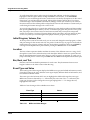
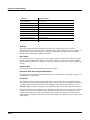
Different programs are accessible depending on the value of the BankMode parameter:
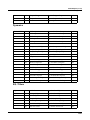
Value of BankMode
Available Programs
Ctl 0 or Ctl 32
0 to 127
Ctl 0/32
0 to 127
K2600
0 to 99
None
None
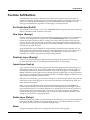
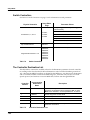
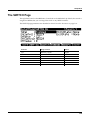
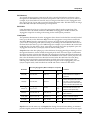
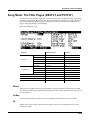
Status
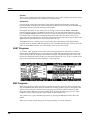
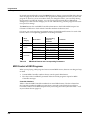
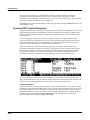
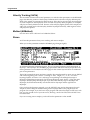
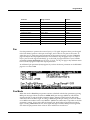
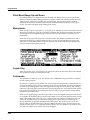
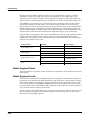
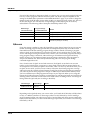
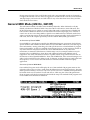
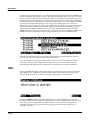
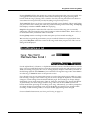
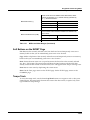
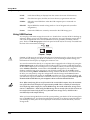
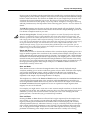
This parameter determines what the current zone does when you select the setup in Setup mode. Muted means that the zone sends and receives program changes and entry/exit controller values, but doesn’t play notes. If the value is Active, the zone sends and receives normally via MIDI. Solo causes only the current zone to play, “backgrounding” all other zones (backgrounded zones send and receive program changes and entry/exit controller values, but don’t play notes). With a value of Solo+Muted, the current zone is both soloed and muted; when the zone isn’t soloed, it won’t produce sound).
See the section about zone‐status LEDs (page 7‐4) for more information about muting and soloing zones.
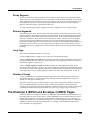
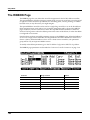
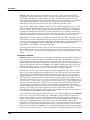
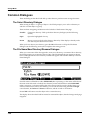
Input Channel
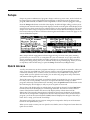
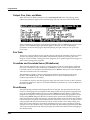
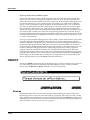
In Setup mode, an external MIDI device (such as a keyboard or sequencer) will play notes of a single program by default (if the Local Keyboard Channel parameter is set to off, see page 10‐10 for details.) The played program will be on a Zone that has a Channel parameter (on the CH/
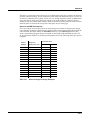
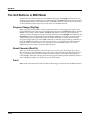
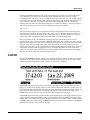
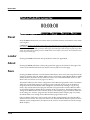
PROG page) which matches the channel on which the external MIDI device is transmitting. (If no Zone’s Channel parameter matches, the external device will play notes of the last program that was using that channel in Program Mode or from a previously loaded Song or Setup.) When the Program of a Setup Zone is played this way, Setup MIDI parameters (most noticeably key range and transposition) will not be applied. If you want these parameters applied, set the Input Channel parameter to match the channel on which the external MIDI device is transmitting. To play the entire Setup from an external MIDI device, see Local Keyboard Channel (LocalKbdCh) on page 10‐10. When Local Keyboard Channel is set to something other than Off, the Input Channel parameter has no effect and will appear in parentheses. Input Channel basically has the same effect as Local Keyboard Channel, except you can choose to play only one or some Setup Zones form an external device, instead of all Zones. To play more than one Zone from an external device, set each desired Zone’s Input Channel parameter to match the channel on which the external MIDI device is transmitting. It is also possible to use the Input Channel parameter to use multiple external devices which each play a specific Zone or Zones. For details on controlling assignments made to the PC3K’s physical controllers (sliders, switches, mod wheel, etc.) from an external MIDI device, see Continuous Controller Messages From External MIDI Devices on page 10‐10.
7-8