1
Program Mode
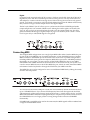
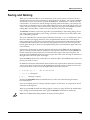
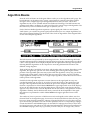
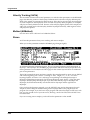
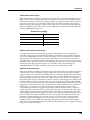
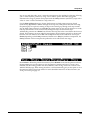
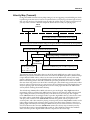
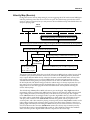
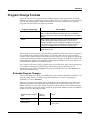
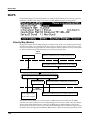
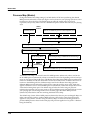
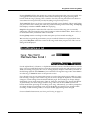
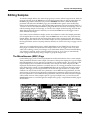
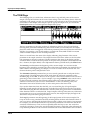
KB3 Program Structure
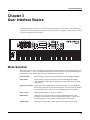
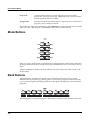
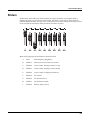
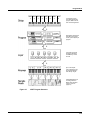
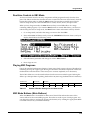
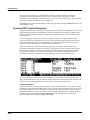
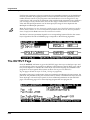
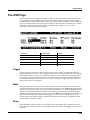
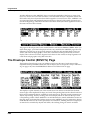
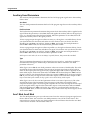
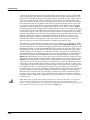
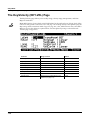
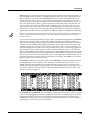
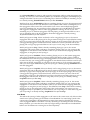
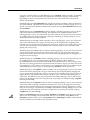
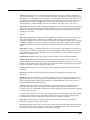
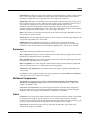
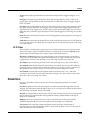
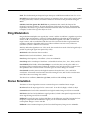
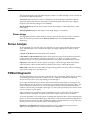
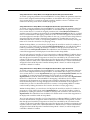
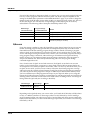
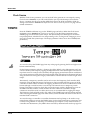
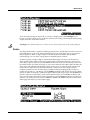
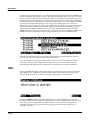
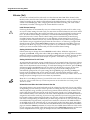
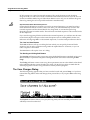
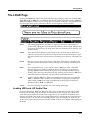
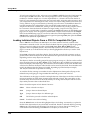
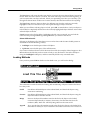
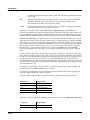
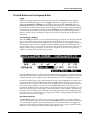
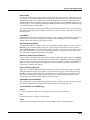
In normal operational modes, using the Mute buttons to change a program’s KB3 effects doesn’t affect the program; the effects return to their programmed settings the next time you select the program. If, however, you’re in an editor when you change the effects, you’re actually editing the program. If you like the changes, you can save the program with the new KB3 effects settings. If you don’t like the changes, you can exit without saving, and the program will revert to its previous settings.
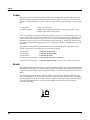
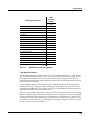
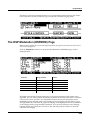
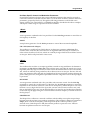
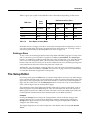
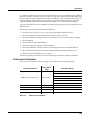
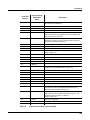
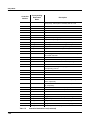
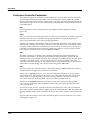
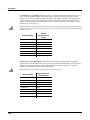
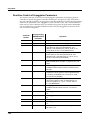
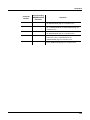
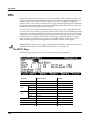
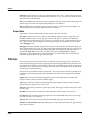
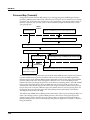
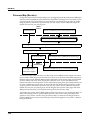
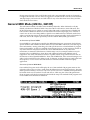
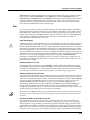
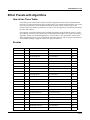
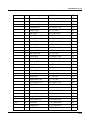
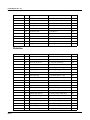
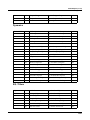
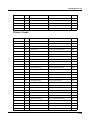
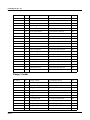
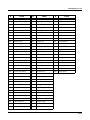
The Mute buttons also send MIDI Controller information to the PC3K’s MIDI Out port. See Column 2 of Table 6‐3 to check which Controller numbers the buttons send.
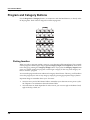
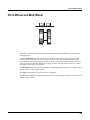
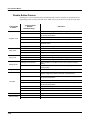
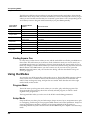
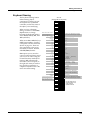
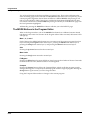
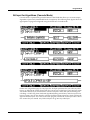
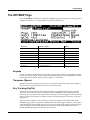
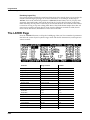
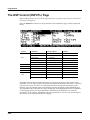
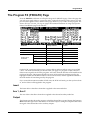
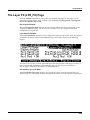
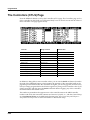
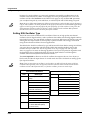
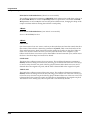
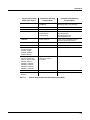
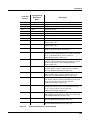
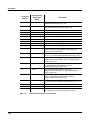
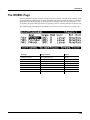
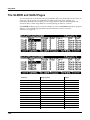
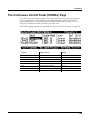
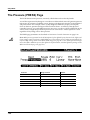
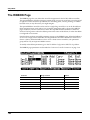
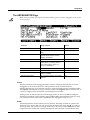
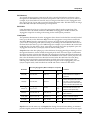
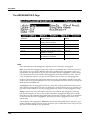
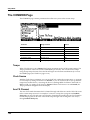
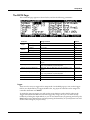
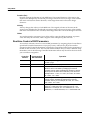
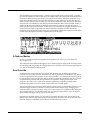
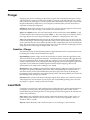
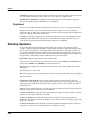
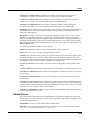
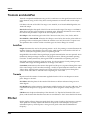
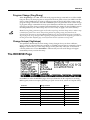
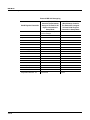
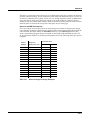
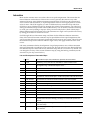
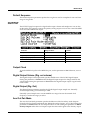
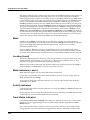
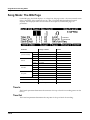
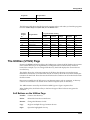
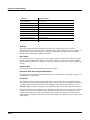
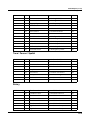
Of course, you can change the programmed settings for the KB3‐mode buttons. For each of the buttons, there’s a corresponding parameter in the Program Editor. 1
Effect
Category
Button Name
Corresponding
Page and
Parameter
Rotary
Fast / Slow
MISC: SpeedCtl
On / Off
MISC: VibChorCtl
Vibrato
Chorus / Vibrato
MISC: VibChorSel
Disabled if Button 2 is off
Disabled if Button 2 is off
2
3
4
Depth 1 / 2 / 3
MISC: VibChorSel
5
On / Off
PERC: Percussion
6
7
Percussion
8
Table 6-2
Comments
Volume Loud / Soft
PERC: Volume
Disabled if Button 5 is off
Decay Fast / Slow
PERC: Decay
Disabled if Button 5 is off
Pitch High / Low
PERC: Harmonic
Disabled if Button 5 is off
KB3 Mode Buttons and Corresponding Parameters
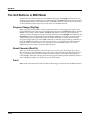
MIDI Control of KB3 Programs
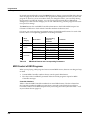
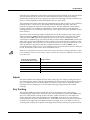
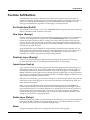
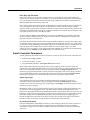
When you’re playing a KB3 program from an external MIDI source, there are two things to keep in mind:
•
Certain MIDI Controller numbers always control specific KB3 features
•
The value of the LocalKbdCh parameter affects how KB3 programs respond to MIDI Controller messages
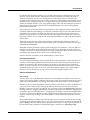
Controller Numbers
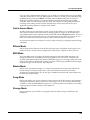
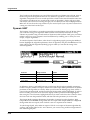
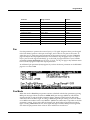
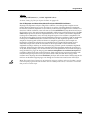
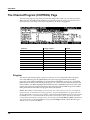
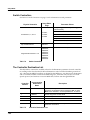
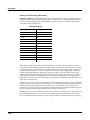
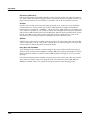
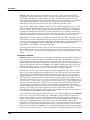
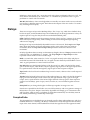
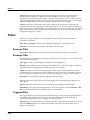
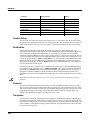
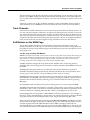
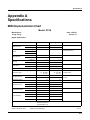
Table 6‐3 lists the MIDI Controller numbers that control KB3 features. The first column lists the Controller numbers that KB3 programs always respond to (the PC3K also sends these Controller numbers to its MIDI Out port when you’re using the local keyboard channel—we’ll say more about that on page 6‐7).
6-6