1
Setup Mode
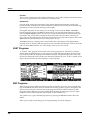
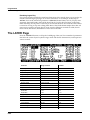
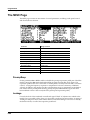
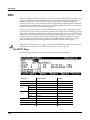
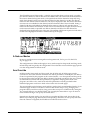
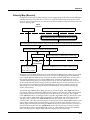
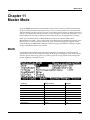
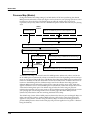
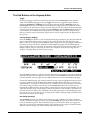
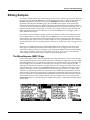
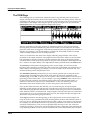
The WHEEL Page
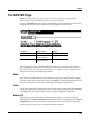
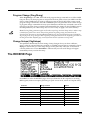
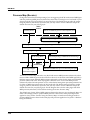
The WHEEL Page
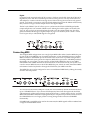
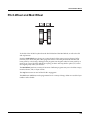
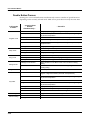
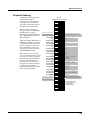
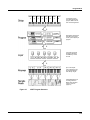
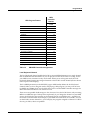
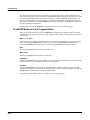
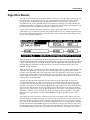
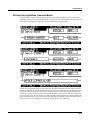
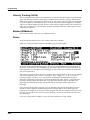
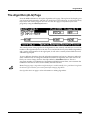
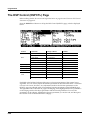
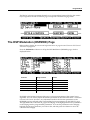
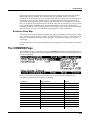
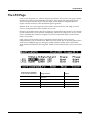
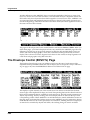
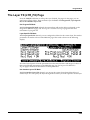
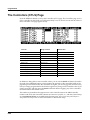
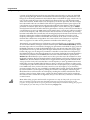
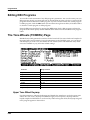
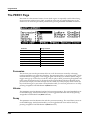
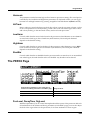
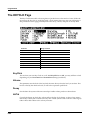
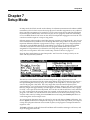
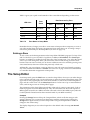
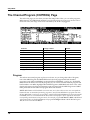
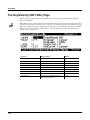
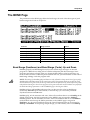
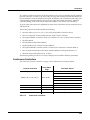
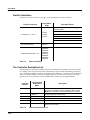
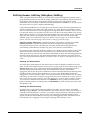
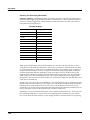
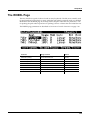
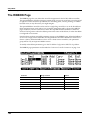
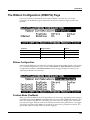
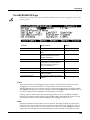
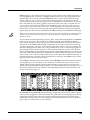
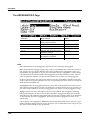
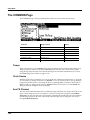
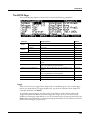
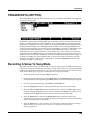
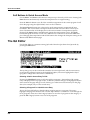
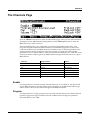
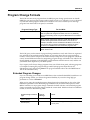
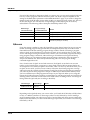
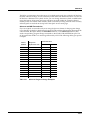
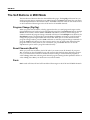
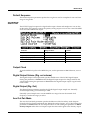
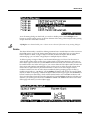
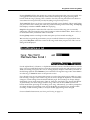
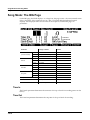
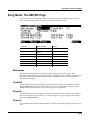
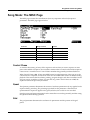
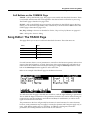
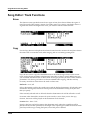
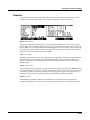
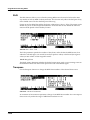
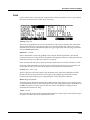
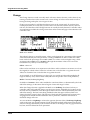
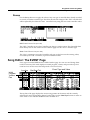
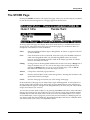
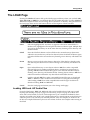
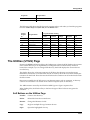
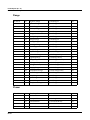
The two wheels are typical of what is found on many keyboards. The left one is normally used for pitch bend and springs back to center, while the right wheel is normally used as a standard Mod Wheel. On the Wheel page in the Setup editor, the pitch wheel has two parameters—one for pushing the pitch wheel up and one for pushing it down—whereas the mod wheel has one.
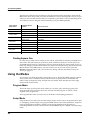
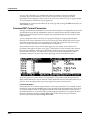
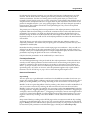
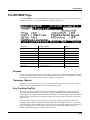
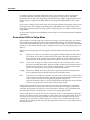
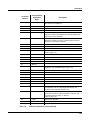
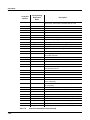
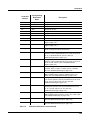
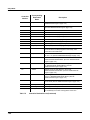
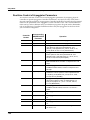
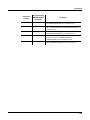
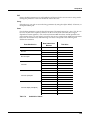
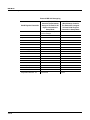
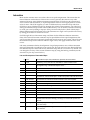
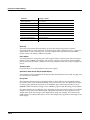
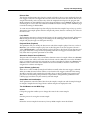
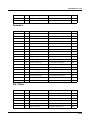
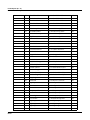
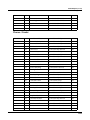
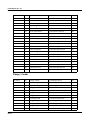
The WHEEL page parameters are described in Continuous Controller Parameters on page 7‐30.
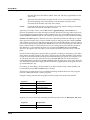
Parameter
Range of Values
Default
Destination (PWUp)
Control Destination List
PitchUp
Destination (PWDn)
Control Destination List
PitchDwn
Destination (MWhl)
Control Destination List
MWheel
Scale
± 300%
100%
Add
-128 to 127
0
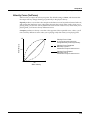
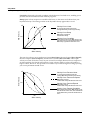
Curve
Linear, Compress, Expand
Linear
Entry Value
None, 0 to 127
None
Exit Value
None, 0 to 127
None
7-33