1
Chapter 6: Replication and Deduplication
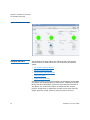
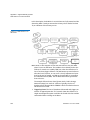
Replication / Deduplication Removal Procedures
duplicated data by identifying duplicated data segments in files and
only storing the unique data segments in a blockpool repository.
Reference pointers to the unique data segments are stored in files for
data retrieval. Replication copies source directories to one or more
target directories through scheduled policy or run on-demand. The
content of files replicated can be either raw file data (non-deduplicated)
or deduplicated file data. Deduplication provides data reduction while
replication provides data protection. User-defined policy is used to
control the replication/deduplication behavior.
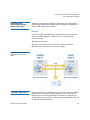
Although the GUI provides support to set up replication/deduplication,
it does not support the decommissioning or removal of replication/
deduplication. This section aims to provide the necessary procedures to
remove the replication/deduplication configuration and return the
system to the original configuration without replication/deduplication.
This section is aimed at audiences who have advanced knowledge and
expertise of StorNext replication/deduplication and are responsible for
the configuration, administration of StorNext file systems including
replication/deduplication.
Assumptions
• It is assumed StorNext software 4.1.x or later is installed. The
information in this document only applies to those releases.
• It is assumed that full removal of replication/deduplication
configuration will be performed. It is not intended for partial
removal that leaves some file system’s replication/deduplication
configuration intact.
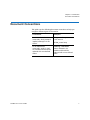
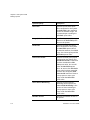
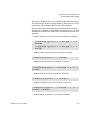
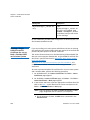
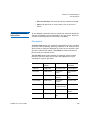
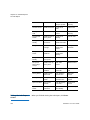
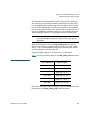
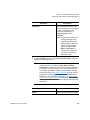
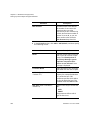
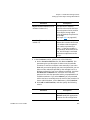
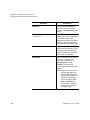
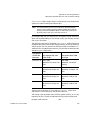
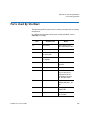
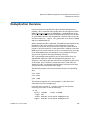
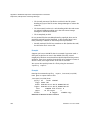
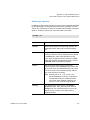
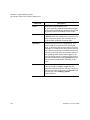
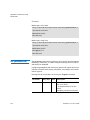
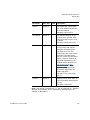
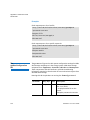
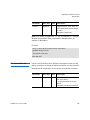
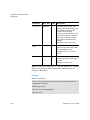
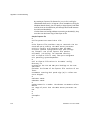
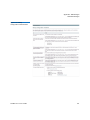
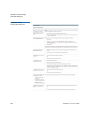
This section uses the following document conventions to help you
recognize different types of information.
234
Conventions
Examples
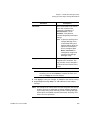
Command line examples are
shown in a bold monospace
font, with a hash mark (#) at the
start
# /usr/adic/bin/adic_control
start
Computer output is shown in a
non-bold monospace font
found 0 entries
StorNext 4.7.x User’s Guide