1
Chapter 7: Tools Menu Functions
File and Directory Actions
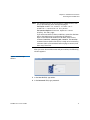
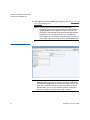
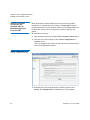
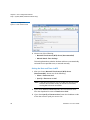
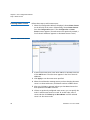
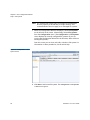
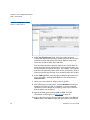
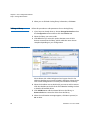
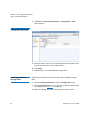
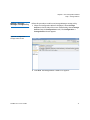
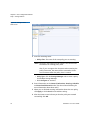
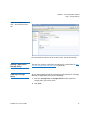
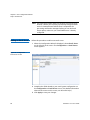
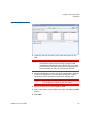
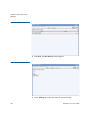
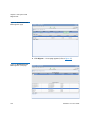
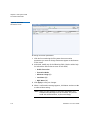
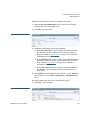
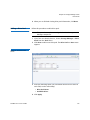
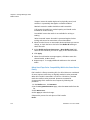
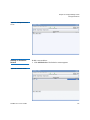
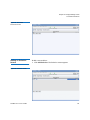
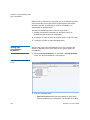
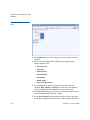
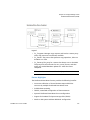
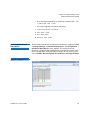
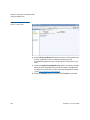
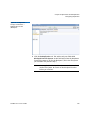
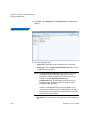
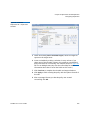
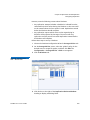
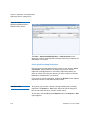
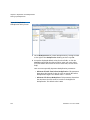
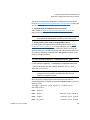
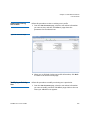
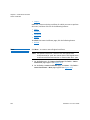
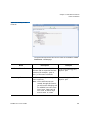
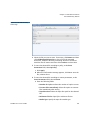
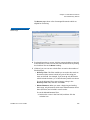
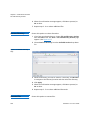
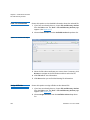
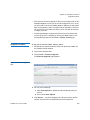
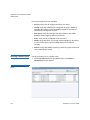
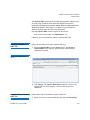
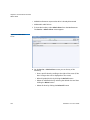
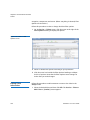
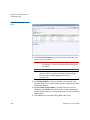
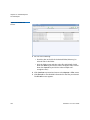
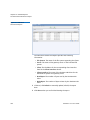
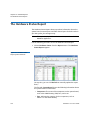
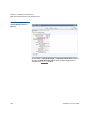
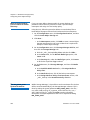
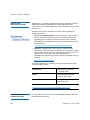
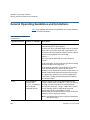
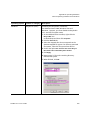
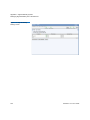
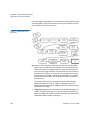
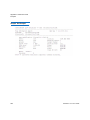
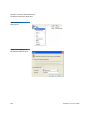
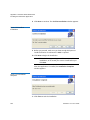
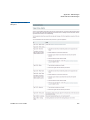
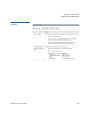
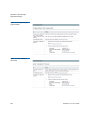
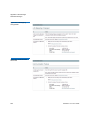
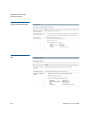
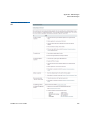
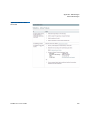
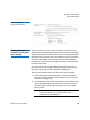
2 Choose Modify File Attributes from the Available Actions dropdown list.
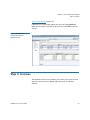
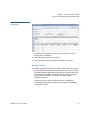
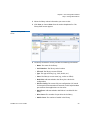
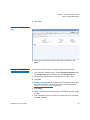
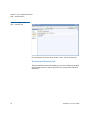
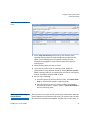
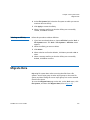
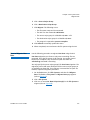
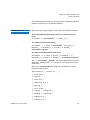
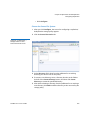
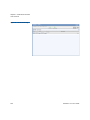
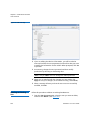
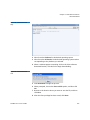
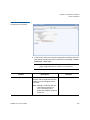
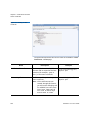
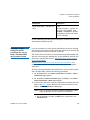
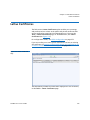
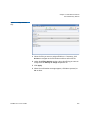
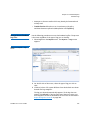
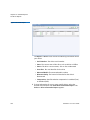
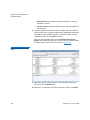
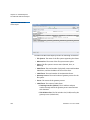
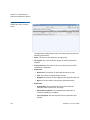
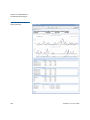
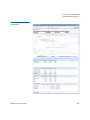
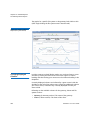
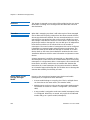
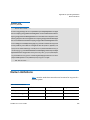
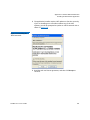
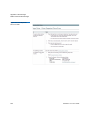
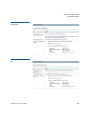
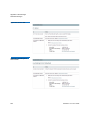
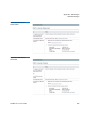
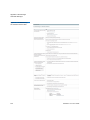
Figure 115 Modify File
Attributes Page
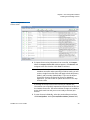
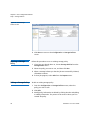
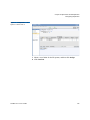
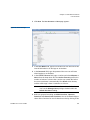
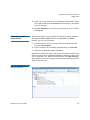
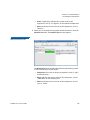
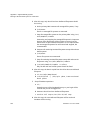
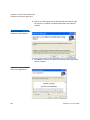
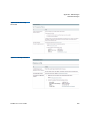
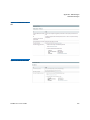
3 Select the file whose attributes you want to change. If necessary,
click Browse to navigate to the file location and then select the file.
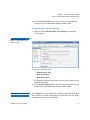
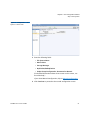
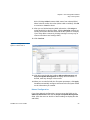
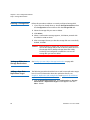
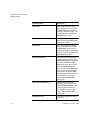
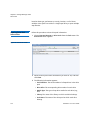
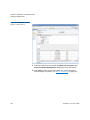
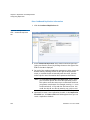
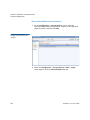
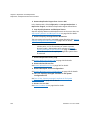
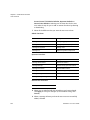
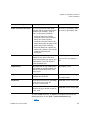
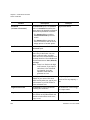
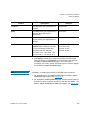
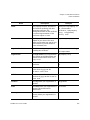
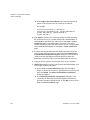
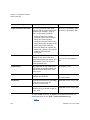
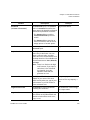
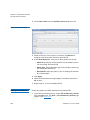
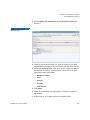
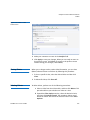
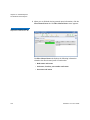
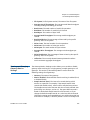
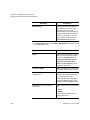
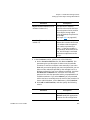
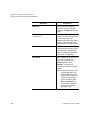
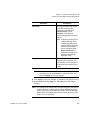
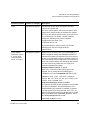
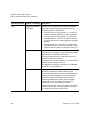
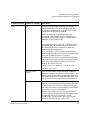
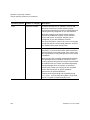
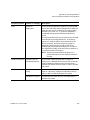
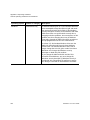
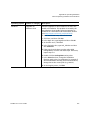
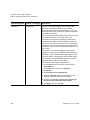
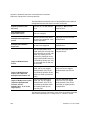
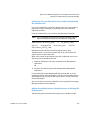
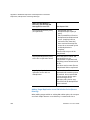
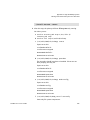
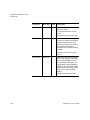
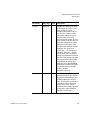
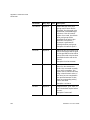
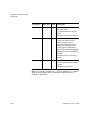
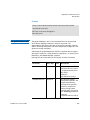
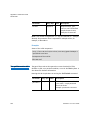
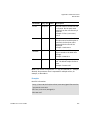
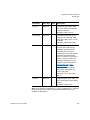
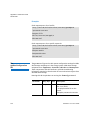
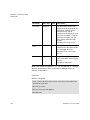
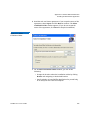
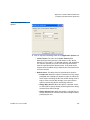
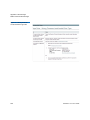
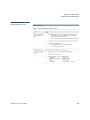
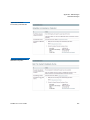
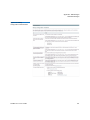
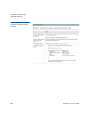
4 At the File Attributes field, enter these options. Required fields are
marked with an asterisk. (For information about what to enter at
each field, see the online help.)
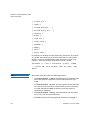
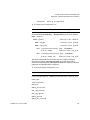
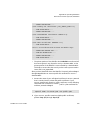
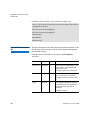
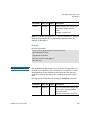
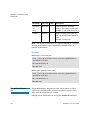
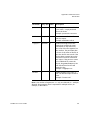
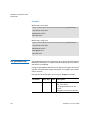
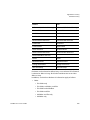
• Number of Copies
• Store
• Relocate
• Truncate
• Stub File Size
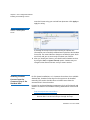
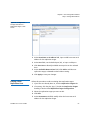
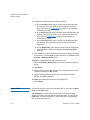
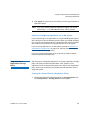
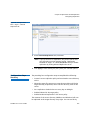
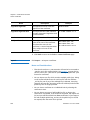
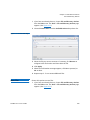
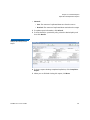
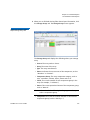
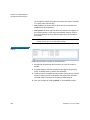
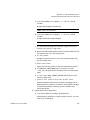
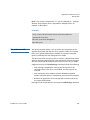
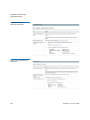
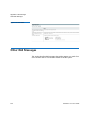
5 Click Apply.
6 When the confirmation message appears, click Yes to proceed, or
No to abort.
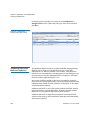
7 Repeat steps 2 - 6 to apply attributes to additional files.
StorNext 4.7.x User’s Guide
301