1
Chapter 10: StorNext Reports
The Files Report
The Files Report
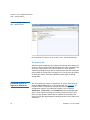
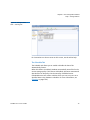
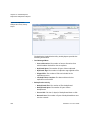
The Files Report provides general information about selected files, as
well as specific details if you require more granular information.
Use the following procedure to run the Files Report.
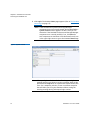
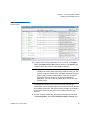
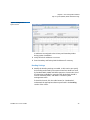
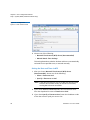
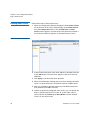
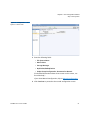
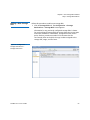
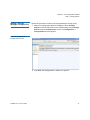
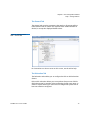
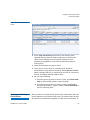
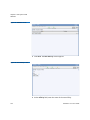
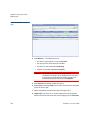
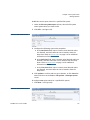
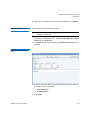
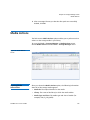
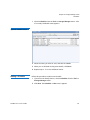
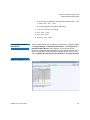
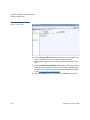
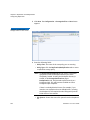
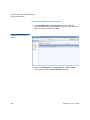
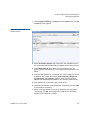
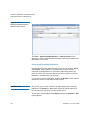
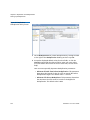
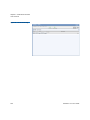
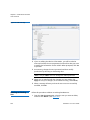
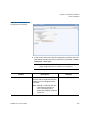
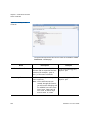
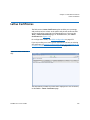
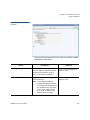
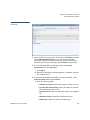
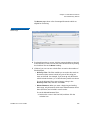
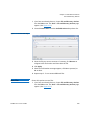
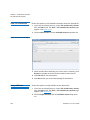
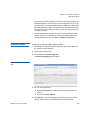
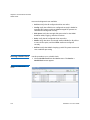
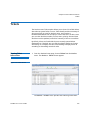
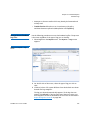
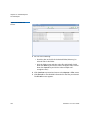
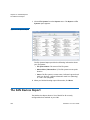
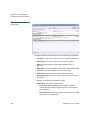
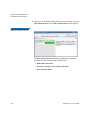
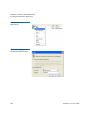
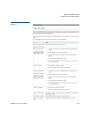
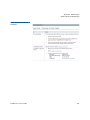
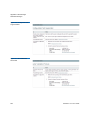
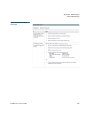
1 Choose Files from the Reports menu. The Reports > Files report
appears.
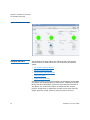
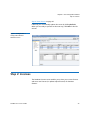
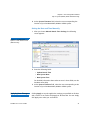
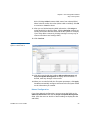
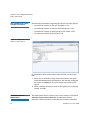
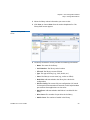
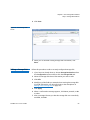
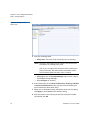
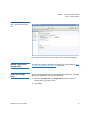
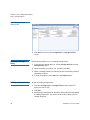
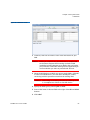
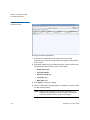
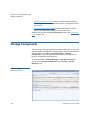
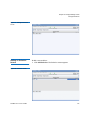
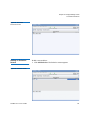
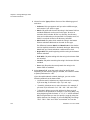
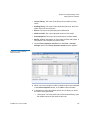
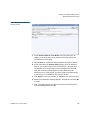
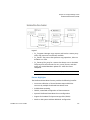
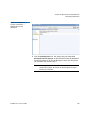
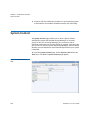
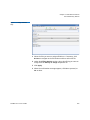
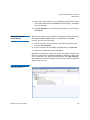
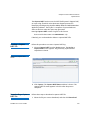
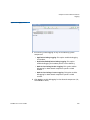
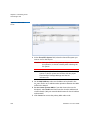
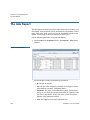
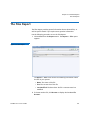
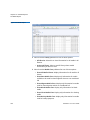
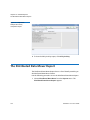
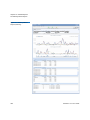
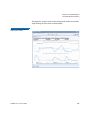
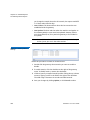
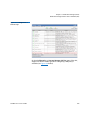
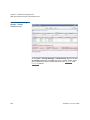
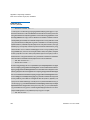
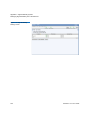
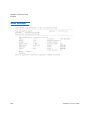
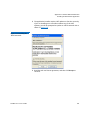
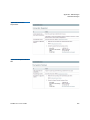
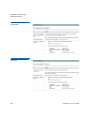
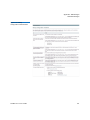
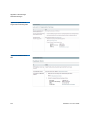
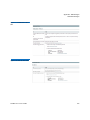
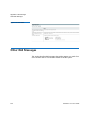
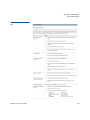
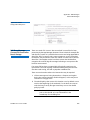
Figure 135 Files Report
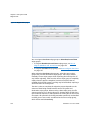
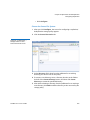
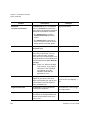
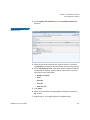
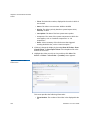
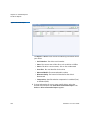
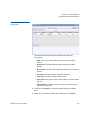
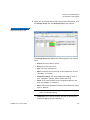
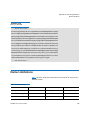
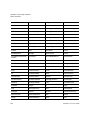
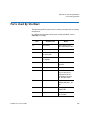
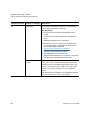
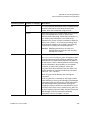
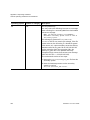
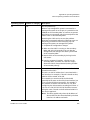
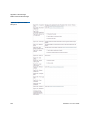
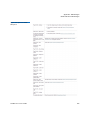
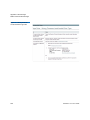
The Report > Files screen shows the following information about
the files in your system:
• Name: The name of the file
• Size: The current size of the file
• Last Modified: The date when the file’s contents were last
modified
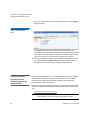
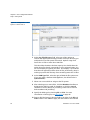
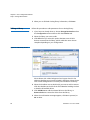
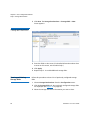
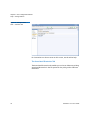
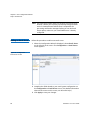
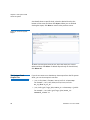
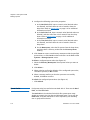
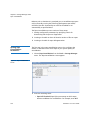
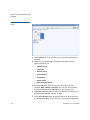
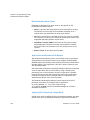
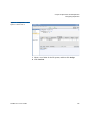
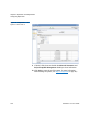
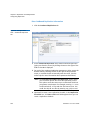
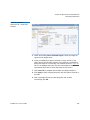
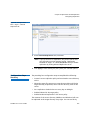
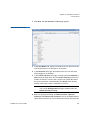
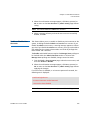
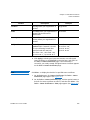
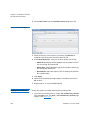
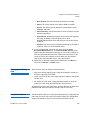
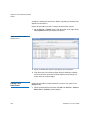
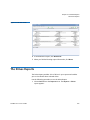
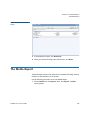
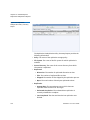
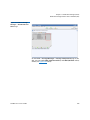
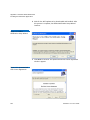
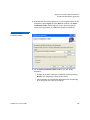
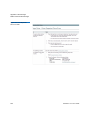
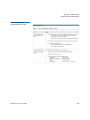
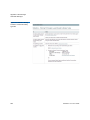
2 To locate another file, click Browse to display the StorNext File
Browser.
StorNext 4.7.x User’s Guide
351